
See a Demo
You're just one step away from seeing Call Loop in action.
Enter your information below to watch a demo right now.

You're just one step away from seeing Call Loop in action.
Enter your information below to watch a demo right now.


If you’re wanting to capture email leads from SMS text messages and automatically build your MailChimp SMS email list, then you’re going to LOVE this tutorial.
In less than 5 minutes you can set this up to start collecting email leads from Mobile Text to Join campaigns with Call Loop.
If you’re looking to capture email leads from SMS text messages then watch this video tutorial to learn exactly how to do it.
Go to Settings → Integrations inside Call Loop and click Connect on Mailchimp.
You’ll be asked to log in to your Mailchimp account. After logging in, a confirmation page will appear.
Click Allow, and your Mailchimp integration will connect instantly.
Once connected, it will appear in your Integrations list.
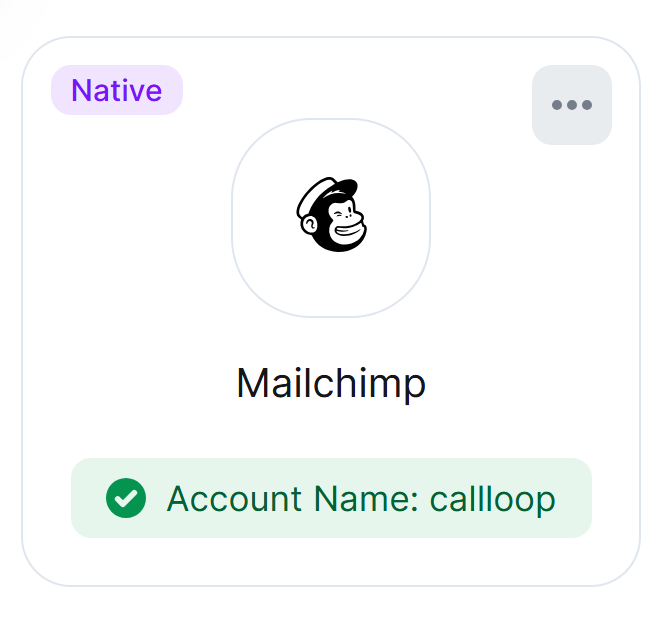
Using this option, contacts captured inside Call Loop (for example, through a list or form) can be automatically added to your Mailchimp Audience.
Inside the Mailchimp integration tab in Call Loop, click the + icon to create a new workflow.
You’ll see two available automation scenarios.
Choose: Send contact to Mailchimp when an email is captured in Call Loop.
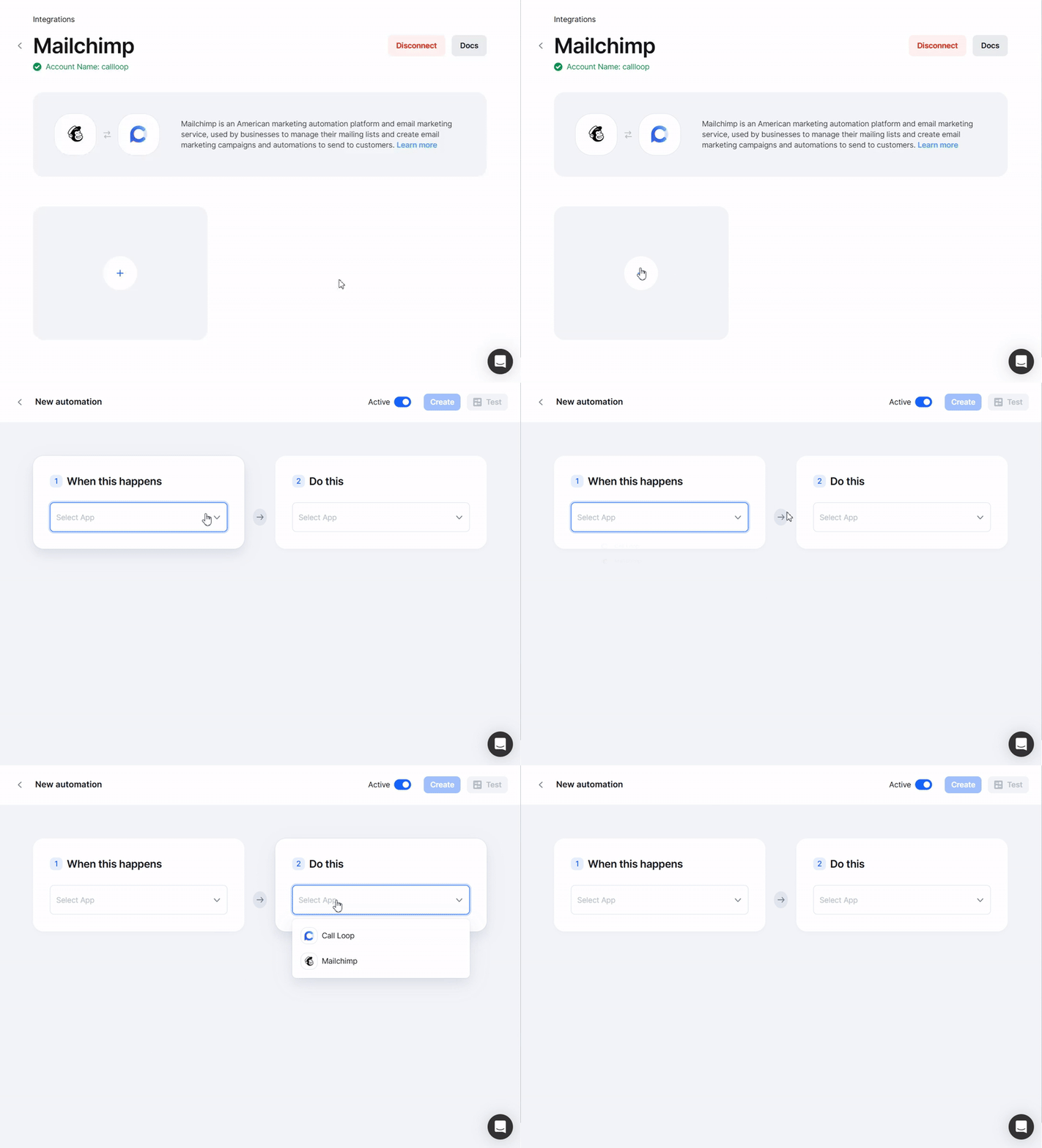
Click Create to save your action.
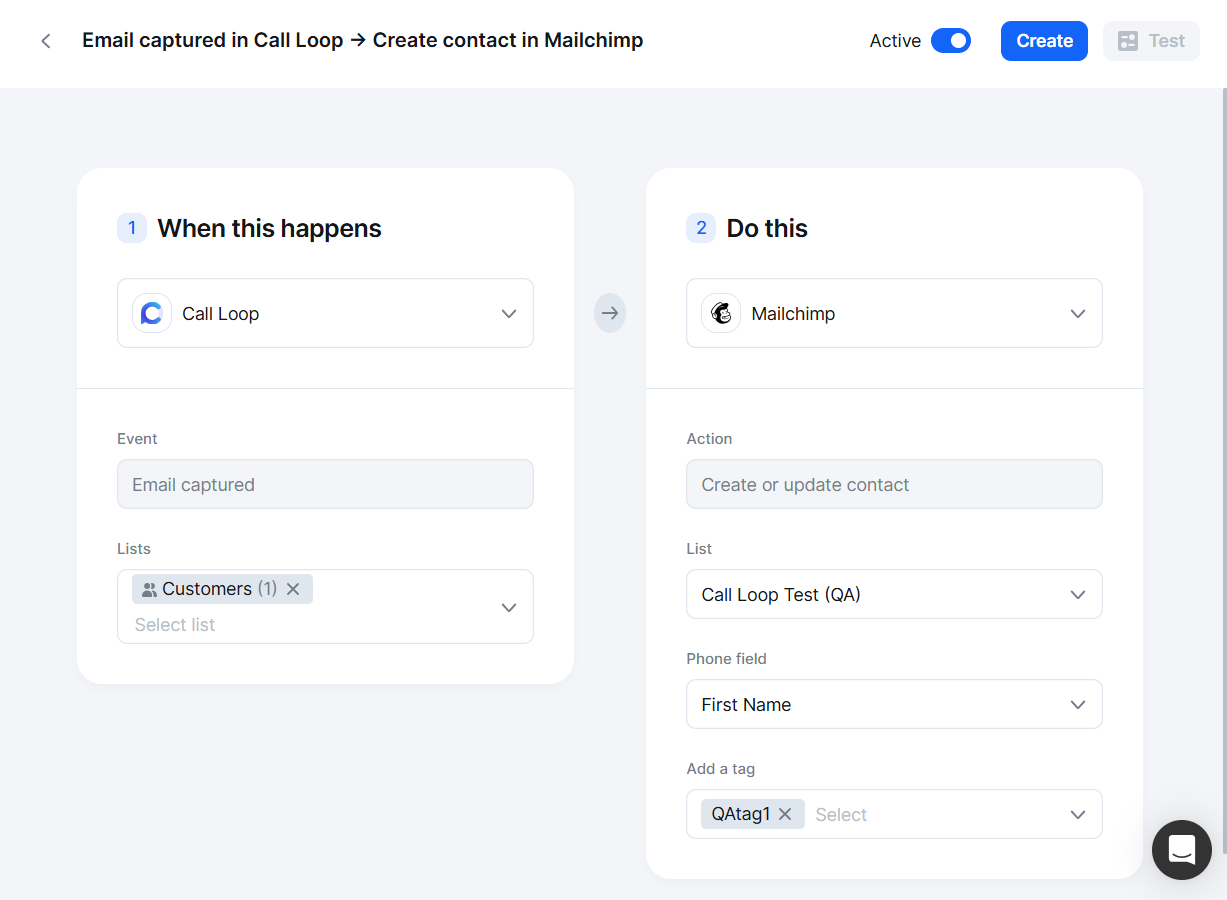
You can send a test by entering a phone number and email, then clicking Send Test Request.
If successful, the contact will appear in your Mailchimp Audience with:
You can also test real contact activity:
This option allows contacts captured through Mailchimp’s web forms to automatically appear inside Call Loop.
Choose: Sync contact to Call Loop when captured through a Mailchimp web form.
Then configure:
Click Create to save.
You can also rename the action at any time.
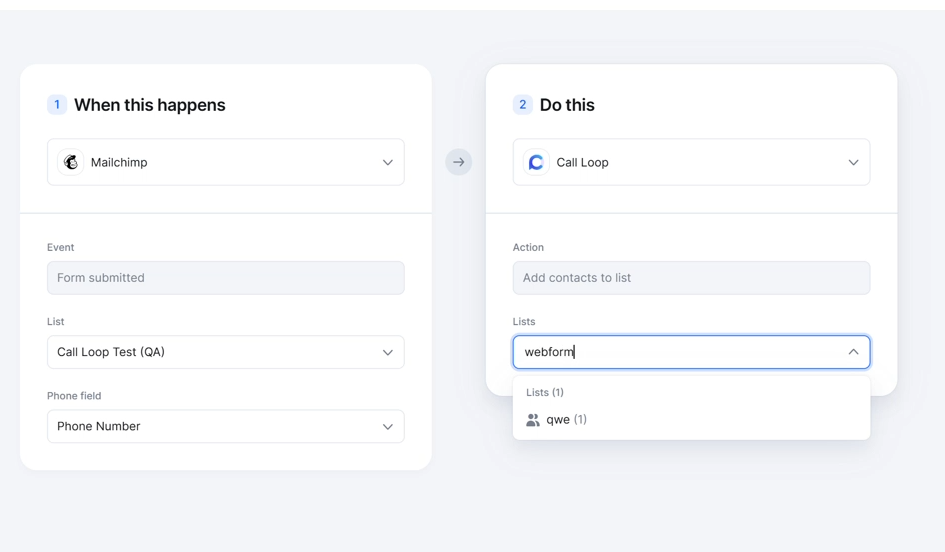
When someone fills out your Mailchimp form and subscribes:
All synced contacts include the Mailchimp Contact ID to maintain linkage between platforms.
Chris Brisson
Chris is the co-founder and CEO at Call Loop. He is focused on marketing automation, growth hacker strategies, and creating duplicatable systems for growing a remote and bootstrapped company. Chat with him on X at @chrisbrisson


Trusted by over 45,000 people, organizations, and businesses like


