
See a Demo
You're just one step away from seeing Call Loop in action.
Enter your information below to watch a demo right now.

You're just one step away from seeing Call Loop in action.
Enter your information below to watch a demo right now.

Most small businesses don't have a messaging problem. They have a coordination problem.
Texts go out from one tool. Reminder calls happen from another. Someone on the team records a ringless voicemail on Friday, but the customer already replied by SMS on Thursday. The CRM has one version of the contact. The spreadsheet has another. A front-desk employee keeps the actual status in their head. From the customer's side, it feels random. From the business side, it feels busy all the time and controlled none of the time.
That is usually the moment when a multi channel marketing platform stops sounding like software jargon and starts sounding necessary. A good platform becomes the place where outreach, timing, suppression rules, response tracking, and automation live together. Instead of running isolated blasts, you run coordinated conversations.
That shift is already happening at market level. The global multi-channel marketing hubs market was valued at USD 6 billion in 2024 and is projected to reach USD 29.7 billion by 2034, with a projected 17.7% CAGR according to GMI Insights' market analysis of multi-channel marketing hubs. For small and mid-sized businesses, that matters because unified communication is moving from optional infrastructure to standard operating equipment.
A lot of teams still operate with channel-by-channel habits.
The marketing person sends a promo text. Sales makes follow-up calls. Operations sends appointment reminders. Customer success leaves voicemails when someone misses a response window. Each action makes sense on its own, but the customer doesn't experience those channels separately. They experience one brand.
That disconnect creates waste in places that don't always show up on a dashboard. Teams duplicate outreach. Contacts get messaged after they already converted. A customer opts out in one system and stays active in another. A manager can't answer a simple question like, "What did we send this person in the last seven days?"
A fragmented setup usually shows up through a few familiar symptoms:
When teams say they need better messaging, they often need better orchestration first.
That is why the platform matters. It gives you one operating layer for outbound communication, especially if your mix includes SMS, voice, and ringless voicemail. It also makes planning easier. If you're trying to create a more stable system for demand generation and follow-up, Sensoriium on marketing predictability is a useful read because it frames integrated marketing around repeatable execution instead of channel noise.
The upgrade isn't "more channels." It's shared control.
A proper platform lets a business define the journey once, then let the channels support each other. A missed call can trigger a text. A text with no response can trigger ringless voicemail. A reply can stop the rest of the sequence. That is how outreach starts feeling deliberate instead of improvised.
A multi-channel marketing platform is a coordination system. It doesn't just send messages. It decides how channels work together.
The easiest way to think about it is a symphony. SMS, voice, voicemail, email, website prompts, and social messages are the instruments. If each one plays whenever it wants, you get noise. If one system controls timing, sequence, and context, you get something coherent.
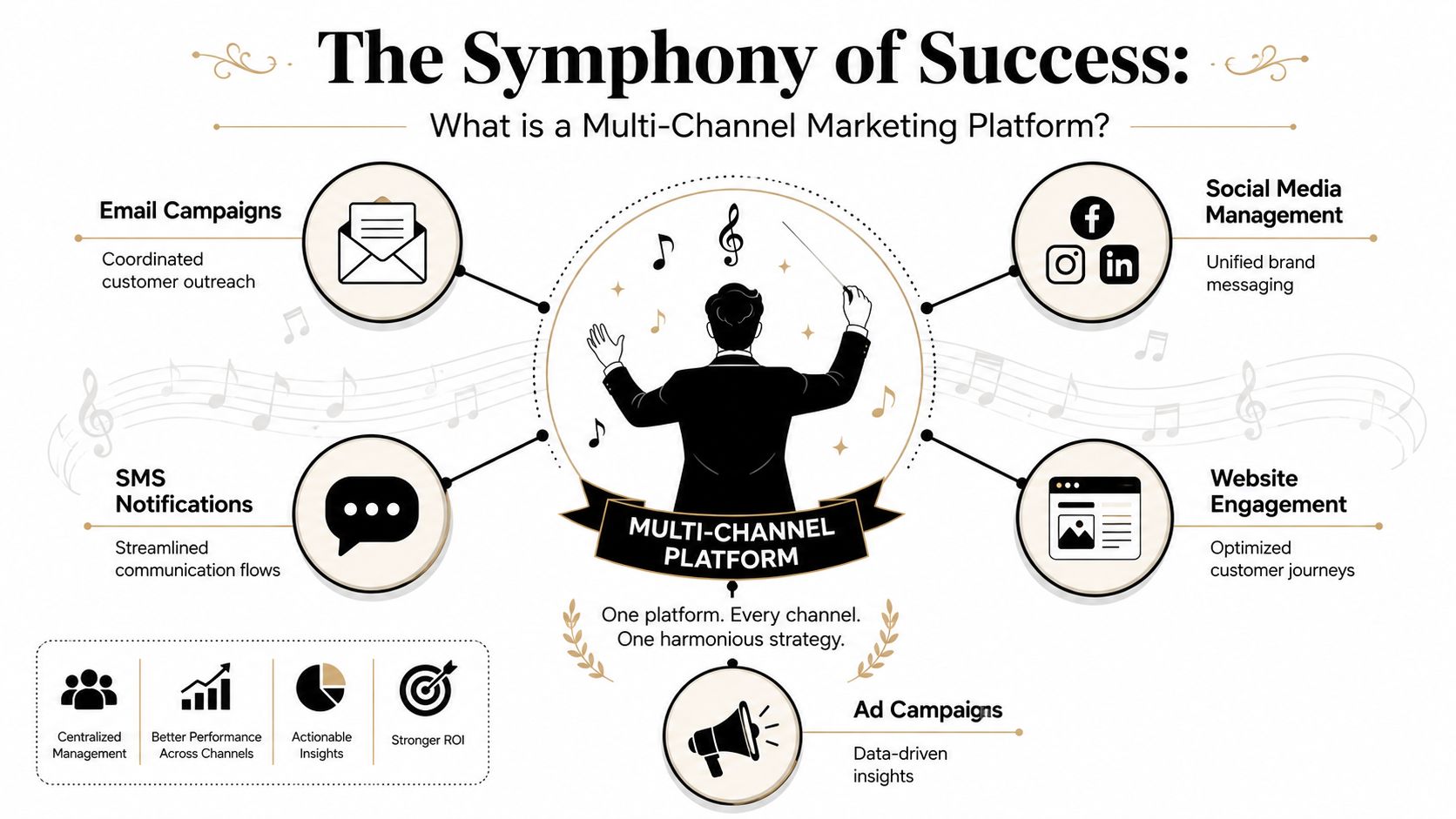
Businesses often shop for channels first. They ask whether a tool can send texts, drop ringless voicemail, or automate calls. Those are fair questions, but they miss the bigger issue.
Value sits in the logic that connects those channels:
Without that, you're buying message delivery. With it, you're building a communication system.
A good general primer on channel planning is OneNine's guide to marketing, especially if you're sorting out how multiple channels should support one business goal instead of competing for attention.
These terms get blurred, but the distinction is useful.
| Approach | What it means in practice | Common problem |
|---|---|---|
| Multi-channel | You use several channels to reach people | Each channel can still operate in a silo |
| Omnichannel | The customer experience stays connected across those channels | Hard to pull off without shared data and orchestration |
A multi channel marketing platform is often the bridge between the two. It starts by helping you run multiple channels from one place. If the data and workflows are set up well, it also moves you closer to a more unified customer experience.
Practical rule: If your team can't see one contact's message history across channels, you're not orchestrating. You're broadcasting in parallel.
For SMBs, that distinction matters because full omnichannel maturity can be expensive and operationally heavy. But coordinated multi-channel outreach is achievable. You don't need to perfect every touchpoint. You need to stop making customers repeat the journey from scratch every time they hear from you.
Most buyers compare feature lists the wrong way. They look for as many channels as possible, then assume breadth equals capability. It doesn't. What matters is whether the platform can run outbound communication as one connected workflow.
Industry guidance breaks mature platforms into three layers: engagement, orchestration, and intelligence. It also notes that 83% of marketers struggle to unify customer data across platforms, which is exactly why disconnected tools create so much friction in execution and reporting, as outlined in Improvado's guide to cross-channel marketing platforms.
At this stage, actual communication takes place. For outbound teams, the core channels are usually SMS, voice, and ringless voicemail.
Ringless voicemail works well when the message benefits from tone. A flash sale reminder, a missed-appointment follow-up, a renewal nudge, or a time-sensitive update can feel more human in voicemail than in plain text.
Most of the business value is derived from automation. Automation should decide sequence, delay, branching, and stop rules.
A solid setup might look like this:
That is very different from blasting three channels at once. Sequence beats volume.
For teams building those journeys, Call Loop's marketing automation tools are one example of a platform section focused on drip campaigns, timers, date-based triggers, and coordinated outbound steps across messaging channels.
The best automation is quiet. It prevents unnecessary messages more often than it creates new ones.
Reporting matters, but the practical question is simple: can your team tell what happened, for whom, and after which touch?
You need visibility into delivery status, response patterns, clicks where relevant, call outcomes, and sequence completion. More importantly, you need that information attached to the same contact record. Otherwise, one person sees engagement, another sees opt-outs, and nobody sees the operational truth.
Some capabilities don't look exciting during a demo, but they save real pain later.
If your campaigns touch regulated audiences, this guide for compliance agencies is a useful reference point for thinking about process and review discipline before campaigns go live.
Small businesses feel communication breakdowns faster than larger companies do. There is less buffer. One missed reminder can mean a no-show. One sloppy follow-up sequence can burn a lead that took real money to acquire. One team member juggling too many tools can slow down the whole operation.
The case for a multi channel marketing platform is not abstract. It is operational.
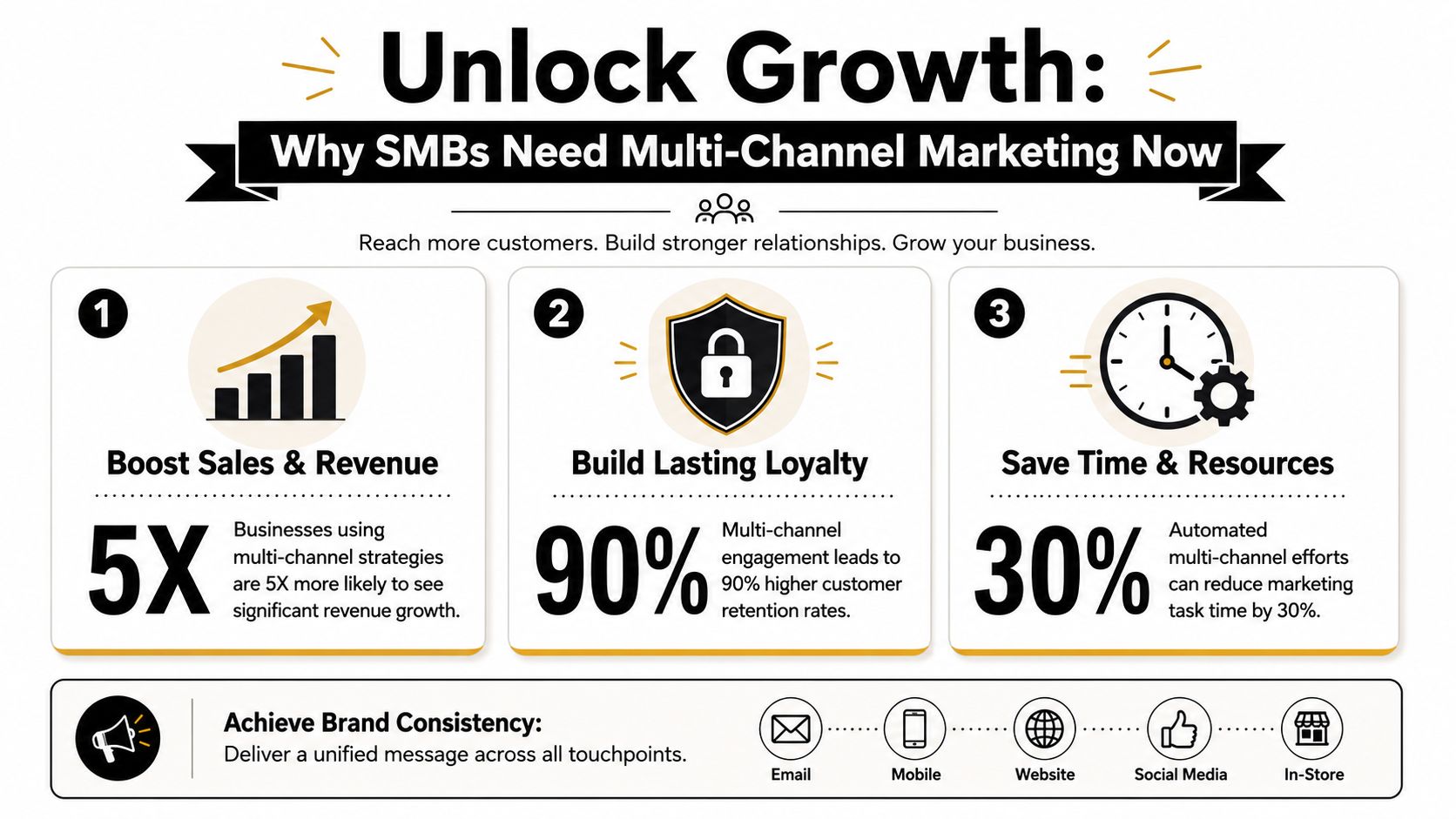
One widely cited marketing analysis reports that businesses using multi-channel strategies achieve 91% greater customer retention than those that do not, and engaged customers can have a 30% higher lifetime value, according to Beehiiv's roundup of multi-channel marketing statistics. For an SMB, that matters because retention usually has more immediate impact than adding another top-of-funnel tactic.
If you're already paying to generate leads, it makes more sense to improve follow-up, reminders, reactivation, and repeat-purchase communication than to keep replacing lost customers.
Owners and operators rarely need more tasks. They need fewer manual decisions.
A platform helps remove repetitive outreach from the daily scramble:
| Manual process | Coordinated platform approach |
|---|---|
| Staff manually texts reminder lists | Workflow sends reminders based on date or trigger |
| Follow-up depends on who remembered | Sequence runs automatically until response or stop condition |
| Voicemail and text happen separately | SMS, voice, and ringless voicemail work as one journey |
| Reporting lives in separate screens | Activity is visible in one system |
That kind of automation doesn't make communication robotic. It makes it consistent.
A lot of SMBs think personalization means writing custom messages one by one. It doesn't. In practice, it means using the data you already have well.
A sequence can change based on appointment type, lead source, prior response, customer status, or missed action. A loyal customer shouldn't receive the same message as a cold lead. Someone who already replied shouldn't get the final reminder. A past buyer might respond better to ringless voicemail than another promotional text.
Small teams don't need enterprise complexity. They need a system that remembers context when the staff is busy.
When outreach is fragmented, every decision turns into detective work. Which channel got the response? Did the person receive the message? Did someone already call them? Was that voicemail part of a campaign or a one-off staff action?
A unified platform gives a small business a cleaner operating picture. That lets managers improve timing, tighten sequences, and spot failure points before they become habits.
The strongest use cases are usually simple. A business has a recurring communication problem. One channel alone doesn't solve it. A coordinated sequence does.
A clinic needs to reduce missed appointments without creating more front-desk work. Email isn't dependable for short-notice reminders. Live calls take time and often go unanswered.
A better setup uses SMS for appointment confirmation, then triggers a second reminder closer to the visit date. If the patient doesn't respond, the clinic can follow with voice or ringless voicemail using a clear spoken reminder. If the patient confirms, the rest of the sequence stops.
That matters operationally because healthcare teams need message discipline as much as they need reach. The more manually they handle reminders, the more likely they are to miss updates, double-message patients, or fail to suppress resolved appointments.
An ecommerce brand often needs more than a promotional text. It needs a path from opt-in to purchase.
A common workflow starts with a text-to-join keyword on packaging, checkout inserts, or post-purchase materials. Once the customer opts in, they receive a welcome SMS. Later, the brand can segment based on prior purchases, inactivity, or interest category. For a flash sale or limited drop, ringless voicemail can add urgency with a more personal message than text alone.
This works best when the channels are staged. Text handles the immediate action. Voicemail adds tone and urgency. Voice can be reserved for specific campaigns where direct response matters.
If you want more campaign ideas in this format, these multi-channel marketing campaign examples are useful for seeing how different sequences can be structured around timing and audience behavior.
Event organizers, webinar hosts, tutoring companies, and karate studios all deal with the same issue. Information changes fast, and attendance depends on people seeing the update.
A bulk SMS can handle immediate schedule changes. A voice broadcast can announce a major event, enrollment deadline, or weather-related shift. Ringless voicemail can support a more personal invitation for registrants who haven't responded yet.
Here is where a multi-channel platform earns its keep. The business doesn't need separate outreach habits for every type of update. It needs one repeatable communication playbook.
The most useful campaigns are rarely the most creative ones. They're the ones staff can run correctly every week.
Across these industries, the pattern is consistent. The platform doesn't replace judgment. It gives the team a reliable system for applying judgment at scale.
Most software demos look polished. That doesn't tell you much. The true test is whether the platform can support your actual workflow once lists, timing rules, contact status changes, and internal handoffs get messy.
The most effective platforms depend on a single customer view so teams can segment accurately and measure activity without piecing together disconnected records, as explained in Blueshift's guide to cross-channel marketing platforms. If a vendor can't show how one contact record reflects outreach across channels, start asking harder questions.
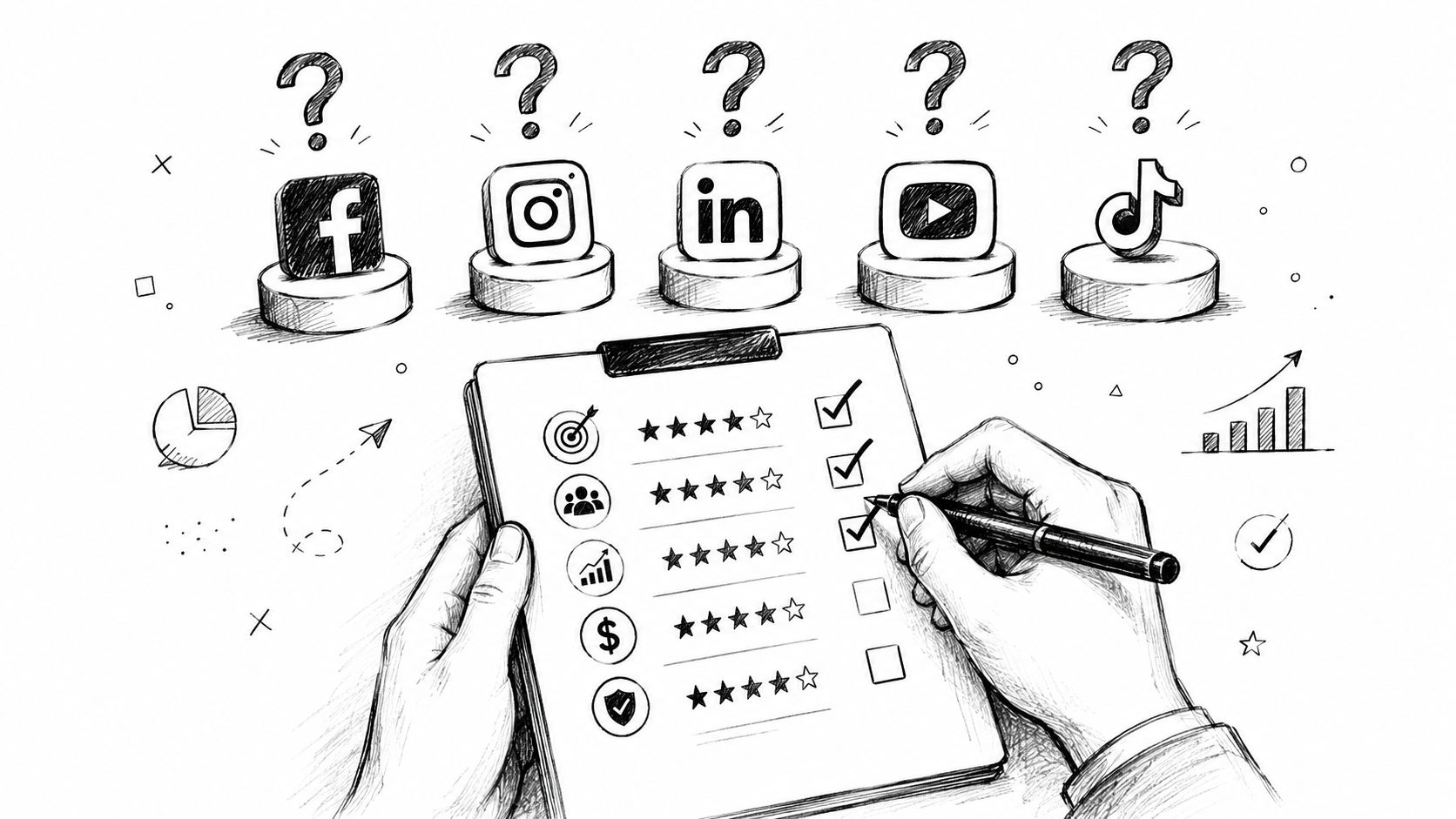
Use this checklist before you get attached to interface screenshots:
Don't just ask whether a feature exists. Ask how it behaves under normal pressure.
| Evaluation area | What to test | What usually goes wrong |
|---|---|---|
| Audience sync | Import or sync a live segment | Records duplicate or update slowly |
| Sequence logic | Build a simple reply-based journey | Messages keep firing after a response |
| Ringless voicemail setup | Record, schedule, and suppress properly | Teams treat it like a standalone blast |
| Opt-out handling | Trigger opt-out from one channel | Contact remains active elsewhere |
| User workflow | Let staff complete a real task | Tool requires too many workarounds |
Some warning signs are easy to miss during evaluation:
A vendor can have strong channel features and still fail at orchestration. For an SMB, that usually means paying for sophistication and getting more admin work instead.
A good rollout starts with one conversation you can control from start to finish. A missed-call follow-up, an appointment reminder, or a lead response sequence works well because the trigger, message timing, and success outcome are all easy to see.
Choose one use case with clear operational value
Start where response speed or follow-through already affects revenue or service quality. Appointment reminders, lead follow-up, renewals, missed-call response, and event attendance are common starting points because teams can measure results without building a complicated program first.
Fix contact data before building automation
Check consent, mobile numbers, tags, owner assignments, and suppression rules. A multi-channel marketing platform only works as the control layer for outreach if every channel is working from the same contact record.
Build a short coordinated sequence
Keep the first version tight. For example, send an SMS, wait for a reply, then send ringless voicemail only if the contact stays inactive. The goal is to prove that SMS, voice, and voicemail can work as one conversation, not three separate blasts.
Set stop rules early
Replies, opt-outs, booked appointments, and closed deals should stop the sequence across every channel. Implementation often breaks down at this stage: teams launch messages but forget to define what should end them.
Review behavior, not just send volume
Look at reply patterns, delivery issues, drop-off points, and handoff timing between channels. Small adjustments usually matter more than adding more branches in the first month.
The first workflow should feel almost plain. One audience. One trigger. One business outcome.
That restraint matters because the platform is supposed to act as the central system for outbound communication. If the first build already has five branches, overlapping suppression rules, and channel exceptions, the team will spend more time fixing logic than learning what gets responses.
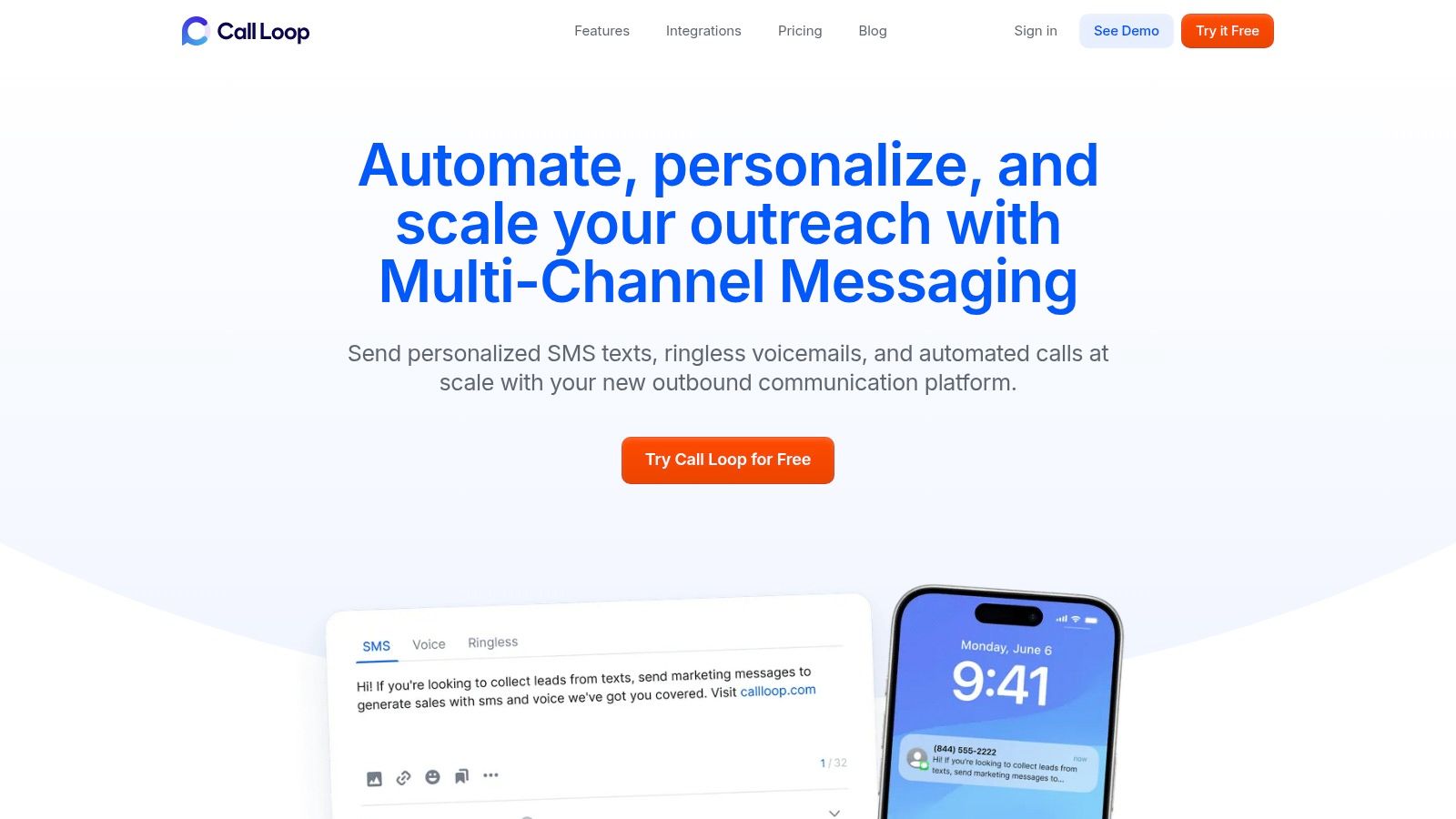
Call Loop fits this category of tool. It supports outbound workflows across SMS, voice broadcasting, and ringless voicemail with automation and integrations for existing systems. What matters during implementation is whether your staff can run coordinated outreach from one place, see the full contact history, and make changes without creating manual cleanup work later.
Chris Brisson
Chris is the co-founder and CEO at Call Loop. He is focused on marketing automation, growth hacker strategies, and creating duplicatable systems for growing a remote and bootstrapped company. Chat with him on X at @chrisbrisson


Trusted by over 45,000 people, organizations, and businesses like


