
See a Demo
You're just one step away from seeing Call Loop in action.
Enter your information below to watch a demo right now.

You're just one step away from seeing Call Loop in action.
Enter your information below to watch a demo right now.

Lost revenue from missed appointments is a silent business killer. A single no-show can disrupt schedules, waste staff time, and directly impact your bottom line. The solution lies in proactively and automatically connecting with clients to ensure they arrive prepared and on time. This guide explores the best automated appointment reminder software solutions designed to eliminate no-shows and streamline your scheduling process.
We move beyond basic SMS alerts to evaluate platforms that leverage powerful, multi-channel communication strategies. This includes innovative tools like ringless voicemail, which delivers messages directly to a recipient's voicemail inbox without their phone ever ringing, providing a non-intrusive yet effective touchpoint. We will analyze each tool based on its core communication channels (SMS, voice, email), compliance features (like HIPAA support for healthcare), integration capabilities, and specific use cases. Our goal is to help you find the perfect fit for your organization, whether you're a dental office, a local service provider like a karate studio, or a sales team needing scalable follow-up.
This comprehensive resource list provides an in-depth look at the top platforms, complete with screenshots, direct links, and practical implementation tips. We'll compare features, pricing tiers, and best-fit scenarios to give you a clear path to choosing the right system. While this guide focuses on reducing no-shows for individual appointments, understanding broader strategies to increase event attendance can offer valuable insights into general audience engagement and improving show-up rates across different contexts. Dive into our curated roundup to discover the ideal software to reclaim your time and protect your revenue.
Best for Multi-Channel, HIPAA-Compliant Appointment Reminders
Call Loop secures its position as our featured choice by delivering a powerful, multi-channel automated appointment reminder software platform that excels in both versatility and compliance. While many tools focus solely on SMS, Call Loop orchestrates communications across SMS, voice calls, and ringless voicemail, allowing businesses to create sophisticated, multi-touch reminder sequences that significantly boost attendance and engagement. This integrated approach ensures your message reaches clients through their preferred channel, dramatically reducing no-shows for appointments, consultations, and events.
Its architecture is engineered for businesses that need more than a simple text blast. From healthcare providers requiring HIPAA-compliant patient communication to sales teams automating follow-up sequences, Call Loop provides the necessary tools for personalized, trigger-based outreach. The platform’s ability to use calendar dates and custom field data to initiate campaigns makes it exceptionally effective for appointment-driven businesses.
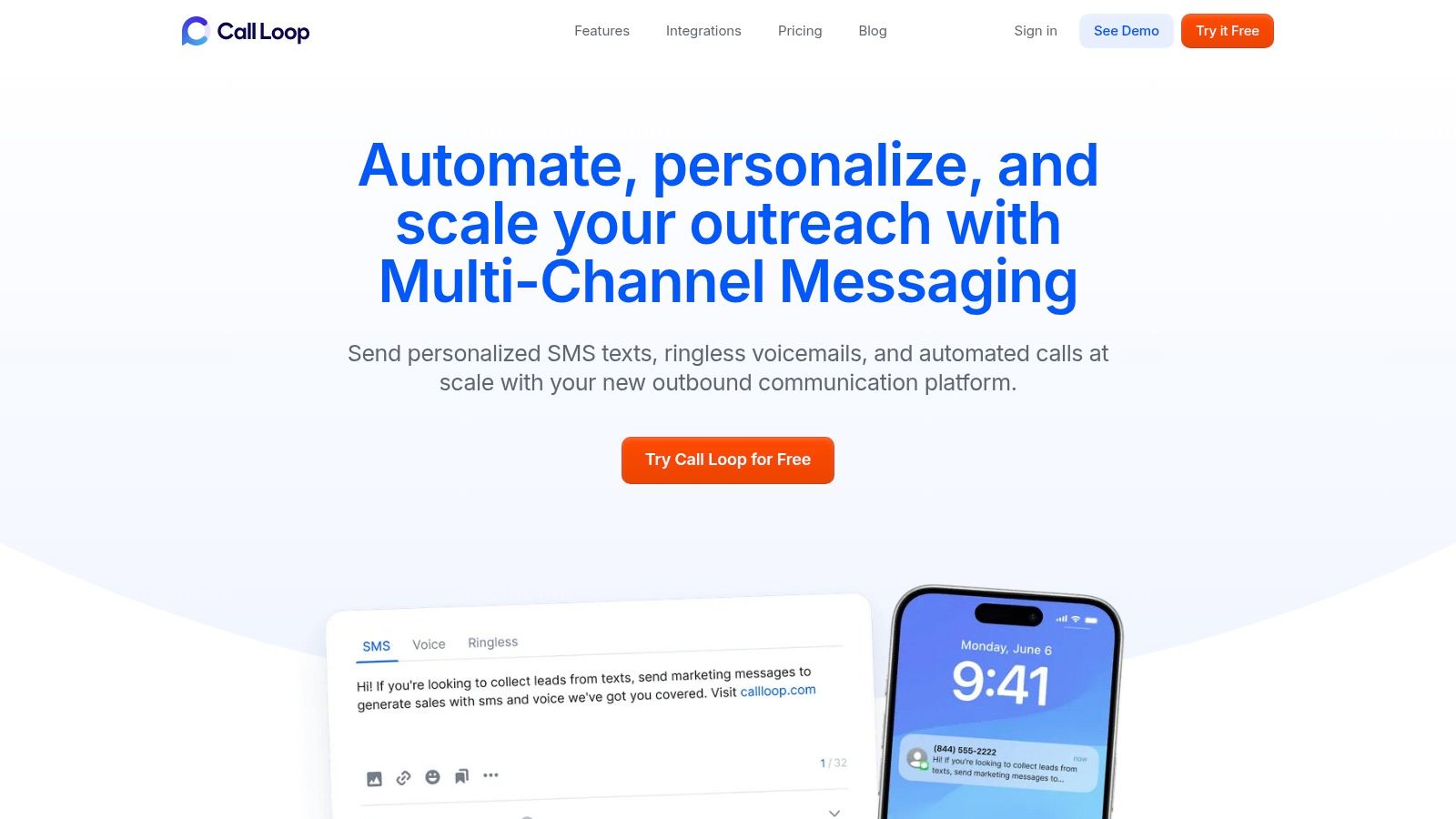
What truly sets Call Loop apart is its native orchestration of diverse communication channels within a single automated workflow. Imagine a sequence where a client receives an SMS reminder 24 hours before their appointment, followed by a non-intrusive ringless voicemail drop 2 hours prior, all managed from one dashboard. This capability is invaluable for reducing no-show rates and ensuring critical information is received.
Practical Use Cases:
Pros:
Cons:
Call Loop offers a free trial to test its features. Full pricing details are available upon request through its website.
While many know Calendly as a top-tier scheduling tool, it also serves as a robust automated appointment reminder software, particularly for businesses prioritizing email notifications within their existing scheduling workflow. Its primary strength lies in its seamless integration of reminders directly into the booking process, eliminating the need for a separate system for basic follow-ups.
Calendly excels at creating a low-friction experience for both the user and their clients. Once you connect your calendar (Google, Outlook, etc.), you can configure automated event notifications that trigger before a meeting. This is ideal for service-based businesses, sales teams, and consultants who need reliable, set-and-forget email reminders to reduce no-shows. The platform's clean interface and straightforward setup make it accessible even for non-technical users.
The biggest limitation is its native handling of SMS. While email reminders are built-in, sending text message reminders requires integration with a third-party tool like Zapier. For businesses needing more advanced channels like ringless voicemail or highly customized SMS campaigns, a more specialized platform is a better fit. You can read an in-depth guide to send a scheduled text message to understand the workflows involved.
Best for: Teams and individuals who need a powerful scheduling solution with dependable, integrated email reminders and don't require native SMS or voice capabilities.
Best known for its robust and user-friendly booking capabilities, Squarespace Scheduling (formerly Acuity) embeds powerful automated appointment reminder software directly into its platform. Its main advantage is providing an all-in-one solution for service-based businesses that need configurable reminders via both email and SMS without relying on third-party integrations or add-ons. It's built for those who want a unified system for scheduling, client intake, and follow-up.
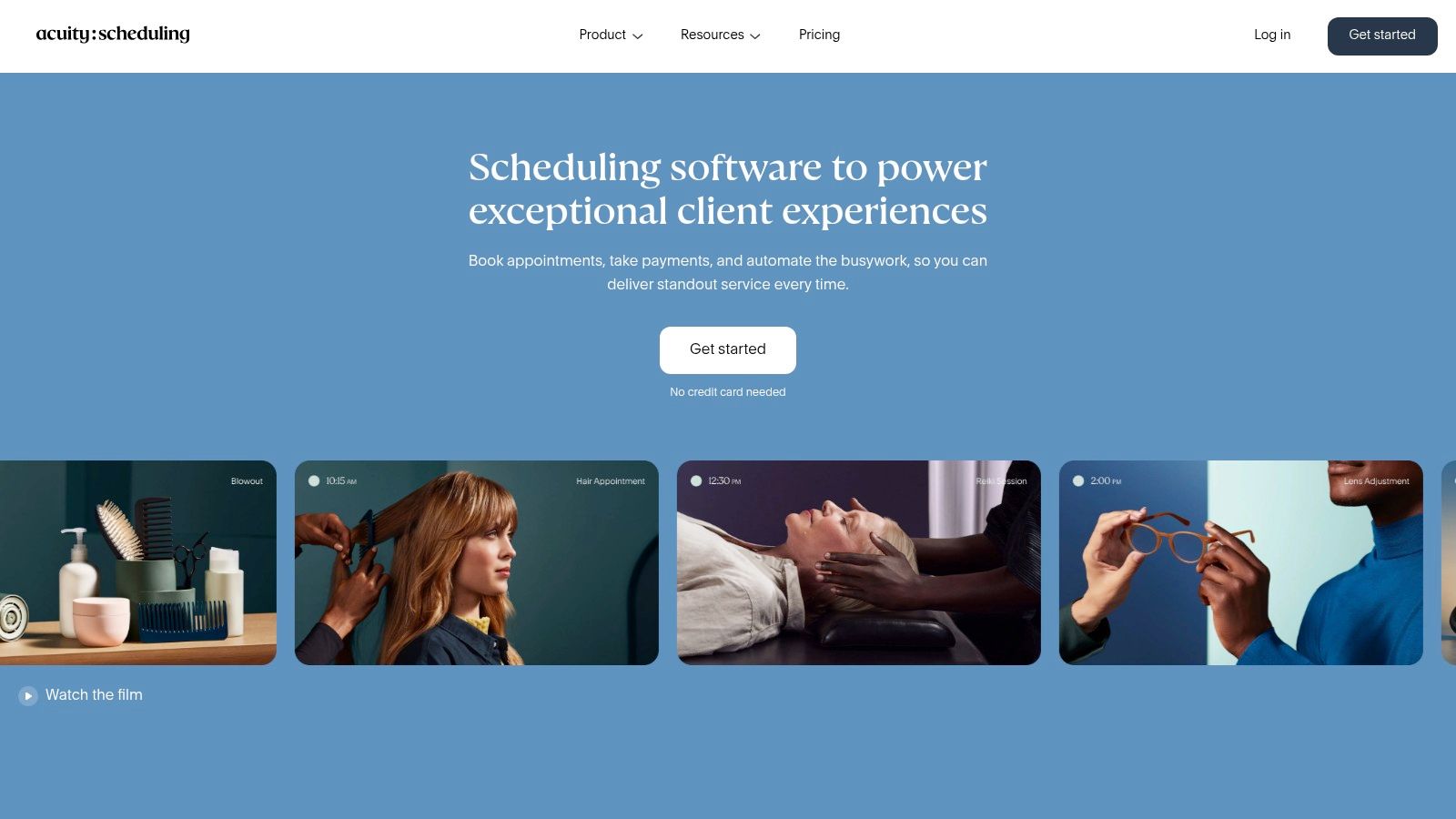
Squarespace Scheduling shines by making reminder setup a natural part of the appointment configuration process. It expertly handles complexities like client time zones, intake forms, and payments, all while ensuring timely reminders are sent. This makes it a go-to choice for wellness practitioners, consultants, and class instructors who require a seamless "set and forget" workflow to minimize no-shows and administrative overhead. The interface is clean and intuitive, guiding users through creating customized communication cadences.
A key limitation is the lack of more advanced communication channels like ringless voicemail, which some industries require for discreet notifications. Additionally, while SMS is native, it is not available during the free trial, and the most advanced customization options are gated behind higher-tier plans. Businesses needing complex, multi-channel reminder sequences may find it restrictive.
Best for: Service-based businesses and solopreneurs who need an integrated booking and reminder system with native SMS and email capabilities built directly into the workflow.
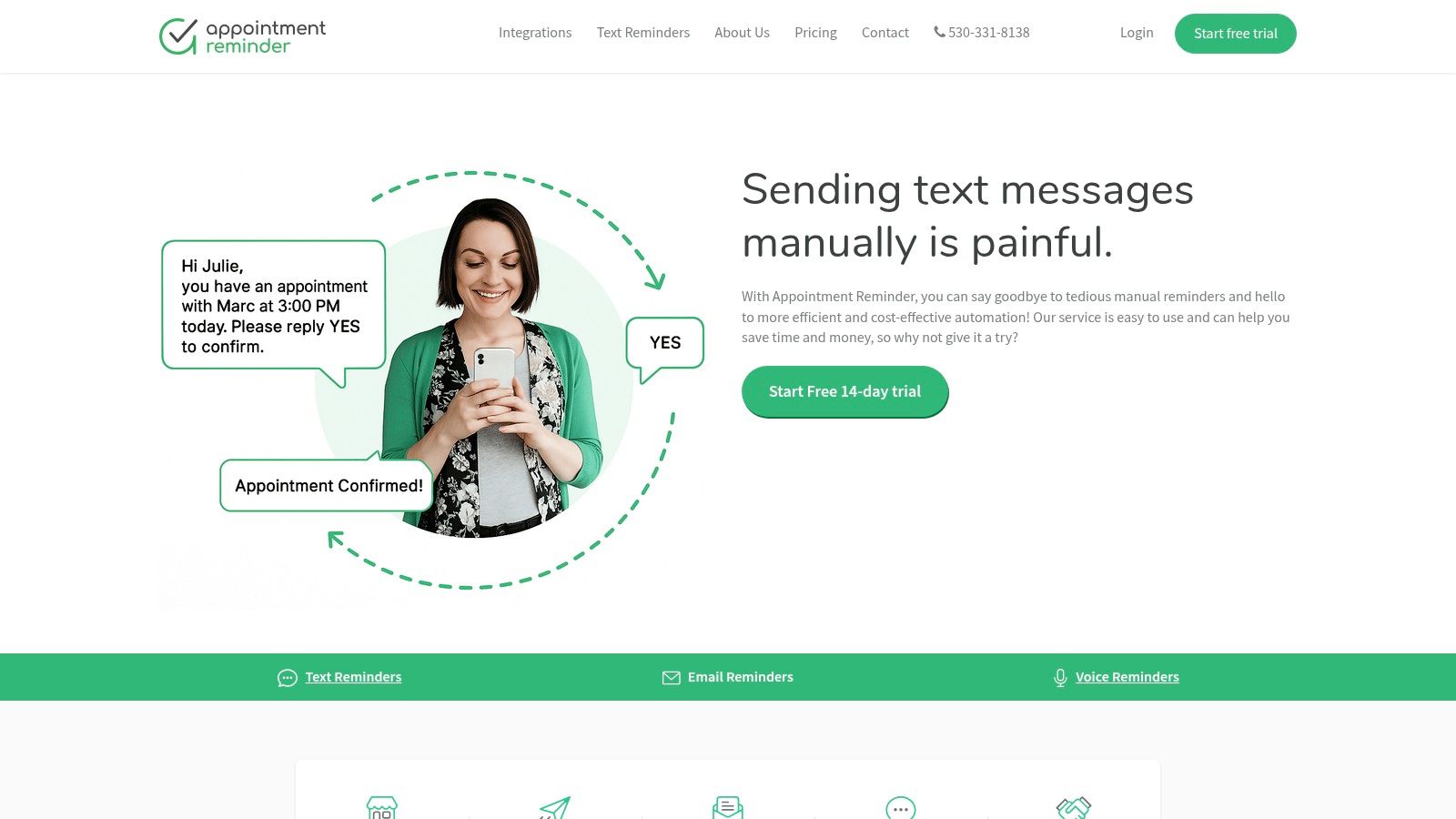
Appointment Reminder is a specialized, US-focused platform designed for one core purpose: sending powerful SMS, email, and voice reminders. It stands out by connecting directly to existing calendar systems like Google Calendar, Outlook/Office 365, and iCloud, making it an ideal layer on top of your current workflow rather than a replacement. This makes it a perfect piece of automated appointment reminder software for businesses that already have a scheduling system but need a robust, dedicated communication engine to reduce no-shows.
Its primary strength is its focused simplicity and power. Instead of bundling in complex scheduling features, it concentrates on delivering reliable multi-step reminder sequences with two-way texting capabilities. This allows staff to not only send automated messages but also manage client replies directly from the platform, confirming, canceling, or rescheduling appointments efficiently. This purpose-built approach makes the setup incredibly straightforward for any service-based business.
The platform's dedicated focus is also its main limitation. It does not offer the advanced online booking pages or complex scheduling logic found in all-in-one systems. It is built for organizations that need to add powerful reminders to an existing calendar, not for those seeking a new, comprehensive scheduling solution from scratch. You can discover more about the nuances of crafting effective messages in this guide to automated text message reminders.
Best for: Service-based businesses and healthcare providers who have an established calendar system and need a powerful, dedicated tool for sending SMS, email, and voice reminders to minimize no-shows.
GoReminders is a streamlined automated appointment reminder software designed for small to medium-sized businesses that prioritize simplicity and speed. It focuses on the core functionality of reducing no-shows through reliable SMS and email notifications without the complexity of a full-blown scheduling suite. Its primary strength is its fast setup, allowing users to get a system running in minutes and see a tangible return on investment quickly.
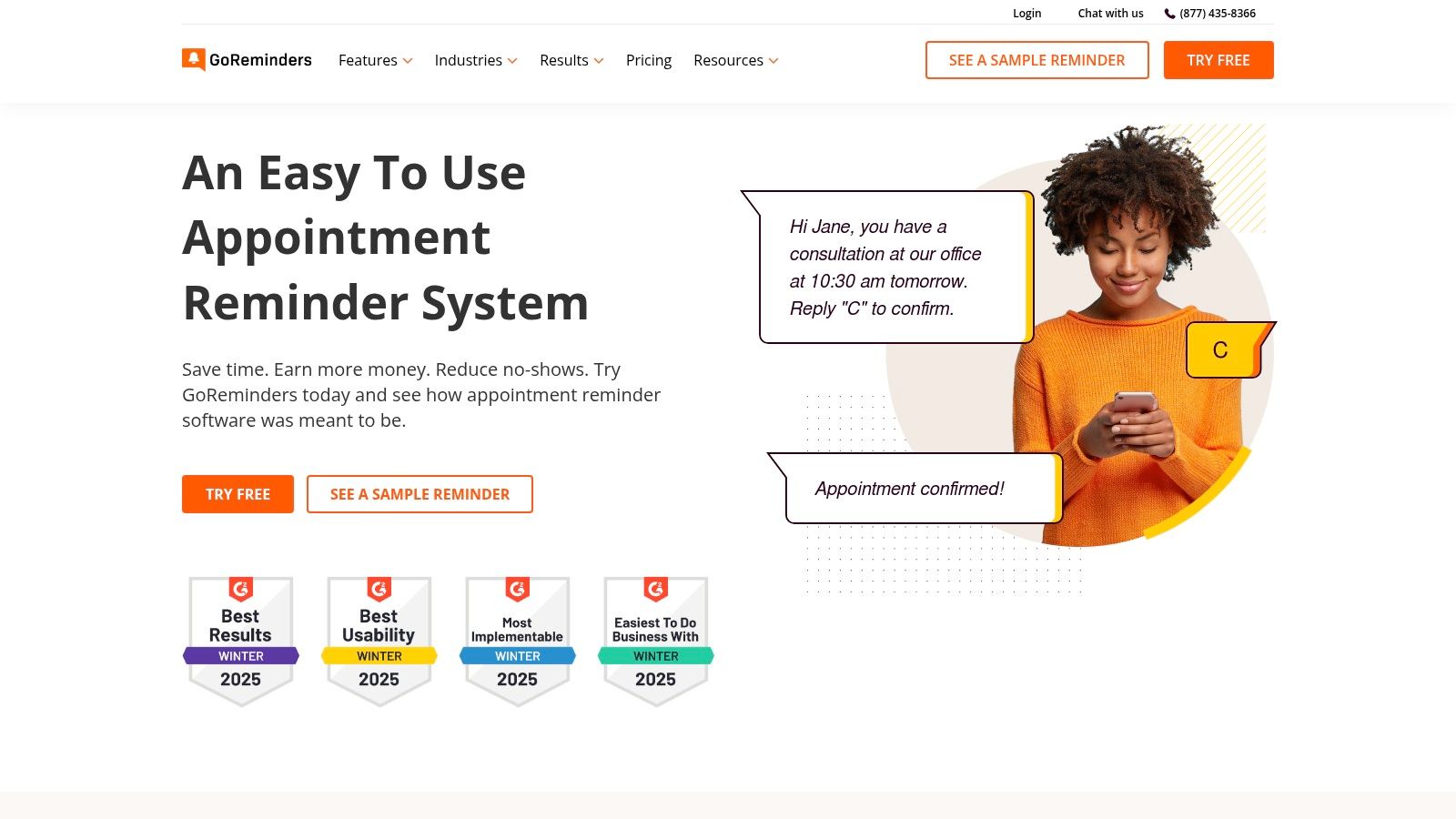
The platform is engineered for businesses that need to send reminders, confirmations, and messages for recurring appointments without a steep learning curve. The user interface is exceptionally clean and approachable, making it ideal for teams that aren't tech-savvy. You can easily manage schedules for multiple staff members and locations from a single dashboard, making it a scalable solution for growing service businesses like salons, clinics, and repair shops.
GoReminders excels at its core function: sending simple, effective reminders. However, it offers fewer deep integrations with complex CRM or marketing automation platforms compared to larger competitors. Its pricing, displayed in multiple currencies on its site, can also be slightly confusing for some international buyers during their initial evaluation.
Best for: Small to medium service-based businesses seeking a fast, easy-to-use, and dedicated tool for SMS and email reminders without the overhead of more complex systems.
Setmore is a powerful scheduling platform that bundles automated appointment reminder software into an accessible package, making it a strong contender for service-based businesses. It stands out by offering a highly functional free plan that includes unlimited appointments and automated email reminders, providing significant value for solo practitioners or businesses on a tight budget. The platform is designed around the entire customer booking journey, from scheduling on your website or social media to post-appointment follow-up.
Its primary appeal is the blend of scheduling, payments, and reminders in one cohesive system. For businesses looking to scale, upgrading to a Pro or Team plan unlocks SMS reminders, two-way calendar sync, and payment processing capabilities. This tiered approach allows businesses to start with essential features for free and add more advanced communication tools as they grow, without needing to switch platforms.
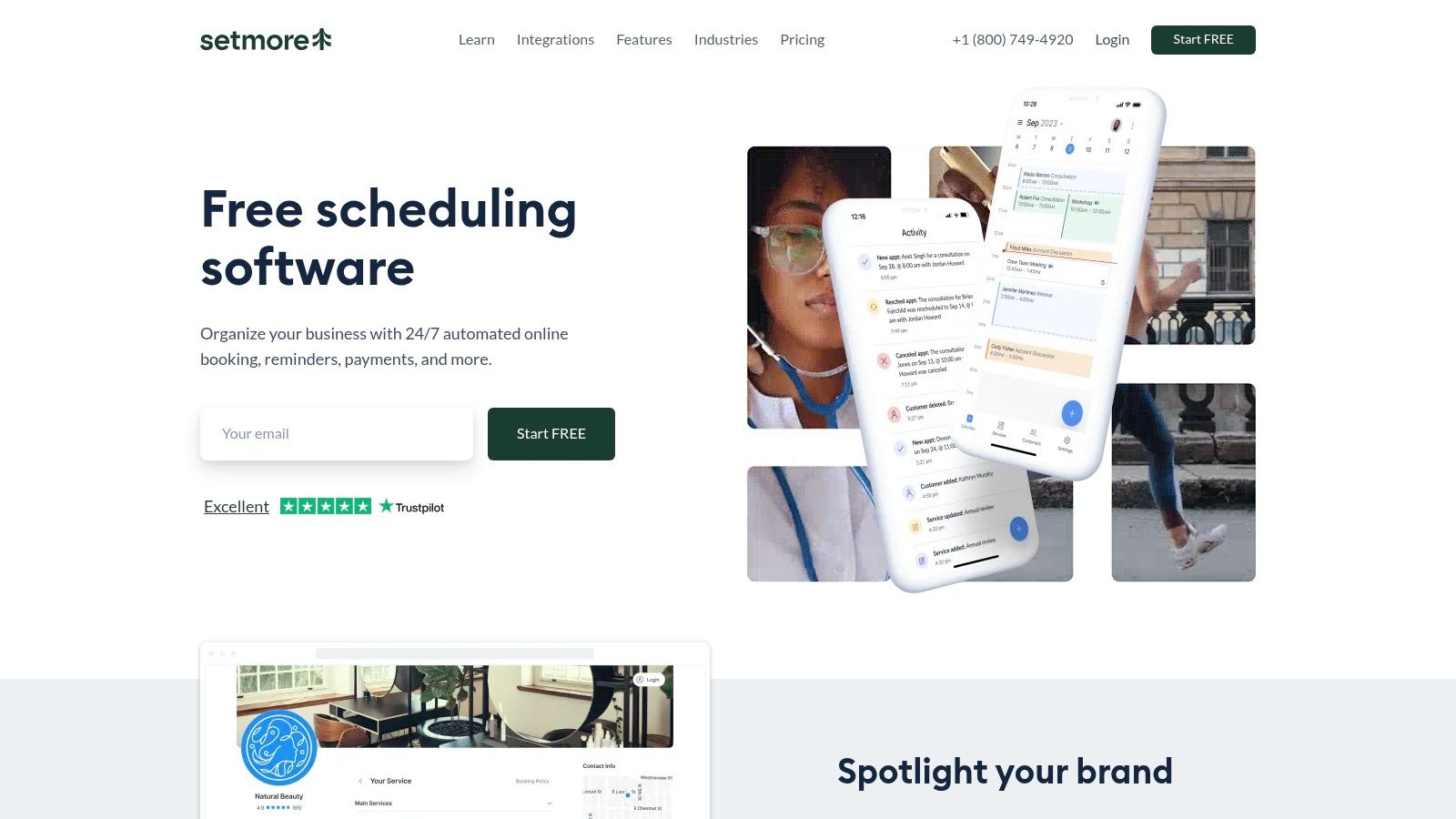
Setmore's core strength is its all-in-one scheduling and reminder functionality at an excellent price point. However, it lacks advanced communication channels like ringless voicemail or complex multi-step reminder sequences found in more specialized platforms. Businesses requiring deep CRM integration or highly customizable, multi-channel reminder campaigns may find its capabilities limiting.
Best for: Small to medium-sized service businesses like salons, consultants, and health practitioners who need a cost-effective, integrated solution for online booking, payments, and essential automated reminders.
YouCanBook.me is a powerful scheduling platform that doubles as a highly capable automated appointment reminder software, standing out with its granular control over communication workflows. Its strength lies in allowing users to build multi-step notification sequences with precise timing, making it perfect for businesses that require more than just a single reminder before an appointment.
The platform excels at connecting your calendar to a customizable booking page that triggers a series of automated actions. Once an appointment is set, you can configure detailed workflows for confirmations, reminders, and follow-ups via both email and SMS. This is especially useful for service professionals, educational institutions, and consultants who need to provide specific instructions or gather information at various points before and after a meeting, all while minimizing no-shows.
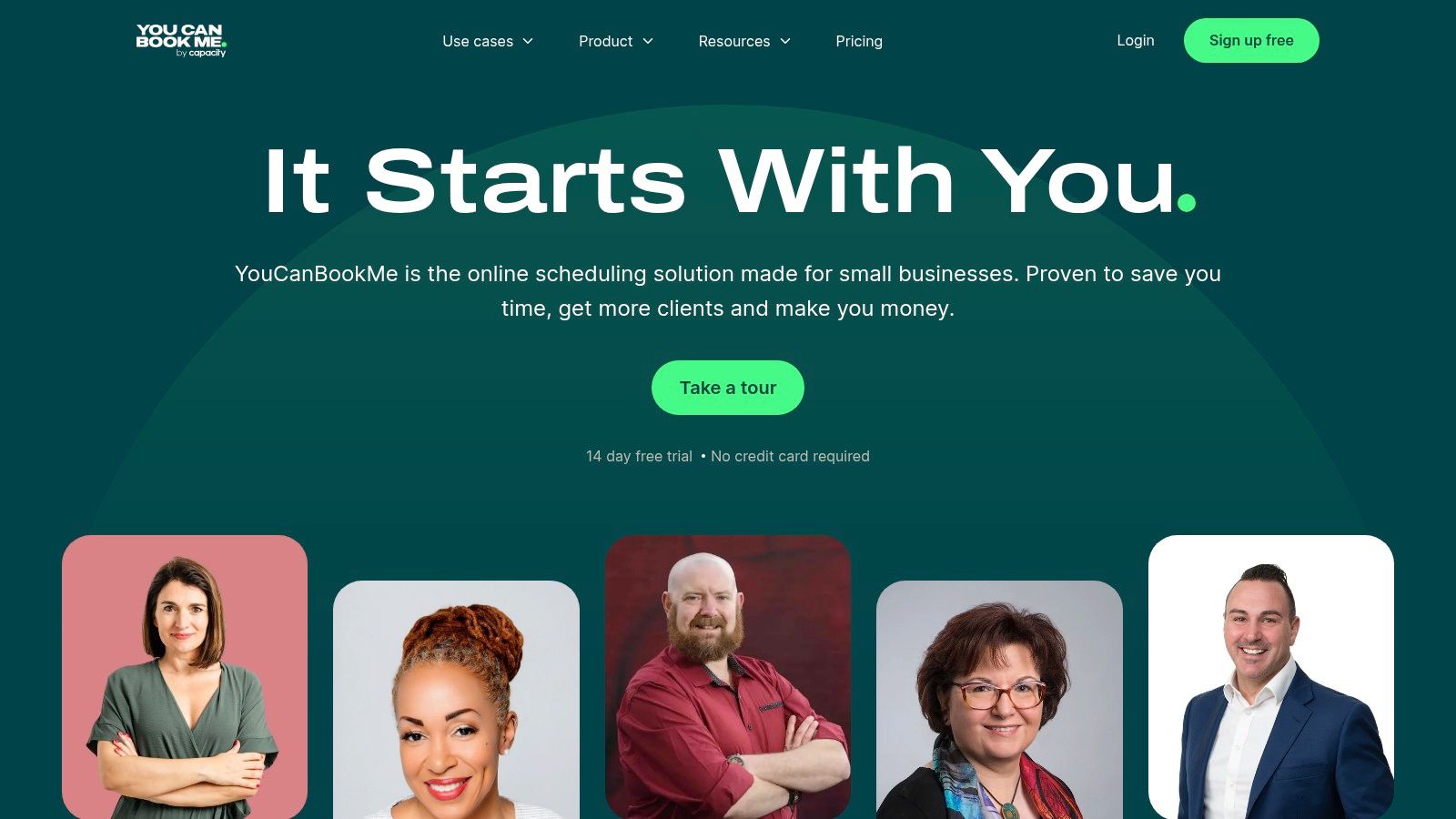
The platform's primary drawback is its SMS pricing model. Text messages are not included in the subscription and are billed separately on a per-credit basis, which can add up for high-volume users. While it excels at email and SMS, it lacks native support for other channels like automated voice calls or ringless voicemail, requiring integrations for those specific needs.
Best for: Businesses that require deep customization over their scheduling pages and highly specific, multi-step email and SMS reminder workflows.
Weave is an all-in-one communications hub built specifically for healthcare and local service-based businesses. It stands out by deeply integrating automated appointment reminder software with a practice's core operational tools, including its VoIP phone system, two-way texting, and online scheduling. This unified approach eliminates the need for separate systems, creating a seamless communication flow from booking to follow-up.
For clinics and local service providers, Weave’s main advantage is consolidating patient or client communication into a single, cohesive platform. It syncs directly with many industry-specific Electronic Health Record (EHR) and practice management systems, allowing for highly personalized and automated reminders that can write confirmations directly back to the calendar. This tight integration ensures data accuracy and significantly reduces the administrative burden of managing appointments.
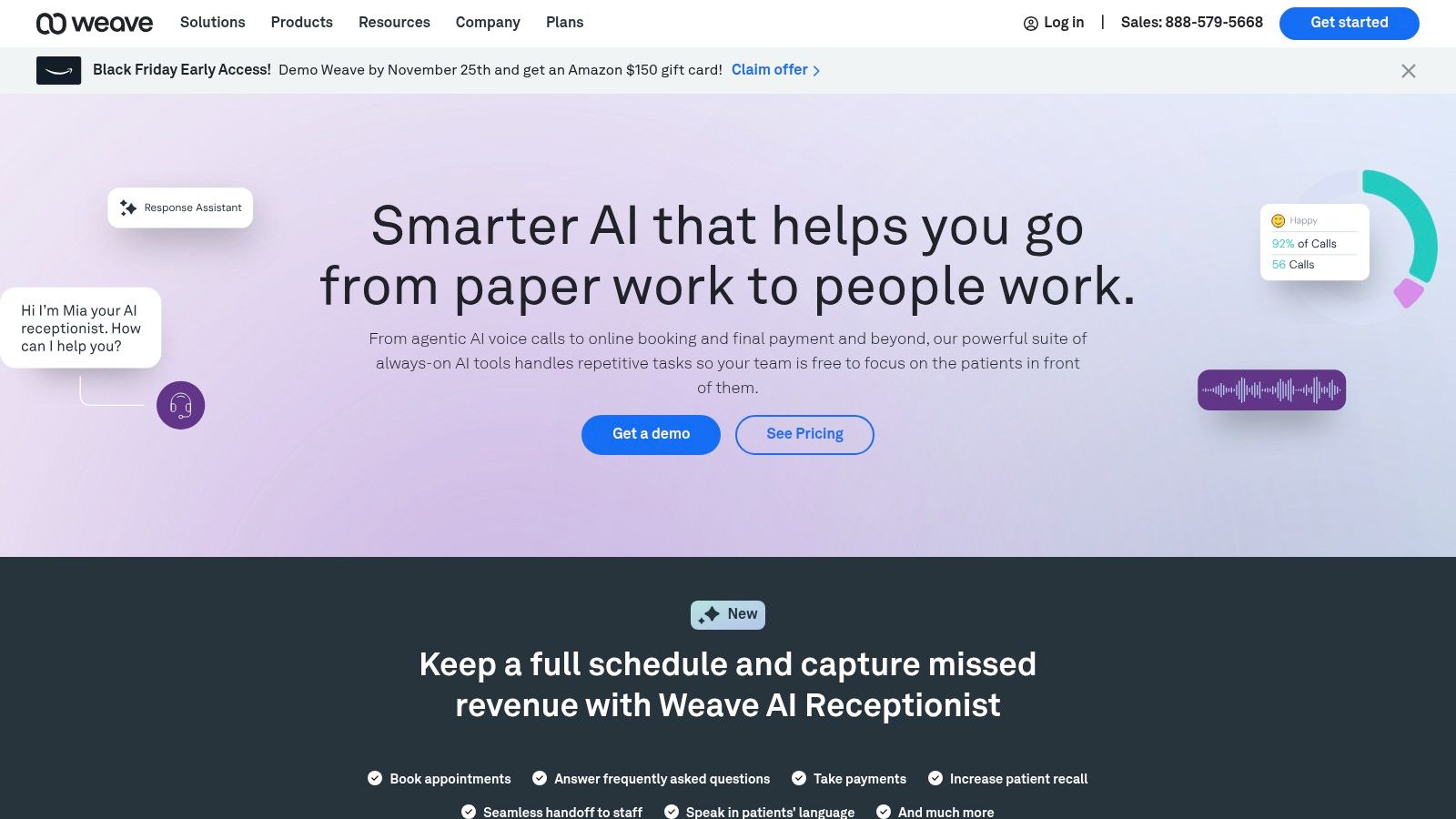
Weave's power is also its primary limitation for some businesses. It is a comprehensive, and therefore more expensive, system designed for specific industries. Its pricing is quote-based and typically has a higher entry cost than standalone reminder tools. Businesses looking for a simple, low-cost scheduler without the integrated phone system may find it overly robust for their needs.
Best for: Medical, dental, and other local service-based practices that want a powerful, HIPAA-compliant platform to unify their phone system, two-way texting, and automated reminders.
Specifically built for the healthcare industry, Solutionreach is a comprehensive patient communication platform where automated appointment reminder software is a core component. It moves beyond simple notifications by integrating reminders directly into the patient lifecycle, from initial booking to post-visit follow-ups and recall campaigns. Its primary strength is its deep understanding of clinical workflows, designed to reduce no-shows and improve patient preparedness in medical and dental practices.
Solutionreach is engineered to handle the complexities of patient communication, including pre-visit instructions, digital intake forms, and post-appointment surveys. The platform allows practices to customize outreach across multiple channels like text, email, and voice, ensuring messages are delivered according to patient preferences. This focus makes it a powerful tool for larger clinics and hospital groups needing a robust, HIPAA-compliant system to manage patient engagement at scale.
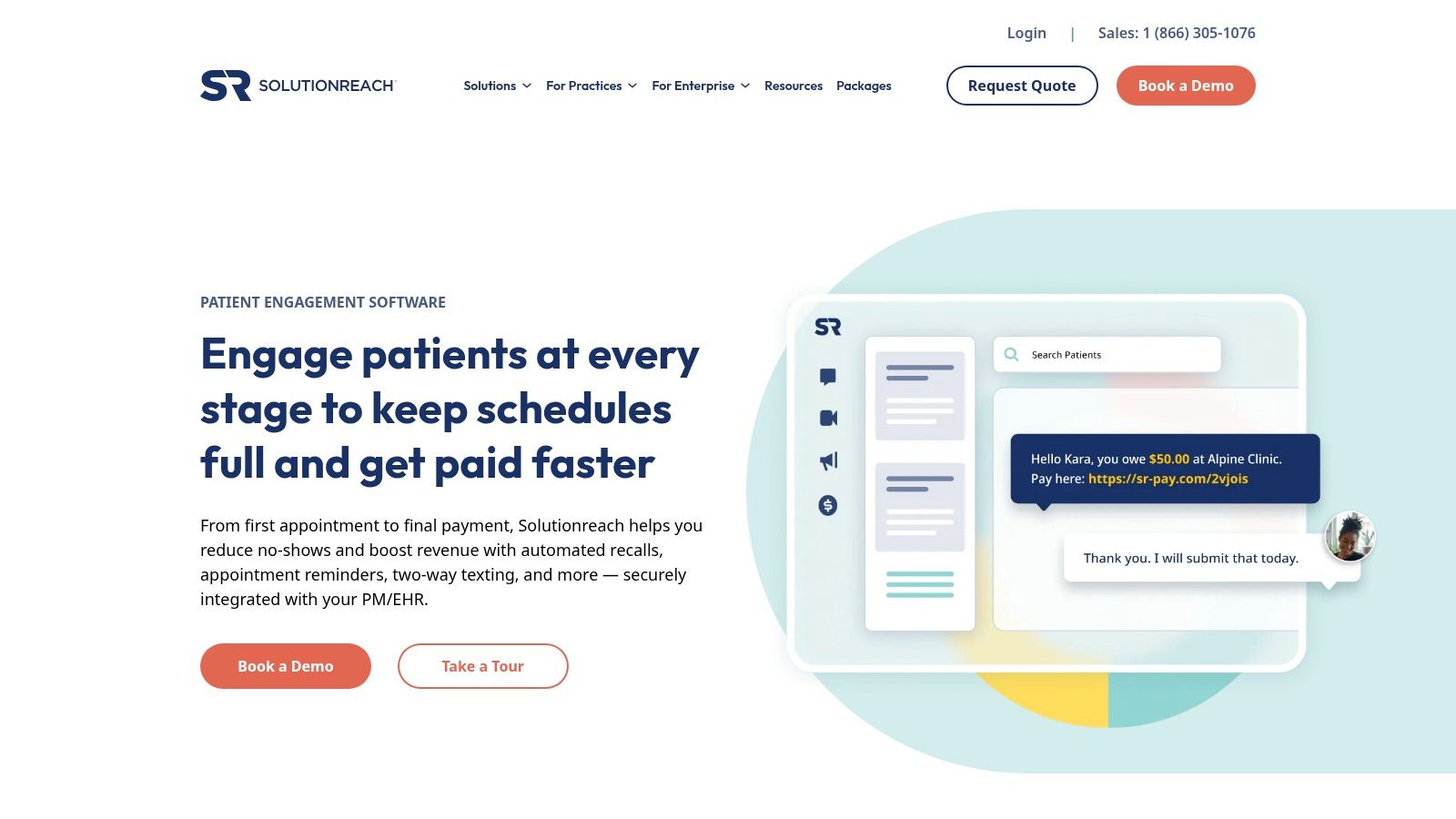
The platform's biggest advantage is its all-in-one, healthcare-centric design, which has been shown to significantly reduce no-show rates. However, this specialization means it often comes with a more involved implementation process and contract terms compared to general-purpose tools. It may also be more than what a small, single-provider practice with simple reminder needs requires. You can get a better sense of the technology behind healthcare SMS reminders to see how these systems work.
Best for: Medical groups, dental practices, and other healthcare organizations needing a HIPAA-compliant patient engagement suite with powerful, multi-channel automated reminders.
Demandforce is a comprehensive communication platform primarily designed for health, wellness, and local service businesses that need more than just reminders. It functions as a powerful automated appointment reminder software by deeply integrating with existing practice management systems, offering a multi-channel approach that includes email, SMS, and even voice calls. Its core strength is its intelligent "fallback" logic, ensuring clients receive notifications without being overwhelmed.
This platform excels at creating a closed-loop communication system. When an appointment is booked in your primary software, Demandforce syncs the data and triggers a pre-set sequence of reminders. If a patient confirms via SMS, the system can automatically cancel subsequent email or voice reminders, preventing message fatigue. This level of smart automation, combined with two-way texting and direct write-back capabilities to your management software, makes it a robust solution for busy practices.
Its primary limitation is its scope and pricing model. Demandforce is a full marketing and communication suite, which may be excessive for businesses only needing a simple reminder tool. Pricing is not publicly listed and requires a custom quote, making it difficult to compare directly against more transparently priced competitors.
Best for: Healthcare, wellness, and automotive service businesses that need a deeply integrated, multi-channel reminder system that syncs directly with their existing practice management software.
Specifically designed for the dental industry, Lighthouse 360 by Henry Schein One is a highly specialized patient communication platform that goes beyond standard appointment reminders. Its primary advantage is its deep, seamless integration with dental Practice Management Systems (PMS), which allows for true two-way synchronization. This creates a powerful, automated workflow for reducing no-shows and managing patient engagement without manual data entry.
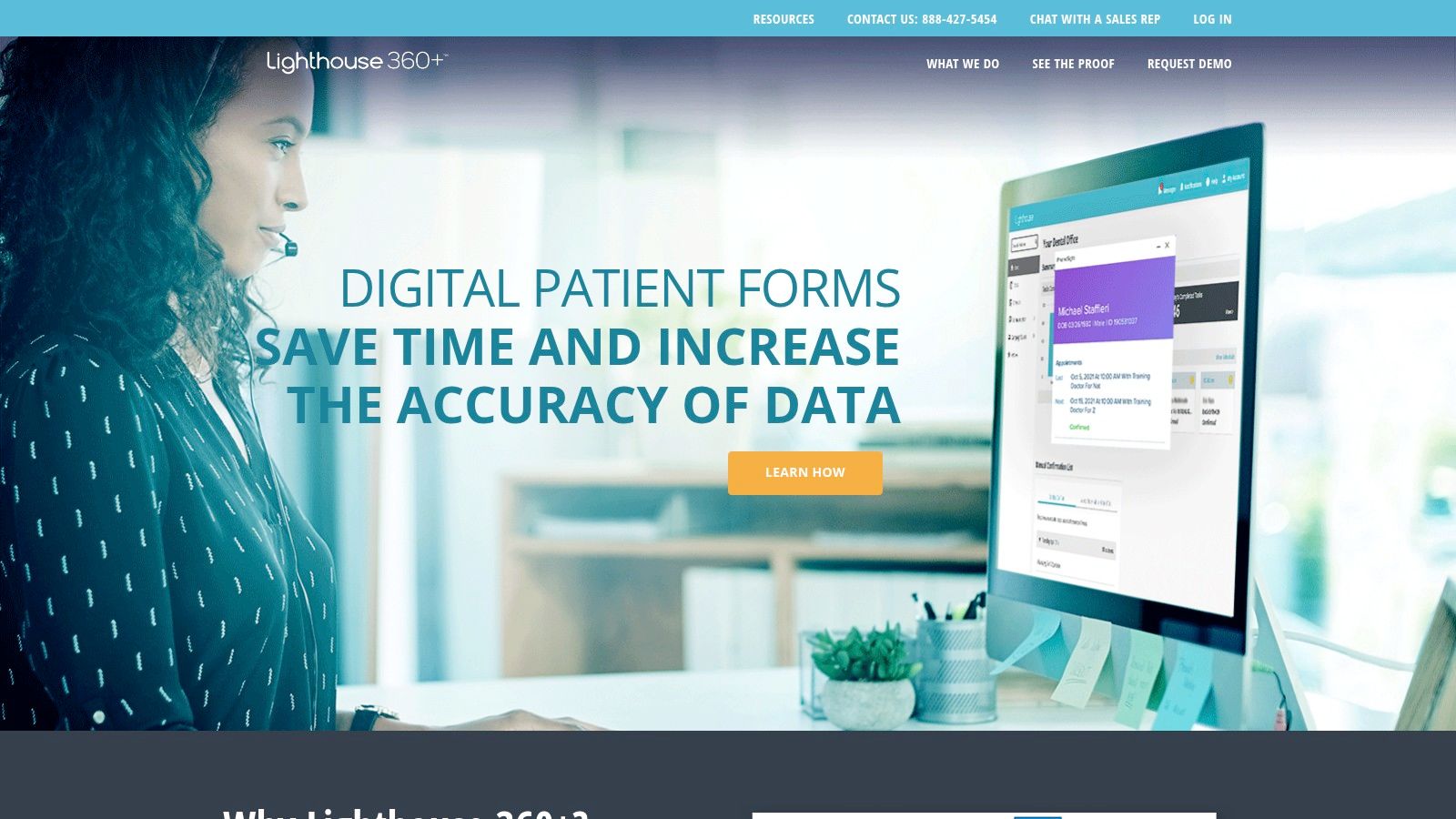
Lighthouse 360 automates patient outreach across multiple channels, including text, email, and automated voice calls, ensuring patients receive timely notifications. The platform's "AutoConfirm" feature is a standout, as it not only collects patient confirmations but also writes them directly back into the practice's PMS schedule. This eliminates a significant administrative burden and provides a real-time view of the day's appointments, making it a powerful piece of automated appointment reminder software for dental offices.
The platform's biggest strength is also its main limitation: it is built exclusively for dental practices. Businesses outside of the dental field will not find it suitable. Furthermore, pricing is not publicly available and requires a custom quote, which can be a hurdle for practices looking for transparent, upfront costs. While it excels at text and email, it does not natively offer advanced channels like ringless voicemail.
Best for: Dental practices seeking a fully integrated, automated patient communication and reminder system that syncs directly with their existing Practice Management Software.
Specifically designed for the dental industry, RevenueWell is a comprehensive patient relationship management suite that includes highly sophisticated automated appointment reminder software. Its standout feature is the deep integration with dental practice management systems, allowing for intelligent, context-aware communication that goes far beyond generic reminders. The platform is built to handle the unique complexities of a dental office, such as family appointments and multi-step treatment plans.
RevenueWell's strength lies in its "set it and forget it" multi-channel, multi-attempt reminder campaigns. Practices can configure a detailed cadence of communications, from initial save-the-dates to multiple confirmation requests and a final same-day reminder, delivered via email, SMS, and automated voice calls. This granular control is crucial for minimizing no-shows and keeping schedules full in a high-volume healthcare environment.

A key limitation is its niche focus and all-in-one nature. Because it's a full marketing and communication suite for dentists, its pricing (which is quote-based) and feature set may be excessive for practices needing only a simple reminder tool. Businesses outside of the dental field will find the specific integrations and terminology less relevant to their needs, making other platforms a more suitable choice.
Best for: Dental practices seeking a powerful, integrated patient communication system with highly configurable, multi-language appointment reminders and family scheduling logic.
The journey through the diverse landscape of automated appointment reminder software reveals a clear truth: there is no single, one-size-fits-all solution. The "best" platform is the one that aligns perfectly with your unique operational needs, client base, and growth ambitions. Throughout this guide, we've explored everything from standalone schedulers with basic notification features to comprehensive, multi-channel communication hubs.
Your final decision hinges on a careful assessment of your specific business context. A small karate studio or a solo consultant might find the integrated reminders in tools like Setmore or Calendly perfectly sufficient. In contrast, a busy healthcare practice or a multi-location dental office will require the specialized, HIPAA-compliant features and deep EMR/PMS integrations offered by platforms like Weave, Solutionreach, or Lighthouse 360.
The key takeaway is to look beyond the surface-level feature list and evaluate how a tool will integrate into your daily workflow. The ultimate goal of this technology is to save you time and reduce friction, not create new administrative burdens.
Before committing to a subscription, it’s crucial to perform a thorough self-audit. This strategic approach ensures you invest in a solution that provides immediate value and can scale with your business over time. Follow these steps to make a confident and informed choice.
Define Your Core Communication Needs: Start by identifying your primary communication channels. Do your clients respond best to SMS, or is a personal touch via a voice broadcast more effective? Consider advanced options like ringless voicemail drops for non-intrusive, high-impact messages that don't interrupt your client's day but still deliver critical information.
Assess Your Technical Ecosystem: Map out your existing software stack. Your CRM, scheduling calendar, patient management system, and marketing platforms are all key components. A critical aspect of selecting the ideal automation partner involves their provision of robust system integrations that allow for seamless data flow between these tools, preventing data silos and manual entry errors.
Evaluate Scalability and Compliance: Consider your future needs. Will your chosen software support your growth? If you operate in a regulated industry like healthcare, HIPAA compliance is non-negotiable. Ensure any potential vendor can provide a Business Associate Agreement (BAA) and has stringent security protocols in place.
Leverage Free Trials and Demos: Never underestimate the power of a hands-on test drive. Sign up for free trials for your top two or three contenders. Use this period to send test reminders, explore the analytics dashboard, and evaluate the user interface's intuitiveness. This is your chance to see if the platform feels right for you and your team.
Ultimately, implementing the right automated appointment reminder software is a strategic investment in efficiency and client satisfaction. By automating this critical touchpoint, you not only drastically reduce costly no-shows but also enhance the professionalism of your communications. You reclaim countless hours previously spent on manual phone calls and follow-ups, freeing your team to focus on what truly matters: delivering exceptional service and growing your business.
Ready to reclaim your time and eliminate no-shows with a powerful, flexible automation platform? Discover how Call Loop can transform your client communication with integrated SMS, voice calls, and ringless voicemail. Start your free trial of Call Loop today and see the difference automation can make.
Chris Brisson
Chris is the co-founder and CEO at Call Loop. He is focused on marketing automation, growth hacker strategies, and creating duplicatable systems for growing a remote and bootstrapped company. Chat with him on X at @chrisbrisson


Trusted by over 45,000 people, organizations, and businesses like


