
See a Demo
You're just one step away from seeing Call Loop in action.
Enter your information below to watch a demo right now.

You're just one step away from seeing Call Loop in action.
Enter your information below to watch a demo right now.


At its core, an appointment confirmation text message is a quick SMS sent to clients to lock in the date, time, and other key details for their upcoming booking. Think of it as an instant digital handshake that confirms you're on the same page. It’s also your first and best line of defense in the battle against no-shows, acting as a simple, automated tool to protect your schedule and your revenue.
No-shows are a silent killer for service-based businesses. Every empty slot on the calendar isn't just lost income; it represents wasted prep time, staff costs, and a missed opportunity. This is where a sharp, well-timed appointment confirmation text becomes more than just a courtesy—it’s an essential part of your operational playbook.
Let's be real: manually calling every single client to confirm their appointment is a massive time sink. It pulls your team away from what they do best—serving the clients right in front of them. Automated texts take this tedious, repetitive task off their plate entirely.
This automation frees up your staff to focus on delivering amazing service, handling complex client needs, and managing the day-to-day flow of business. Plus, it eliminates human error. No one gets forgotten, and every client receives the same clear, professional communication every single time. It's an easy win for a smoother workflow.
Beyond the internal benefits, automated confirmations seriously upgrade the client's experience. We live in a world that runs on convenience, and getting an instant text confirming a booking provides immediate peace of mind. It tells them, "Yep, we've got you down."
It also puts them in control. Most confirmation texts include simple actions like replying "C" to confirm or providing a link to reschedule, all without the hassle of a phone call.
This single touchpoint immediately frames your brand as professional, organized, and respectful of your clients' time. It's a small detail that leaves a huge impression and builds loyalty from the get-go.
This kind of proactive communication makes clients feel seen and valued. For particularly high-value appointments, some businesses even add a ringless voicemail drop as a follow-up if a text goes unanswered. It’s a personal touch that doesn't feel intrusive.
The data backs this up, too. Research consistently shows that SMS reminders are a game-changer for attendance. One major review found that clients receiving reminders had a 34% lower rate of non-attendance. On top of that, automated texts are incredibly cost-effective, costing pennies compared to the time and labor of a manual phone call. If you want to dive deeper, you can discover more insights about the effectiveness of patient reminders. It's clear that SMS is a non-negotiable part of modern client management.
Crafting a confirmation text that actually works isn't about being clever—it’s all about clarity. A message that gets a fast, positive reply has a few non-negotiable parts, and when you put them together the right way, they just work. Every time.
It's hard to overstate just how powerful a simple text is. Text messages have a staggering 98% open rate, and 90% of them are read within three minutes. That’s the kind of speed you need for time-sensitive stuff like appointments. And if you're trying to reach younger clients, it’s even more of a no-brainer. Nearly half of U.S. Millennials actually prefer getting texts from businesses.
First things first: personalization. Kicking off your message with "Hi [Client Name]" instantly makes it feel less like a robot sent it. Using a merge tag to pull their first name from your contacts is the easiest win you'll get all day.
That small touch tells them the message is specifically for them, which means they’re way less likely to ignore it as spam. It flips the switch from a generic alert to a personal heads-up.
After the greeting, cut right to the chase. The core of your message needs to lay out the vital info with zero room for confusion.
If you really want to dig into designing messages that get results, there are some great strategies to Craft the Perfect Appointment Confirmation Text Message. That resource is packed with solid insights for getting these core pieces right.
Pro Tip: A clear, well-structured message doesn't just prevent no-shows; it reflects on your business. It tells the client you’re organized, on top of things, and that you respect their time.
While a standard SMS is a workhorse, you can add another layer for high-value appointments or for those clients who just don't reply. One seriously effective tool is a ringless voicemail drop.
If a text goes unconfirmed, you can automatically send a pre-recorded, personal voice message straight to their voicemail—their phone never even rings. It adds a human touch without being disruptive and can seriously bump up your confirmation rates for those can't-miss bookings. This ringless voicemail marketing strategy can be a powerful complement to your SMS efforts.
A great appointment confirmation text isn't a one-way street. Think of it as the opening line in a conversation that saves you and your client a ton of time and hassle. The real goal is to get past the simple notification and create an interactive touchpoint.
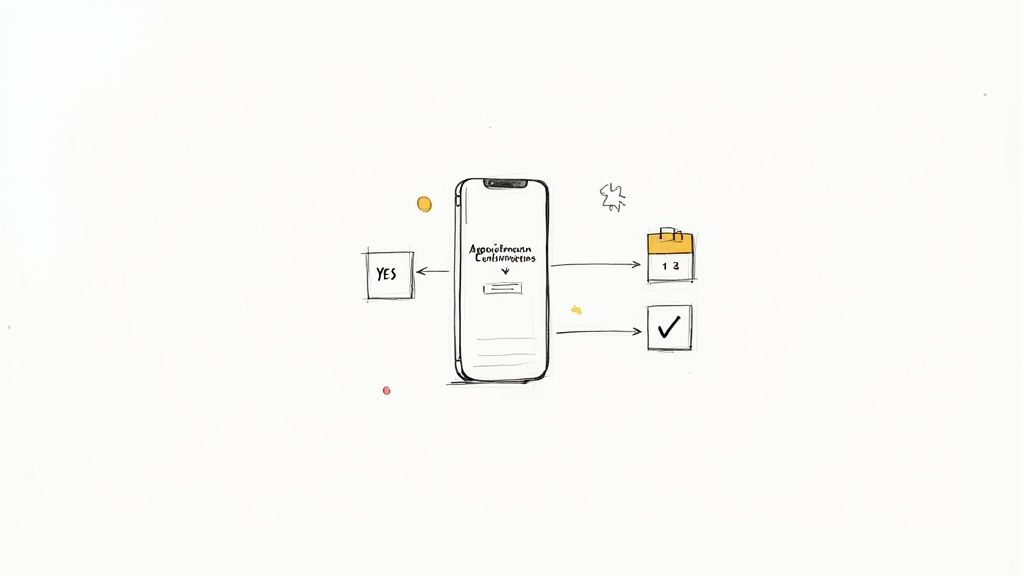
This shift from monologue to dialogue all hinges on a clear, simple call-to-action (CTA). You're not just telling them about their appointment; you're inviting them to engage with it. It’s a small change, but it completely transforms a passive message into an active confirmation tool.
The best CTAs I've seen are short, direct, and require almost zero effort from the client. Your whole mission is to make it ridiculously easy for them to respond.
Here are a few proven options that work like a charm across different industries:
The key is to offer clear, unambiguous choices. Vague instructions like "Let us know if you can make it" just create confusion. That leads to more manual work for your team as they try to figure out what "sounds good" or "I'll try" actually means.
By making the confirmation process interactive, you're doing more than just cutting down on no-shows—you're actively filtering your schedule. When a client cancels or reschedules ahead of time, that slot instantly opens up for another paying customer.
Now, the real magic happens when you pair these interactive texts with a smart automated reply system. When a client texts back "YES," your system should automatically mark their appointment as confirmed in your calendar. If they text "CANCEL," it could trigger a follow-up asking if they'd like a link to rebook.
This is what gives your team their time back. A well-designed workflow can handle the vast majority of confirmations, cancellations, and rescheduling requests without any human needing to step in.
This interactive approach has a real, measurable impact. We know that SMS reminders alone can boost attendance by 20%. That effect gets even stronger when clients can instantly confirm or reschedule right from the text.
Let's be real: trying to write the perfect appointment confirmation text from scratch every single time is a massive time sink. This is exactly why a solid set of proven, ready-to-use templates isn't just nice to have—it's a game-changer.
Think of these less as rigid scripts and more as flexible frameworks. They give you a battle-tested starting point you can quickly tweak to match your industry, brand voice, and the specific needs of your clients. A good template saves you time, yes, but it also locks in consistency and professionalism across every single client text.
This visual guide breaks down how the core pieces of a confirmation message can be adapted across different types of businesses.
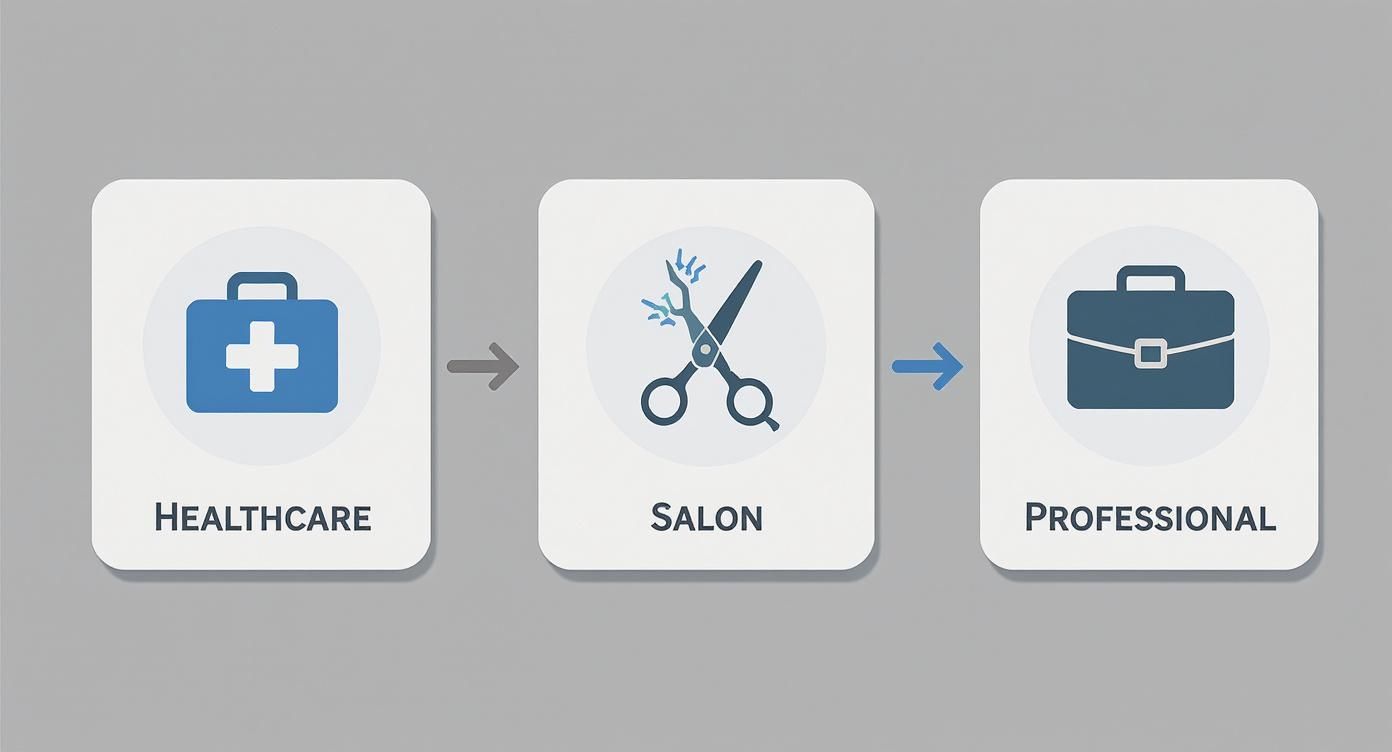
As you can see, each industry has its own flavor. Healthcare needs to be mindful of HIPAA, while a salon can be much more casual and friendly. It’s all about meeting client expectations.
When you're dealing with patients, communication is a delicate balance. You need to be warm and helpful, but you absolutely cannot risk exposing Protected Health Information (PHI). Your texts have to be clear, concise, and private.
For salons, spas, and barbershops, the vibe is totally different. You can—and should—be more personal and relaxed. Your texts are a chance to build excitement for the service, while also clearly laying out important policies.
Pro Tip: Always include the stylist's or specialist's name in the message. It adds a personal touch and cuts down on confusion, especially for businesses with several practitioners. Clients appreciate knowing exactly who they're booked with.
If you're a law firm, consultant, or financial advisor, your tone needs to project professionalism and directness. For these industries, it's also common to need a link for a virtual meeting.
You can dive deeper into the best ways how to send automated texts to make sure these templates land in your clients' inboxes at just the right moment.
And here's a great follow-up tactic for an unconfirmed message, particularly for a high-value consultation: consider dropping a ringless voicemail. It’s a super effective, non-intrusive way to make sure your message gets through without actually interrupting their day. Learning the ins and outs of ringless voicemail drops can add a powerful tool to your communication strategy.
Sending every appointment confirmation text by hand is a surefire way to burn out and make mistakes. It’s just not sustainable as your business scales. The real solution is building an automated workflow that handles all this for you, creating a system that works around the clock in the background.
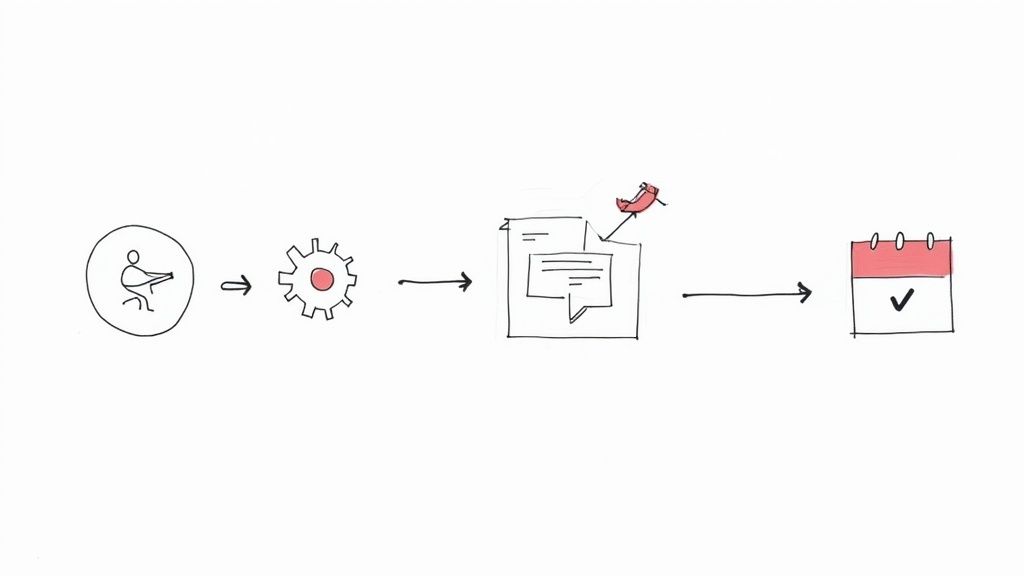
This all starts with choosing a software platform that can link your booking calendar to your messaging system. When a client books, that action becomes a trigger—an event that automatically kicks off your confirmation sequence. The first text should go out immediately, giving your client instant peace of mind.
A smart workflow is all about the triggers. These are the specific events that tell your system exactly when to send a message.
One of the cornerstones here is a calendar system that's perfectly integrated. Sorting out common headaches like an Outlook Google Calendar sync is key to making sure your triggers fire based on real, up-to-the-minute booking info.
The whole point is to create a "set it and forget it" system. Once it's configured, every client gets professional, timely messages without you lifting a finger. That frees you up to actually run your business.
A simple, effective reminder schedule is the backbone of any good automation. Here’s a look at what a standard cadence might look like, designed to keep clients informed without overwhelming them.
This schedule covers all the bases, from the initial booking excitement to a post-appointment touchpoint that can build long-term loyalty.
SMS is a powerhouse, but for high-value appointments, a multi-channel approach can seriously boost your success rate. What if a client doesn't confirm via text? Your workflow can escalate the communication. This is where a ringless voicemail drop becomes an incredible tool.
A ringless voicemail sends a pre-recorded audio message straight to someone's voicemail without their phone ringing. It’s personal and non-intrusive, and it definitely stands out. Imagine a client who missed your text later checks their voicemail and hears a friendly, personal reminder from you.
This extra layer can be triggered by a lack of response. For instance, if a confirmation text goes unanswered for 12 hours, the system can automatically send the ringless voicemail. This strategy blends the efficiency of automation with the warmth of a human voice, making sure no one falls through the cracks.
For anyone looking to set up this kind of system, our guide on automated text message reminders has more practical steps. By combining these tools, you build a powerful workflow that protects your schedule and makes for a much better client experience.
Sending an appointment confirmation text isn't just about crafting the perfect message; you also have to navigate a minefield of regulations. Ignoring the rules isn't an option—it can lead to serious fines and, worse, break the trust you have with your clients.
The absolute cornerstone of compliance is getting permission first. This is non-negotiable.
This consent, often called an "opt-in," is a hard requirement under laws like the Telephone Consumer Protection Act (TCPA). You must have a client's explicit, crystal-clear permission to text them. A simple and effective way to handle this is a checkbox on your booking form that says something like, "Yes, I agree to receive text messages about my appointments."
If you're in healthcare, the rulebook gets even thicker, thanks to the Health Insurance Portability and Accountability Act (HIPAA). While you can (and should) send appointment reminders, you have to be incredibly careful not to include any Protected Health Information (PHI).
Keep your healthcare-related texts stripped down to the essentials:
Beyond getting that initial opt-in, every text you send needs to follow a few simple rules to keep communication professional and respectful. The most important one? Giving people an easy way out.
Including "Reply STOP to unsubscribe" in your messages is the industry standard for a reason. It's a must-have.
Also, be mindful of when you're hitting "send." No one wants their phone buzzing with an appointment reminder at 11 PM or 6 AM. Stick to normal business hours—it's a simple sign of respect for your clients' personal time. For a deeper dive, check out these SMS marketing best practices to make sure every text you send is both effective and completely above board.
Got questions? You're not alone. Even the most seasoned pros run into little hiccups when setting up their appointment confirmation texts. Let's tackle some of the most common ones I hear all the time.
Timing is everything, and with text messages, you have a few key moments to hit.
The first text needs to go out immediately after someone books. Don't wait. This gives them instant peace of mind that their appointment is locked in and all the details are correct. It’s fresh in their mind, so it reinforces the commitment.
Next up is the reminder. I’ve found the sweet spot is 24 to 48 hours before the appointment. This gives your client plenty of time to rearrange their schedule or let you know if they can't make it, which helps you fill that slot. For really busy clients (and who isn't these days?), a final, quick ping an hour or two beforehand can be a game-changer.
Make it dead simple. The goal is to avoid a frustrating back-and-forth that wastes your team's time. Don't ask open-ended questions; give clear, easy options.
This self-service approach is a win-win. It frees up your staff from administrative headaches and empowers the client, which always leads to a better experience.
You bet they are. A ringless voicemail drop is a fantastic tool, especially for those high-value appointments you really can't afford to have missed. It adds a human touch that cuts through the digital noise without actually interrupting someone's day with a call.
Think of it as a smart escalation. If you send a text reminder and don't get a confirmation within, say, 12 hours, your workflow can automatically drop a friendly, pre-recorded voicemail. It’s the perfect blend of automation and personal connection, and it works wonders for boosting confirmation rates.
Ready to stop no-shows and automate your entire confirmation process? Call Loop gives you the tools to send personalized SMS, voice, and ringless voicemail reminders that get results. See how it works at https://www.callloop.com.
Chris Brisson
Chris is the co-founder and CEO at Call Loop. He is focused on marketing automation, growth hacker strategies, and creating duplicatable systems for growing a remote and bootstrapped company. Chat with him on X at @chrisbrisson


Trusted by over 45,000 people, organizations, and businesses like


