
See a Demo
You're just one step away from seeing Call Loop in action.
Enter your information below to watch a demo right now.

You're just one step away from seeing Call Loop in action.
Enter your information below to watch a demo right now.


Choosing among the best mass texting services gets easier once you separate text-first tools from platforms that also handle voice broadcasting, ringless voicemail, or broader outbound outreach. That distinction matters because the right choice for a retail promo list is not always the right choice for appointment reminders, follow-up calls, or high-volume notification workflows.
This guide compares both sides of the market: straightforward SMS platforms for promotions and customer conversations, and multi-channel systems for teams that need texting plus voice in one place. In our review, that split was the biggest decision point by far; many vendor pages make every tool sound universal, but buyers usually need either simple SMS execution or a platform that can coordinate SMS, voice, and voicemail without creating separate compliance headaches.
Whether you're a healthcare provider, local business, agency, or sales team, the practical questions are the same: How do contacts opt in, how are opt-outs enforced, what registration steps are required, and what does sending cost once carrier fees or voice charges are added? Focus is on those buying decisions rather than repeating feature lists.
I evaluated these tools using the criteria that most often change the buying decision in practice:
What stood out most in comparison was that the cheapest-looking plan is often not the cheapest operating model. MMS can consume multiple credits, carrier surcharges can sit outside the headline price, and voice campaigns can vary by destination and answer type. That is why the sections below focus on where each option fits, where it falls short, and what to verify before sending at scale.
Call Loop is the strongest fit here when you need texting and voice in the same workflow rather than bolting together separate tools. It combines SMS, MMS, voice broadcasting, and ringless voicemail in one system, which makes it more relevant than text-only platforms for reminders, follow-up campaigns, outreach sequences, and situations where one channel alone is not enough.
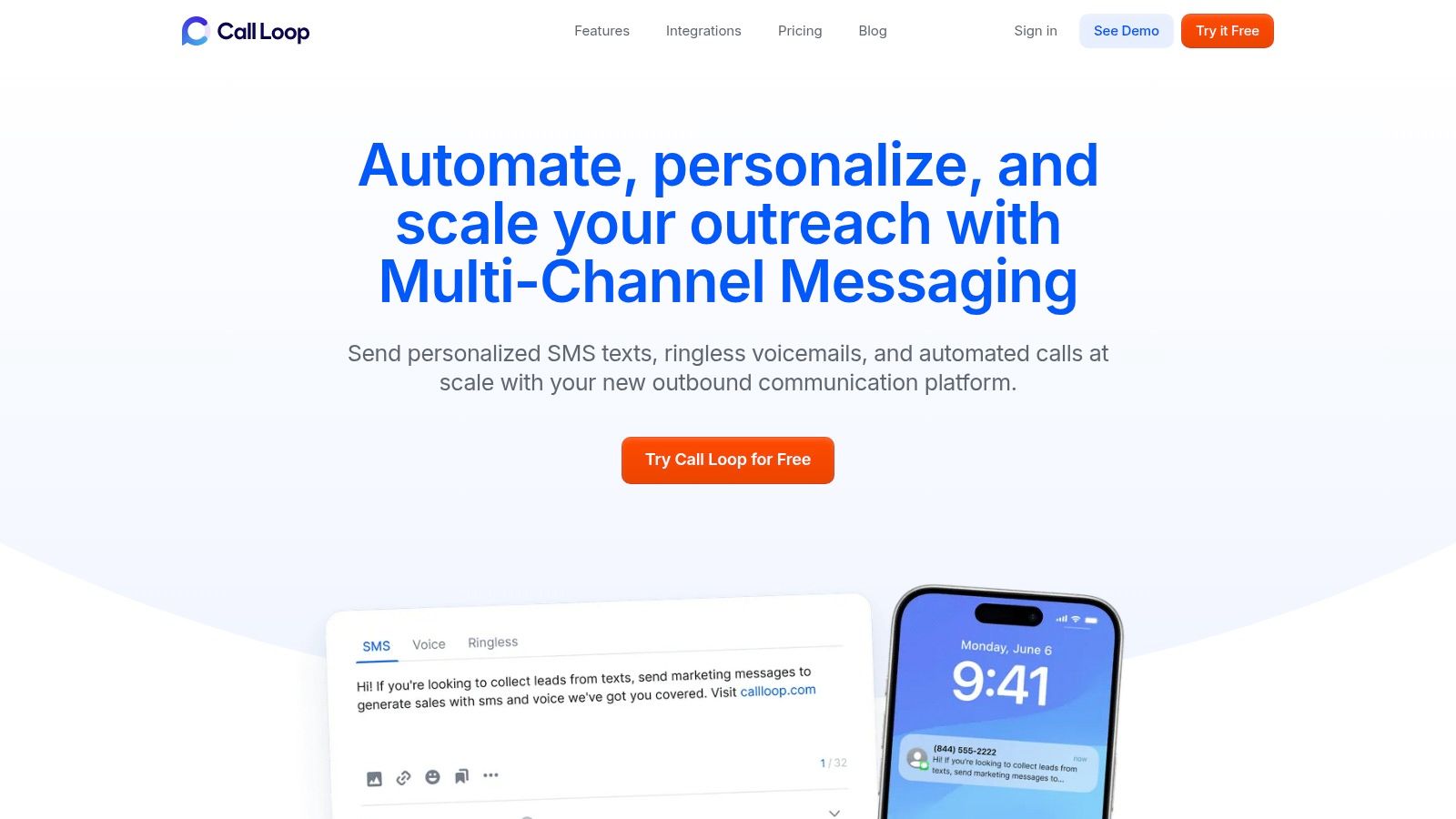
A mass calling service is the modern version of broadcast telephony: instead of one person dialing manually, a platform can push a recorded message to a large list quickly. That speed is useful for promotions, reminders, and urgent notices, but it also raises the compliance bar because U.S. consumers are highly sensitive to automated outreach. The FTC's latest Do Not Call Registry databook underscores how established consumer protections are, and broad reporting on rising robocall volume helps explain why businesses need tighter consent and suppression discipline before launching voice campaigns; see this CBS News report on robocalls.
Call Loop's advantage is that it can support a mass phone call campaign and a text follow-up inside the same operating environment. That matters because response rates in outbound outreach are rarely high enough to rely on one touchpoint. Benchmarks commonly place cold-call connect rates in the low double digits, with one summary estimating an average of 16.6%, which helps explain why many teams pair voice with SMS reminders or follow-up texts rather than treating calling as a standalone motion; see the cold-calling benchmark summary.
In our review, this was the main differentiator: most SMS tools can add basic automation, but fewer make it practical to move from text to voicemail to voice broadcast without exporting lists or rebuilding suppression rules. For healthcare and operational reminder use cases, that shared workflow is often more valuable than having the longest feature checklist.
For buyers considering voice plus text, the key question is not whether a platform mentions compliance, but whether your team can keep consent records, opt-outs, and suppression logic organized across channels. Call Loop highlights list hygiene, opt-in support, toll-free compliance guidance, and DNC management, but buyers should still verify how shared suppression works across SMS, voice, and voicemail campaigns before rollout. If a contact opts out of promotional texts, you do not want that person still receiving outbound voice campaigns because your rules live in separate silos.
That is especially important in regulated or trust-sensitive categories. U.S. senders should review the FCC's TCPA guidance, mobile-industry CTIA best practices, and any registration requirements tied to toll-free messaging verification. If your campaigns span countries, also ask whether suppression is managed at the account level, by number, or by workspace, because a global DNC process is only useful when it is enforced consistently across all outbound channels and teams.
Call Loop also markets support for healthcare use cases, and buyers in that category should confirm the exact account configuration, workflow, and agreement requirements needed for protected health information. The company provides guidance on HIPAA-ready texting and calling workflows, which is a better sign than a vague compliance claim with no supporting documentation.
Call Loop's pricing is easier to evaluate once you think in channels rather than in one blended monthly number. The company publishes plan details and add-on information on its pricing page, while separate product pages explain channel-specific billing such as ringless voicemail pricing. For buyers, the practical takeaway is that SMS, voice broadcasts, and voicemail drops do not behave the same economically.
SMS and MMS costs can change with message length, media use, registration status, and destination. Voice campaigns can change by region, call duration, and whether you are broadcasting a recording versus routing live transfers. Voicemail campaigns may use a successful-delivery billing model, which can be attractive for follow-up sequences but should still be modeled against your expected hit rate. If you send domestically and internationally, ask for a channel-by-channel rate card rather than relying on one headline plan.
I would especially verify three line items before buying: pass-through carrier fees for U.S. messaging, registration-related costs for 10DLC or toll-free traffic, and any destination-based voice rates outside your core market. Teams often underestimate how much regional delivery economics can differ between SMS to the U.S., SMS to Canada, and voice outreach to international numbers.
For businesses building a full outbound workflow, Call Loop also has practical resources on how to send mass text messages on Call Loop. If your team is evaluating healthcare outreach that blends reminders and outbound calling, this overview of outbound call automation healthcare via Simbie AI is also useful background on where call automation fits operationally.
ProsConsTrue multi-channel outreach: SMS, MMS, voice broadcasting, and ringless voicemail are available in one platform.More compliance to manage: Voice and voicemail add legal and operational complexity beyond basic SMS campaigns.Better for follow-up workflows: Useful when you need text-first sequences with escalations to voice or voicemail.Pricing needs scenario modeling: Buyers should review per-channel costs rather than assume one flat campaign cost.Good fit for regulated reminders and operational messaging: HIPAA-oriented documentation and suppression tooling matter here.May be more platform than a simple promo sender needs: Text-only marketers may prefer a lighter tool.Integrations and automation depth: Stronger than most lightweight texting tools.
For teams that need a mass voice messaging service as well as texting, Call Loop is one of the few options on this list that makes that combination feel native rather than tacked on.
Website: Call Loop
Salesmsg is the pick on this list when mass texting is only half of the job and the other half is what happens after someone replies. It is a two-way business texting and calling platform built around real conversations: local and toll-free numbers, a shared team inbox, and deep CRM integrations that let texts trigger from — and log back to — the systems your team already runs.
That orientation matters because a growing share of "mass texting" buyers are not really shopping for blasts. They are shopping for a way to follow up with leads, confirm appointments, revive quotes, and keep customer threads organized across a team. If that describes your workflow, a broadcast-first tool will feel like the wrong shape, and Salesmsg will feel like it was built for you.
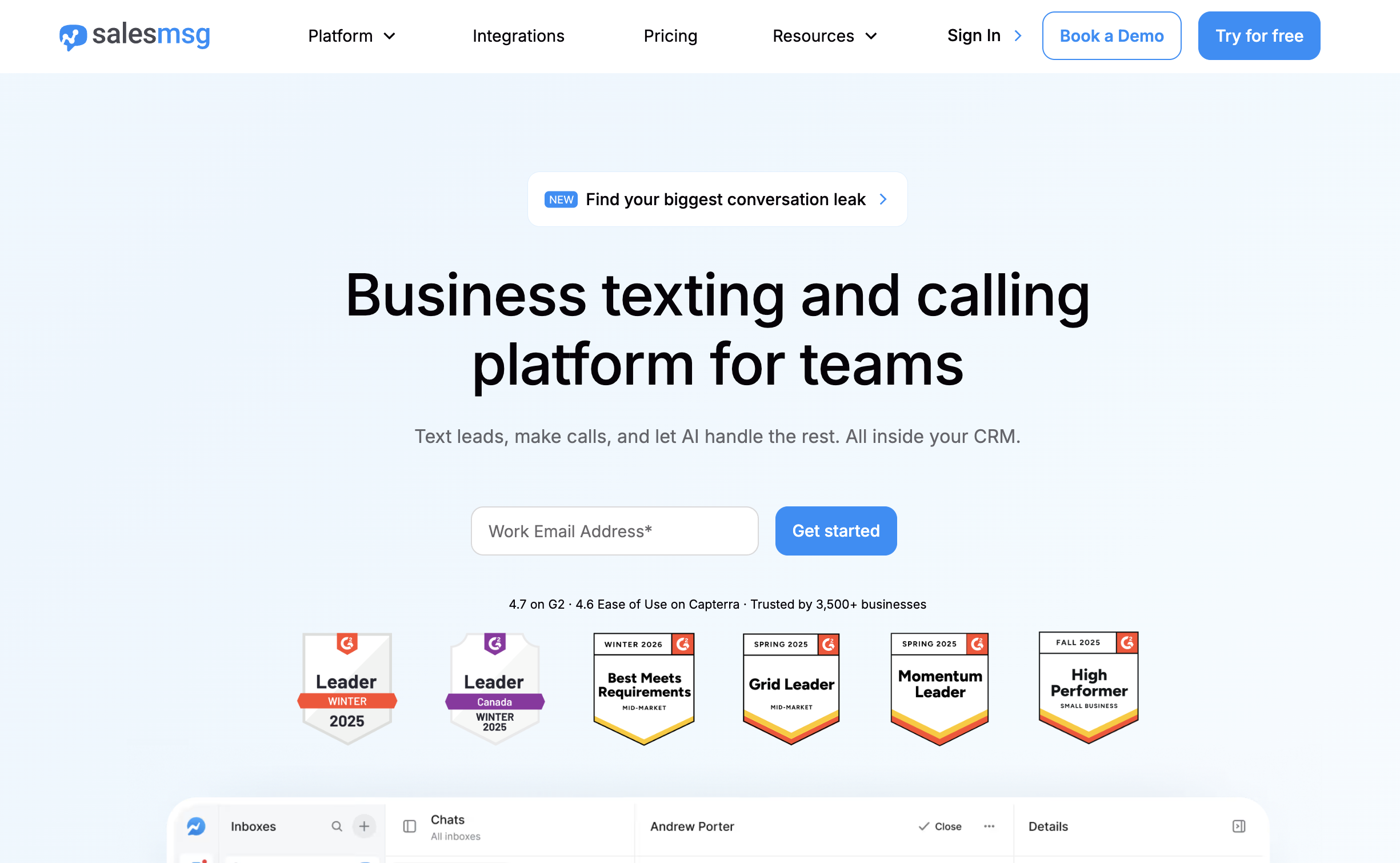
Salesmsg's core strength is turning texting into a team channel instead of a personal-phone free-for-all. Every message lives in a shared inbox with assignments, so a sales rep, office manager, or support agent can pick up any thread with full context. Contacts text a real local number, which consistently outperforms short codes for reply rates in relationship-driven businesses.
The CRM depth is the real separator. Salesmsg's HubSpot integration is among the deepest in the category: texts can fire from HubSpot workflows, conversations log to the contact record, and reply activity can update deal properties — which means texting becomes part of your revenue process rather than a disconnected blast tool. Integrations with ActiveCampaign, Pipedrive, and thousands of apps via Zapier extend the same pattern. Built-in calling on the same number rounds it out: when a text thread needs to become a phone call, it happens in one platform with one contact history.
Broadcasts are still fully supported — segmented campaigns, scheduled sends, keywords, and automation are all there — but they behave like the start of a conversation rather than the end of one.
Salesmsg is not the pick if your program is built around voice broadcasting or ringless voicemail drops to large lists. It has calling, but not mass recorded-voice campaigns. If your workflow depends on pushing a recorded message to thousands of contacts, or on one suppression system managing SMS blasts and outbound voice broadcasts together, that is the point where a multi-channel tool like Call Loop is the more relevant choice.
The lane is clear: Salesmsg is strongest when texting is conversational and CRM-driven; Call Loop is strongest when outreach spans text, voicemail, and broadcast voice. Plenty of teams run both — broadcasts and voice campaigns in one system, rep-level conversations in the other.
Salesmsg publishes plan details on its pricing page, with credit-based plans and a free trial for testing the interface and integrations before committing. As with every platform on this list, the buying detail to verify is how credits map to your real send pattern: MMS consumes more than SMS, longer messages segment into multiple credits, and U.S. traffic carries 10DLC or toll-free registration requirements plus pass-through carrier fees.
Two Salesmsg-specific line items are worth modeling. First, if your volume is conversation-heavy, check how inbound messages and replies are treated, because two-way traffic changes the economics compared to blast-only sending. Second, if you are running texts from CRM workflows, confirm which plan tier includes the integration depth you need so automation is not an upgrade surprise later.
Pros:
Cons:
EZ Texting has established itself as one of the best mass texting services by offering a balanced blend of powerful features and straightforward usability. It caters especially well to small and mid-sized businesses that need a reliable platform to quickly launch and manage SMS campaigns without a significant technical barrier. The service is built around a clear, credit-based system that makes it simple to estimate costs and scale efforts as your contact list grows.
The platform's strength lies in its packaged plans and quick setup process. Users can select a plan based on their list size, get a local textable number, and start using templates and keywords almost immediately. This focus on getting marketers up and running quickly makes it a popular choice for those who want to execute campaigns with minimal friction and maximum efficiency.
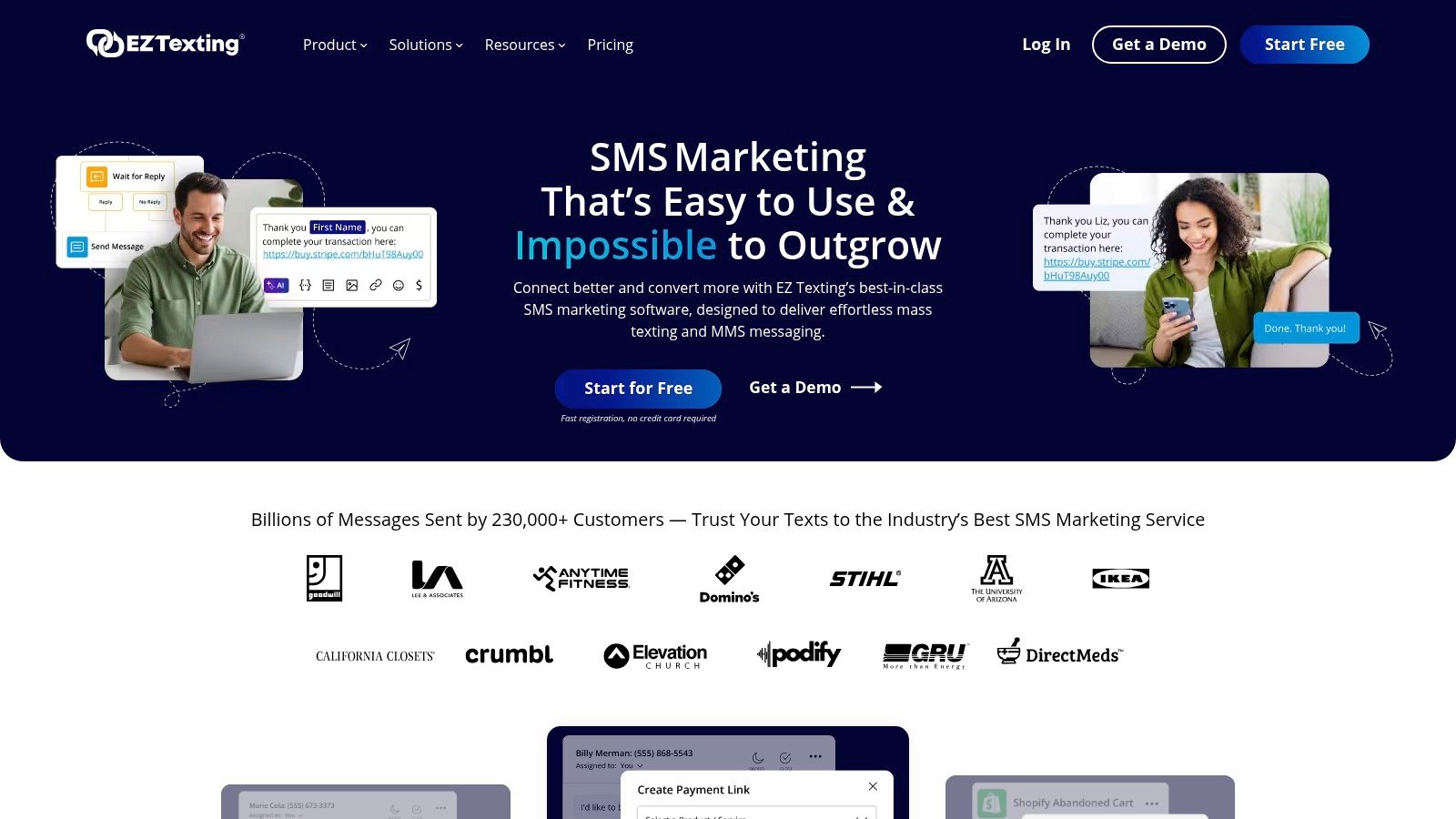
EZ Texting provides a suite of tools designed for both marketing outreach and ongoing customer communication. Its features support a variety of business needs, from promotional blasts to appointment reminders.
EZ Texting uses a credit-based model where one SMS message typically costs one credit. Plans start with a free trial and paid tiers are structured to accommodate different sending volumes. For example, the "Launch" plan offers a set number of credits per month, with clear rates for overage credits if you exceed your allowance.
A key benefit is that unused credits roll over on monthly plans, preventing waste. However, MMS messages consume up to three credits, which can increase the cost for media-rich campaigns. Some entry-level plans also include a separate telecom carrier fee, although this is often waived on higher-tier plans. To make the most of your investment, it's wise to explore different strategies available with top-tier SMS blast software.
Pros:
Cons:
SlickText positions itself as one of the best mass texting services by combining powerful marketing features with a strong emphasis on user-friendliness and responsive customer support. The platform is engineered for businesses that need to launch campaigns quickly without getting bogged down by a complex setup process. It's particularly well-suited for retailers, event organizers, and local businesses aiming to build and engage a mobile audience through straightforward, effective SMS and MMS marketing.
The platform's standout quality is its commitment to a smooth onboarding experience. SlickText provides a fast-track 10DLC registration process, which is important for businesses needing to get their dedicated sending number approved and operational with minimal delay. This focus on getting users started quickly, backed by accessible live support, makes it a reliable choice for teams that value both performance and guidance.
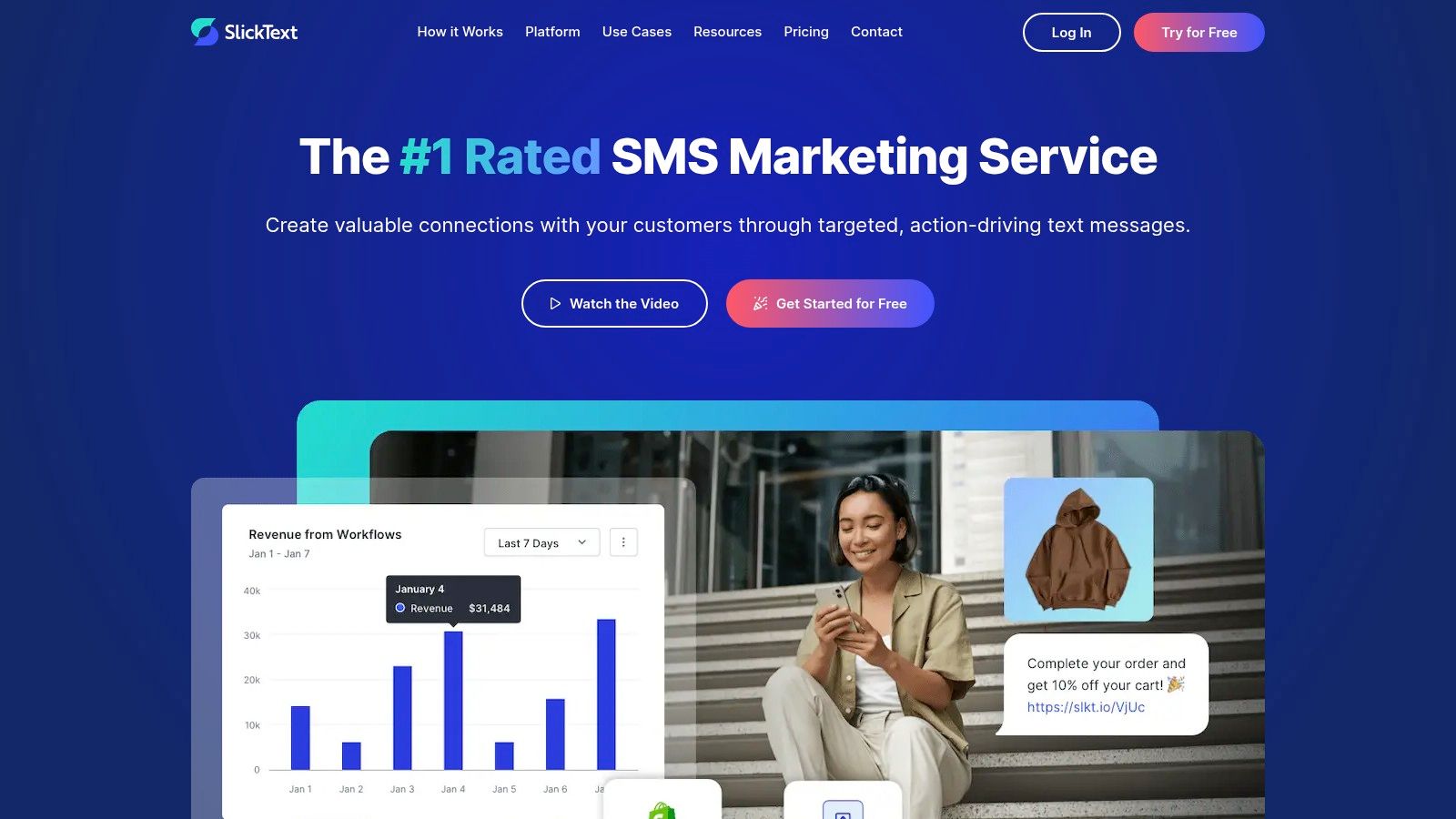
SlickText provides a versatile toolkit designed for growing a subscriber list and automating communication, ensuring messages are timely and relevant.
SlickText uses a straightforward, credit-based pricing model starting with "The Basic" plan at $29 per month for 500 texts. A key advantage is that unused text credits roll over to the next month, and incoming SMS messages are always free. All plans include a premium sending number, such as a dedicated short code or toll-free number. While the platform is transparent about passing through carrier surcharges without any markup, these fees are an additional cost on top of the monthly subscription.
Pros:
Cons:
TextMagic carves out its niche among the best mass texting services with a straightforward, pay-as-you-go pricing model. This approach is ideal for businesses that prefer transparent, usage-based billing over fixed monthly subscriptions. Instead of committing to a plan, you purchase credits and use them as needed, providing ultimate flexibility for companies with fluctuating or seasonal messaging volumes. It's a no-contract platform designed for teams that want direct control over their spending without long-term commitments.
The platform’s strength lies in its simplicity and global reach. It’s built for businesses that need a reliable tool to send alerts, notifications, and promotional campaigns without the complexity of enterprise-level software. The clear per-message pricing structure means you always know exactly what you're paying for each text you send.
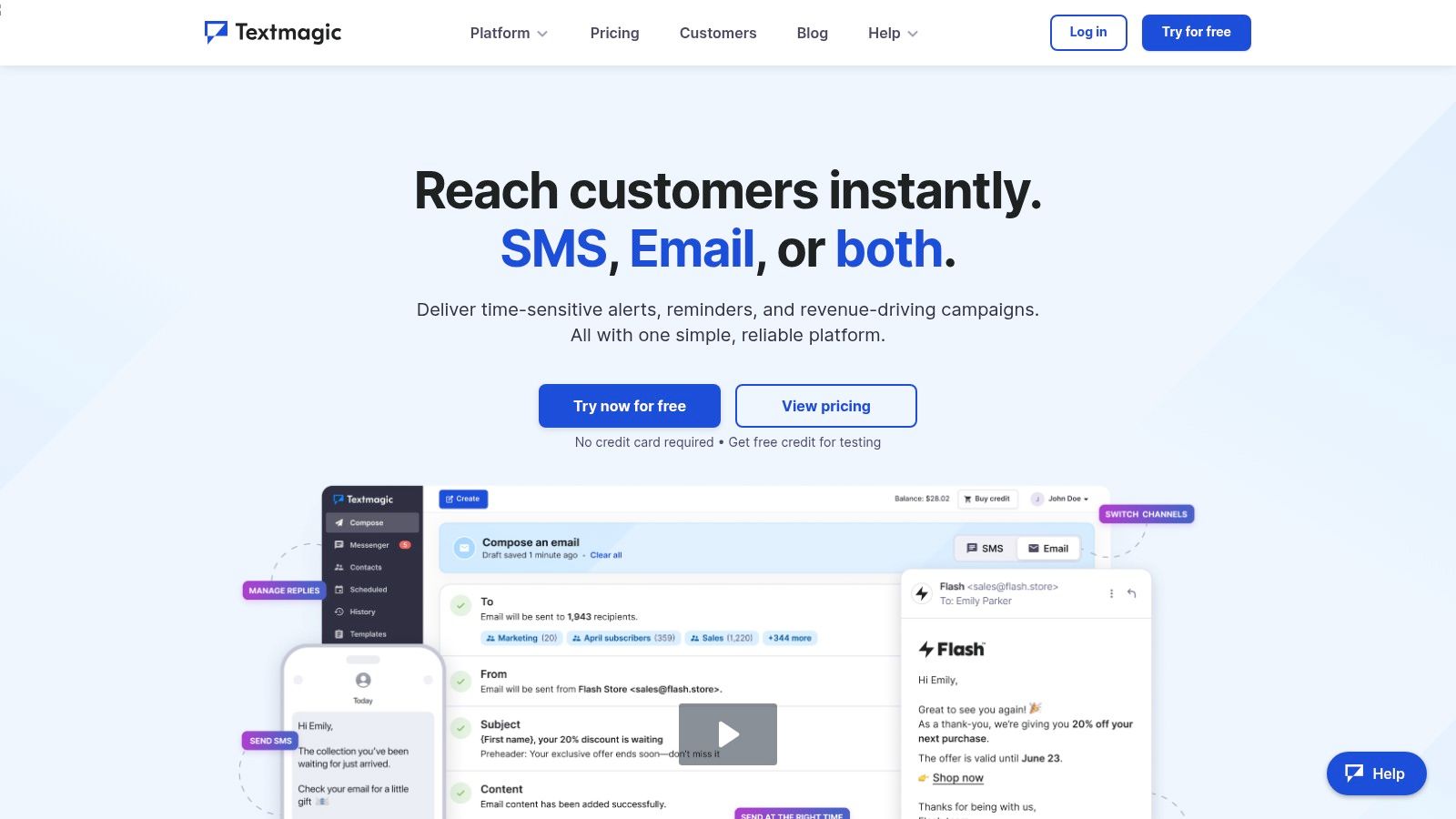
TextMagic offers a comprehensive suite of essential features that cater to a wide range of communication needs, from marketing to operational alerts.
TextMagic's pricing is built on prepaid credits, with outbound SMS messages to the US starting at $0.049 each. Inbound messages are completely free, which is a significant advantage. While the core service is pay-as-you-go, dedicated virtual numbers (local or toll-free) are available as an add-on for a monthly fee, typically around $10. There are no setup fees or required contracts.
This model provides excellent value for businesses that want to test SMS marketing without a large upfront investment or for those with unpredictable sending needs. However, for high-volume senders, the per-message cost can become higher than what's offered in bundled subscription plans from other providers. The total cost will also include monthly fees for your dedicated number and any associated 10DLC campaign registration.
Pros:
Cons:
ClickSend establishes itself as a global messaging powerhouse, offering a versatile platform that caters to both marketers and developers. Its strength lies in its extensive set of communication tools, including SMS, MMS, voice, and even traditional mail, all accessible through a clean web app or an API. This makes it one of the best mass texting services for businesses seeking an all-in-one communication hub to manage diverse outreach campaigns.
The platform is particularly noteworthy for its transparent pricing model, especially for US-based sending. ClickSend provides highly competitive per-message rates and clearly publishes pass-through carrier surcharges without any markup. This transparency is a significant advantage for small businesses and marketing agencies that need to accurately forecast their campaign costs without unexpected fees.
ClickSend goes beyond standard bulk SMS, offering a feature set designed for multi-channel engagement and technical flexibility.
ClickSend uses a prepaid or postpaid pay-as-you-go model, which offers maximum flexibility. US SMS rates are highly competitive, starting around $0.0263 per message, with costs decreasing at higher volumes. Inbound messages are free, which is a valuable benefit for businesses encouraging two-way conversations.
While the base rates are low, users must account for the pass-through carrier surcharges for 10DLC and Toll-Free numbers. ClickSend's transparency here helps with budgeting, but these fees are an additional cost. The platform also requires businesses to complete the necessary 10DLC or Toll-Free registration before initiating high-volume campaigns in the US.
Pros:
Cons:
This slot is better used as a buyer-support section than as a pretend seventh provider. A review directory can help with research, but it should not be ranked as if it were equivalent to an actual texting platform.
Start by deciding whether you need SMS only or a platform that also supports voice broadcasting, text-to-voice, or voicemail drops. If your use case is outreach-heavy and follow-up depends on more than one touchpoint, a multi-channel product deserves extra weight. If your use case is marketing promotions and customer replies, a text-first tool is usually easier to run.
Do not settle for a single monthly number if your campaign economics depend on message segments, MMS usage, toll-free verification, 10DLC registration, or international delivery. Ask vendors for examples based on your real send pattern: domestic SMS, MMS share, expected replies, voice minutes, and any international destinations. In our review, pricing transparency was one of the clearest separators between strong and weak options.
Every vendor says it takes compliance seriously. The meaningful questions are narrower: How is consent stored? How are STOP requests enforced? Can one suppression list govern both texts and calls? What happens across multiple users or subaccounts? The FCC's robocall and robotext guidance and 10DLC registration expectations are useful benchmarks for what buyers should understand before sending at scale.
A small business with one marketer needs a very different product experience from an agency or healthcare organization with approvals, integrations, and list governance. If onboarding help, API support, or compliance guidance will affect launch speed, treat support quality as a buying criterion, not a nice-to-have.
ItemImplementation complexityResource requirementsExpected outcomesIdeal use casesKey advantagesCall LoopModerate — multi-channel setup (SMS, voice, ringless) and integrationsModerate — numbers, compliance setup (HIPAA options), integration workScalable, multi-channel engagement; higher opt-ins/attendance/close rates reportedSMBs, agencies, healthcare needing compliant multi-channel outreachUnified SMS/voice/ringless, advanced automation, HIPAA support, deep integrationsSalesmsgLow — marketer-friendly UI, quick setupLow–moderate — credit-based plans with rollover, list growth toolsFaster list growth and consistent SMS engagementSmall/mid businesses and marketers seeking simple mass textingClear pricing, credit rollovers, strong list-growth features, compliance guidanceEZ TextingLow — packaged plans and templates for quick startLow–moderate — credit model, optional telecom feesPredictable costs and easy scale as lists growSMB marketers who want straightforward campaign toolsClear tiers and overage rates, easy onboarding, cost estimation guidanceSlickTextLow — fast 10DLC registration and onboardingLow–moderate — credit plans, carrier fees passed throughRapid campaign launches with responsive supportLocal businesses, events, retailers needing quick SMS programsFast launch, strong multi-channel support (phone/chat/email), transparent feesTextMagicLow — pay-as-you-go, simple controlsLow — prepaid credits, pay-per-message, optional monthly add-onsPredictable per-message costs; good for testing and low-volume useTeams preferring usage-based billing or intermittent sendingNo contracts, transparent per-message pricing, free inbound SMSClickSendModerate — API and web UI integration optionsModerate — competitive send rates, pass-through surcharges, registration for 10DLC/toll-freeLower per-message cost potential and clearer cost forecastingSMBs/agencies needing global messaging via API or web UICompetitive US rates, clear surcharge publishing, both API and web UIG2 – SMS Marketing Software CategoryLow — research platform, no technical setupLow — time to review listings and comparisonsBetter-informed vendor shortlist and purchasing decisionsBuyers evaluating SMS vendors by use case, budget, ratingsVerified user reviews, feature filters, market reports, free access
Mass calling is a way to send the same recorded voice message to a large contact list quickly instead of having agents dial one person at a time. Businesses use it for reminders, alerts, promotions, collections, and follow-up campaigns. It overlaps with voice broadcasting and automated calling, but compliance requirements are stricter than for ordinary one-to-one business calls.
You typically upload a permission-based contact list, record or upload your voice message, choose the caller ID or sending number, set timing rules, and launch the campaign through a voice-enabled platform. Before doing that, verify consent, suppression rules, and whether your campaign falls under TCPA or carrier-related restrictions. If your process also includes text reminders, a multi-channel tool is usually easier to manage than separate calling and SMS apps.
Usually not in a form that works well for real business sending. Most "free" options are limited trials, test credits, or very small freemium plans with restrictions on volume, branding, or registration. For ongoing campaigns, expect to pay for messages, numbers, compliance registration, and sometimes carrier surcharges.
Yes, but not every platform does it equally well. The key is whether opt-outs and do-not-contact rules can be shared across SMS, MMS, voice, and voicemail workflows instead of being managed in separate silos. This is one reason multi-channel platforms stand out for operational messaging and outreach sequences.
Check four things: consent, sender registration, opt-out handling, and content rules. Many businesses now need A2P 10DLC registration or toll-free verification before sending at scale, and all campaigns should follow opt-out expectations and content standards reflected in carrier and industry guidance.
Neither is universally better; they solve different problems. SMS is usually better for quick clicks, short reminders, and conversational replies. Voice and voicemail can work well when the message needs urgency, a human tone, or a broader notification format, but they also carry more compliance sensitivity and can cost more depending on destination and campaign type.
Texting platforms commonly use monthly credits or pay-as-you-go messaging, while voice tools often price by minute, by delivered event, or by destination. International sends, MMS usage, and pass-through carrier surcharges can materially change the final bill. I recommend asking every vendor for a sample invoice based on your actual mix of SMS, MMS, voice, and countries.
The right choice depends on whether your program is text-first or also needs a mass calling service or voice messaging capability built into the same workflow. If your team mainly sends promotions, list-growth campaigns, and customer replies, a simpler SMS platform like Salesmsg, EZ Texting, or SlickText will usually be easier to operate. If your process includes reminders, escalations, or broader outbound follow-up across SMS and voice, Call Loop and ClickSend deserve closer attention.
Pay-as-you-go pricing makes the most sense when your sending volume is seasonal, unpredictable, or still in a testing phase. Subscription and credit-based plans tend to work better when volume is steady and you want easier monthly budgeting. Either way, do not compare vendors only on headline plan price; compare by channel, destination, registration costs, MMS usage, and any pass-through fees.
Before you send at scale, verify four non-negotiables: documented consent, the correct 10DLC or toll-free registration path, reliable DNC and opt-out suppression, and the true cost structure for the exact channels you plan to use. The FCC's consumer guidance, CTIA messaging standards, and your vendor's pricing/compliance docs should all line up before launch.
If you want a platform built for both texting and voice outreach rather than just one channel, Call Loop is the most complete fit in this lineup.
Chris Brisson
Chris is the co-founder and CEO at Call Loop. He is focused on marketing automation, growth hacker strategies, and creating duplicatable systems for growing a remote and bootstrapped company. Chat with him on X at @chrisbrisson


Trusted by over 45,000 people, organizations, and businesses like


