
See a Demo
You're just one step away from seeing Call Loop in action.
Enter your information below to watch a demo right now.

You're just one step away from seeing Call Loop in action.
Enter your information below to watch a demo right now.


Your family chat is split between blue bubbles and green ones. Your volunteer group keeps losing important updates in a meme thread. Your team needs something simple, but half the group won't install another app unless there's a good reason. If that sounds familiar, you're looking for more than a default texting thread. You're looking for the right group texting app for iPhone for the way your group communicates.
Apple Messages is fine for everyday use, but it isn't the answer for every situation. Personal chats, school clubs, neighborhood groups, privacy-focused circles, and business outreach all need different tools. That's the mistake people make. They compare every app as if they solve the same problem.
This guide gets to the point. These are the group texting apps for iPhone that are worth considering, grouped by what they do well and where they start to break down. If you're building your own communications product instead of choosing one off the shelf, this is also a useful benchmark for build your social app.
If everyone in your group uses iPhones, Apple Messages is still the cleanest starting point. It's built in, it feels native, and nobody needs onboarding. For family, close friends, and small ad hoc groups, that matters more than long feature checklists.
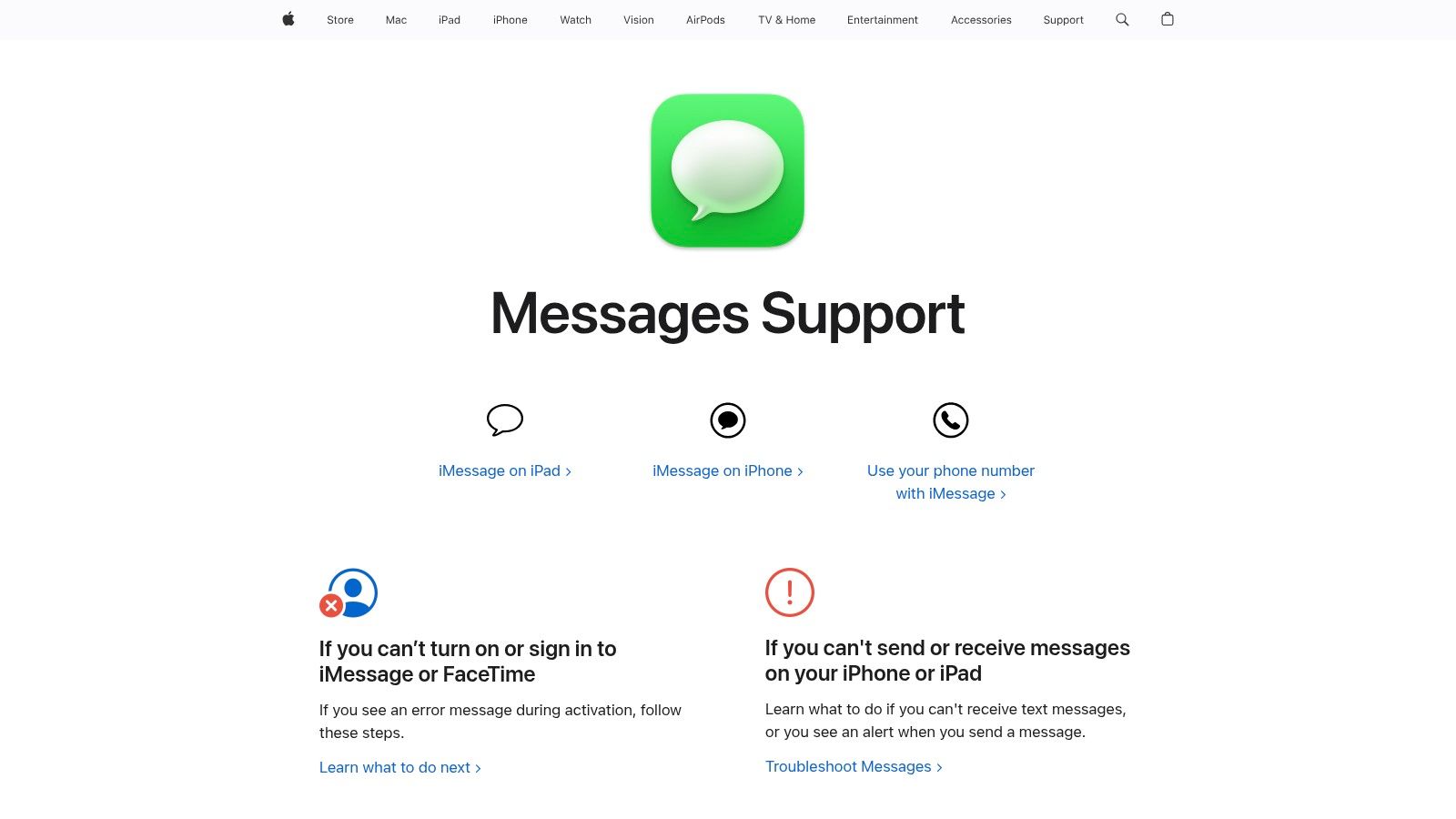
The experience is strongest inside Apple's ecosystem. Group names, mentions, inline replies, media sharing, read receipts, and delivery status all work the way people expect. Apple Messages is also the best zero-setup option if you want one app for both one-to-one chats and quick group coordination. You can review Apple's own overview on the Apple Messages support page.
For everyday use, Apple Messages wins on convenience. It also gives iPhone users what many people still consider the best consumer messaging experience, including read receipts and typing indicators in iMessage conversations. The problem is scale.
Native group texting on iPhone hits practical limits fast. Carriers typically cap SMS groups at 20 people, and iMessage groups top out around 32 participants, according to MassSender's iPhone group texting analysis. That's fine for dinner plans. It isn't fine for a studio owner, event host, or patient reminder workflow.
Practical rule: If your list is a customer list, not a friend group, stop trying to run it from your personal Messages app.
For business use, Apple Messages is a handoff point, not the full system. Once you need segmentation, scheduled sends, replies routed to a team, or compliant bulk outreach, you need a platform built for business SMS text messaging.
WhatsApp is the default answer for international groups. If your relatives, customers, or community members span multiple countries, this is usually the first app to test because chances are they already have it.
That reach isn't theoretical. WhatsApp had 2.5 billion monthly active users as of 2026, making it the world's most popular messaging app, according to Business of Apps messaging market data. For mixed-device households, travel groups, and global communities, that kind of adoption removes friction before the conversation even starts.
WhatsApp works well when you need reliable cross-platform messaging without worrying about blue-bubble politics. End-to-end encryption is on by default, media handling is strong, and it's usually more dependable than carrier MMS for photos and videos. That's especially useful when the conversation depends on visuals, which is why teams that care about image-heavy messaging also tend to think harder about MMS in marketing.
Features like voice chats, screen sharing, event reminders, and improving group history make it a strong all-arounder. For personal use, community leadership, and international coordination, it's one of the easiest recommendations on this list.
WhatsApp is excellent for conversation. It is not a substitute for a professional outbound communication stack.
That's the trade-off. WhatsApp is an app people open to talk. It isn't built to run compliant outreach programs across segmented lists with automation, scheduling, and multichannel fallback. Businesses often try to stretch it into that role and then discover the operational gaps.
GroupMe is what I recommend when the group is casual, mostly US-based, and allergic to complexity. Clubs, student organizations, parent circles, and hobby groups usually do well with it because the barrier to entry is low and the interface doesn't ask much from people.

It handles the basics well. You can create groups quickly, share media, run polls, and organize events without teaching everyone a new system. The web client also helps if your admins or organizers don't want to manage everything from a phone. The official product site is GroupMe.
GroupMe feels lighter than Discord and less formal than Slack-style tools. That makes it a good fit when the group is active but not operationally complex. A school club can live in it. A church volunteer team can live in it. A local running group can live in it.
What it doesn't do well is business-grade communication. It isn't designed for compliance, analytics, opt-in handling, or customer messaging at scale. If you need broadcasts, response tracking, audience segments, or campaign logic, move to a purpose-built group messaging platform.
That line matters. A lot of groups gradually outgrow GroupMe, then keep using it long after it stopped fitting.
Telegram is the option for very large communities and admins who want more control than a standard chat app gives them. If your iPhone group texting needs are turning into moderation workflows, announcement channels, scheduled content, and automation, Telegram starts to make sense.

Its biggest advantage is scale. Telegram supports groups with up to 200,000 members. That figure appears in the product planning notes you provided and captures why Telegram belongs in a different category from normal group chat apps. It also offers bots, channels, moderation controls, polls, scheduled messages, and strong admin tooling. The product site is Telegram.
Telegram works best when the communication is many-to-many or one-to-many inside a community. Think creator audiences, large member groups, or niche organizations that need layered access and moderation.
The caution is privacy expectations. Telegram has strong security features, but standard group chats aren't end-to-end encrypted by default. For some groups that's acceptable. For others, especially sensitive internal conversations, that alone rules it out.
Telegram is a community platform first. It's not the app I'd choose for regulated client communication or personal outreach that needs SMS fallback.
It's also not a true SMS solution. If your recipients expect a text message on their native phone inbox, Telegram won't solve that.
Signal is the clean recommendation for groups that prioritize privacy over convenience and reach. If the first question your group asks is what data the platform collects, Signal should be near the top of your list.
The app focuses on encrypted messaging, minimal data collection, disappearing messages, and straightforward group administration. Voice and video calling are built in, and its open-source protocol gives technically minded users more confidence than most mainstream alternatives. The official site is Signal.
Signal is a good fit for advocacy groups, private communities, executive circles, and anyone who wants fewer trade-offs around surveillance and data collection. It also feels simpler than Telegram, which helps when people want privacy without a steep learning curve.
The weakness is adoption. Signal doesn't benefit from the same default presence as Apple Messages or WhatsApp. Everyone has to install it, and there is no SMS or MMS fallback. That makes it harder to deploy in broad mixed-audience groups.
A practical approach:
For a privacy-first group texting app for iPhone, Signal is one of the strongest options. It just isn't the easiest one to roll out.
Messenger is often the app people end up using, not the app they intentionally select. That's not a criticism. It's just how entrenched Facebook's contact graph still is for families, neighborhood groups, and older community networks.
Messenger supports group text, voice, video, reactions, mentions, and cross-platform access on iPhone, Android, and web. It's useful when the group already lives in Facebook and you don't want to rebuild that network elsewhere. The product site is Facebook Messenger.
For family coordination, reunion planning, local groups, and community communication, Messenger can be practical. The app also handles multimedia and calls well, so it works better than basic SMS when the conversation needs more context.
The trade-off is straightforward. If your group cares strongly about minimal data collection or wants separation from Meta's broader ecosystem, Messenger won't satisfy that preference. It also isn't built as a business broadcast platform, even if many small organizations try to use it that way.
One reason business users eventually move beyond app-based chat is speed and visibility. SMS marketing has a 98% open rate with an average response time of 90 seconds, compared to email's 20% open rate and 90-minute response time, according to Group Texting's SMS statistics roundup. Messenger may be convenient, but native text inboxes still command faster attention for urgent outreach.
Discord is not really a group text app in the classic sense. It's a structured communication environment. That difference matters.
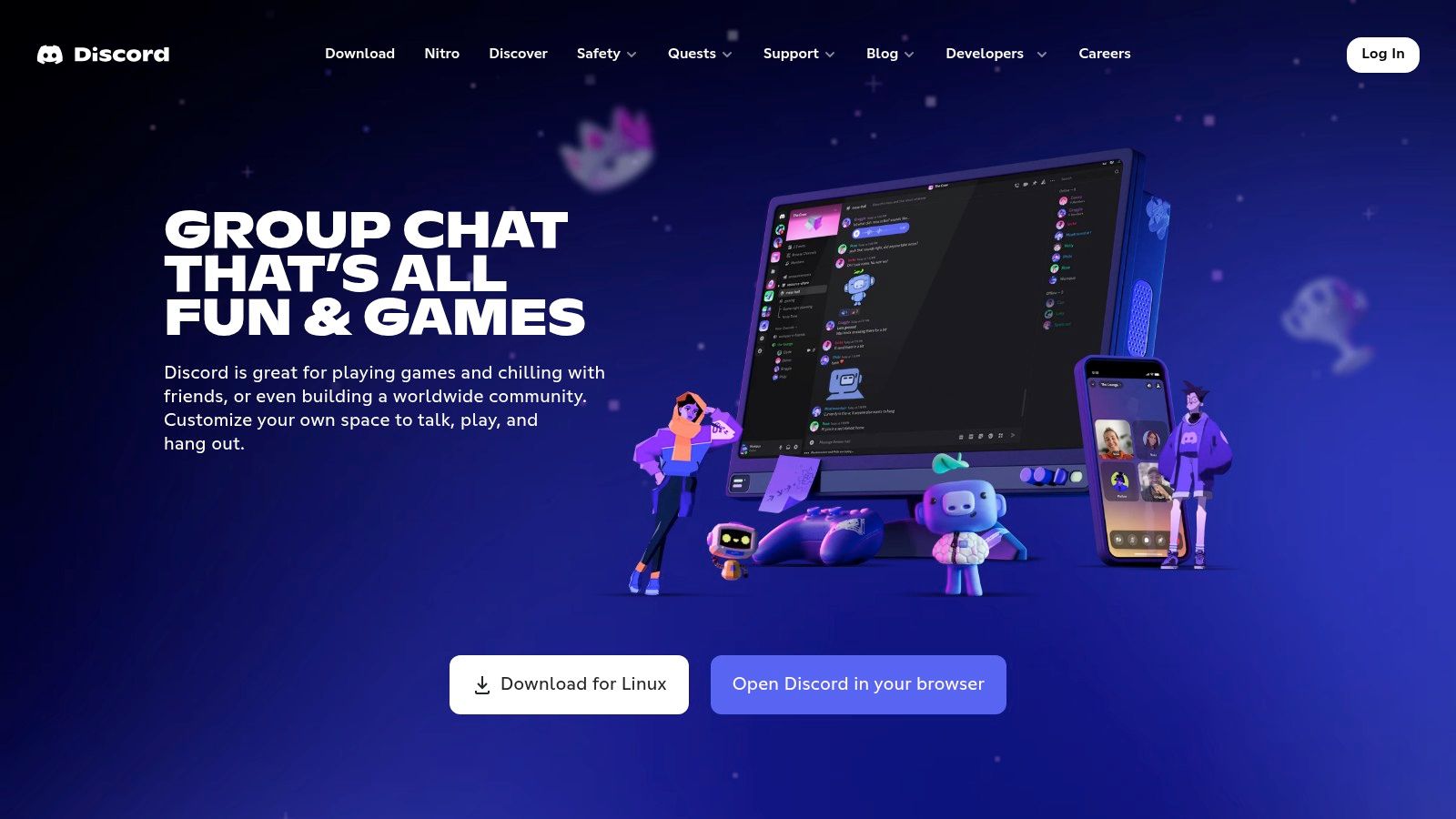
If your single thread keeps collapsing under too many topics, Discord solves that by separating conversations into channels. Text, voice, video, roles, permissions, bots, and integrations all live in one place. The official site is Discord.
Sports communities, creator memberships, gaming groups, coaching programs, and volunteer organizations often do better in Discord than in any traditional group text setup. Different channels reduce clutter. Admins can assign roles. Members can find what matters without reading every side conversation.
What doesn't work is using Discord for quick, lightweight outreach to casual participants. It takes setup. It takes some orientation. And if your audience just wants a text reminder about an appointment or event, Discord is too much architecture.
The more your communication looks like a community, the better Discord fits. The more it looks like outreach, reminders, or follow-up, the worse Discord fits.
That distinction saves a lot of time.
Google Voice is the practical choice when you want a separate number for small-group SMS and don't want to use your personal line. For freelancers, side projects, committees, and local organizers, that boundary is useful.

It offers texting, calling, voicemail transcription, spam filtering, and web access. If your group won't install a dedicated app, Google Voice has one key advantage over app-only tools. It can still reach people through SMS and MMS. The official site is Google Voice.
Google Voice works best for small operational groups. A coach with a parent group. A project lead with a short vendor thread. A community organizer who wants one number for outreach and callbacks.
The hard limit shows up quickly. Google Voice supports group MMS up to 7 participants. That's useful for very small groups and not much beyond that. It's also US-focused, so it isn't the right answer for international teams.
If you're trying to manage anything larger than a handful of people, Google Voice becomes a stopgap. At that point, you need a real messaging system, not just a second number.
Viber makes the most sense when your audience is international and wants a WhatsApp alternative with strong privacy controls. It doesn't have the same default recommendation status in the US, but in the right regions and communities it works well.
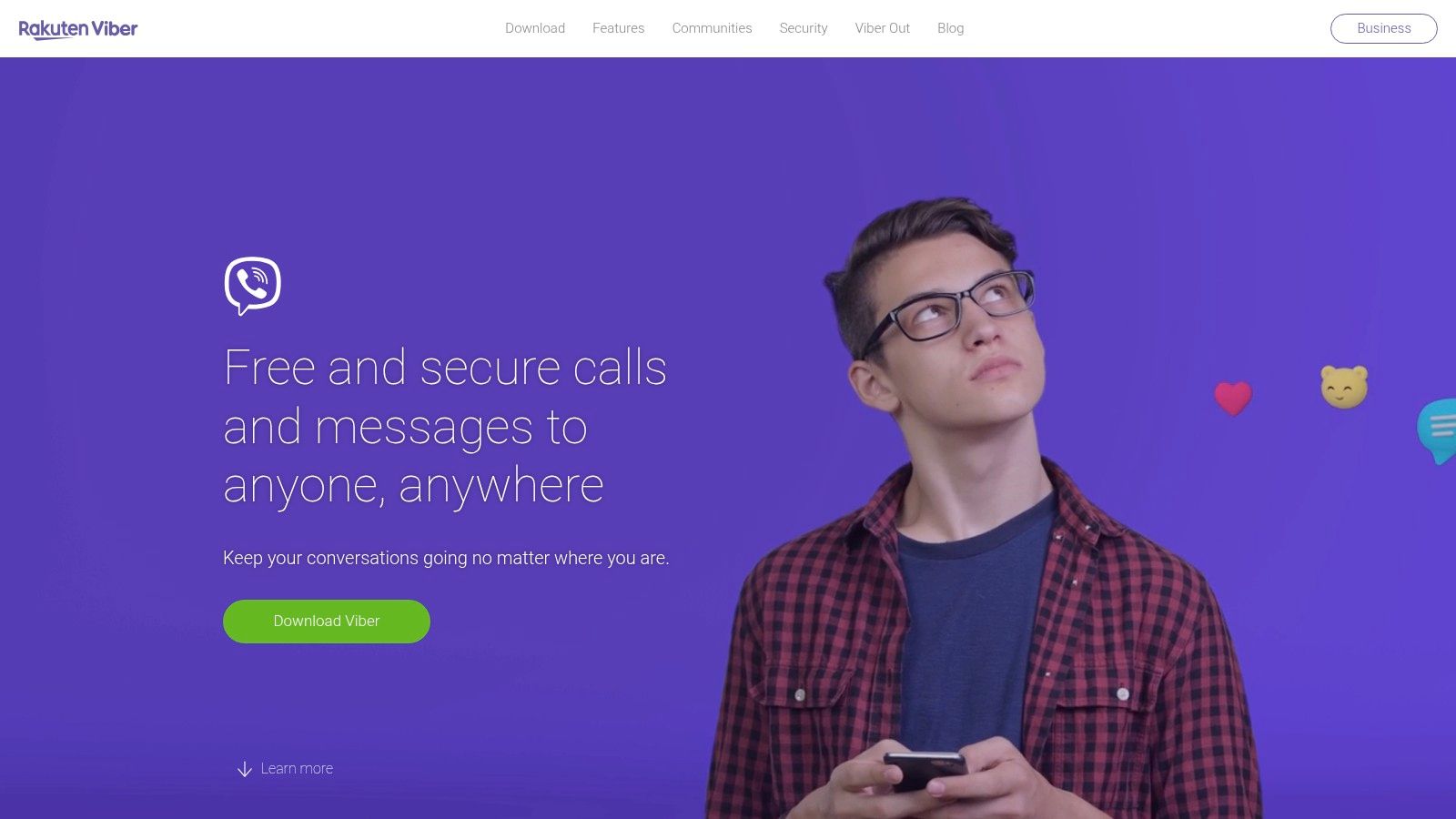
The app supports encrypted chats, disappearing messages, hidden chats, larger community spaces, and cross-device sync. Those features make it more flexible than a plain one-thread messaging app. The official site is Viber.
Viber is one of those tools that can be exactly right for a specific audience and unnecessary for everyone else. If your community already uses it, adoption is easy. If they don't, WhatsApp usually has the edge in familiarity.
Many organizations often confuse messaging habits with business messaging needs. Consumer app guides usually focus on personal features and ignore the operational side. MessageDesk notes a clear gap between consumer-focused app coverage and the needs of businesses that require compliance, scalability, CRM integration, and opt-in management in its discussion of enterprise group texting needs on iPhone.
That gap is real. Viber can support community communication. It won't replace a professional system for segmented outreach and reporting.
BAND is the app I reach for when the group isn't just chatting. It's coordinating. Sports teams, school groups, clubs, and recurring organizations benefit from having calendars, RSVPs, posts, attendance, and polls tied together.

That structure is the entire point. Instead of one noisy conversation, members can check schedules, read announcements, and respond to polls in a more organized way. The official site is BAND.
BAND is often better than a standard group texting app for iPhone when your real problem is coordination, not conversation. Coaches, captains, volunteer leads, and organizers can keep people aligned without repeating the same logistics over and over.
The downside is weight. BAND asks more from users than Apple Messages or WhatsApp. Members get the most value when they install and use the app, which isn't always realistic for broader audiences.
For organizations, there's another line worth drawing. Internal coordination tools like BAND solve one problem. Outbound communication solves another. Once you're sending reminders, promotions, follow-ups, and alerts at scale, you need delivery infrastructure, automation, and often more than one channel.
That is where voice broadcasting and ringless voicemail start to matter. If a contact ignores a text, a ringless voicemail drop can reinforce the message without forcing a live call. For appointment reminders, event promotion, payment nudges, and time-sensitive updates, combining SMS with voice and ringless voicemail usually works better than relying on one app thread.
| Platform | Channels & scale | Privacy & compliance | Key features & automation | Best fit / Target audience |
|---|---|---|---|---|
| Apple Messages (iMessage/SMS/MMS/RCS) | iMessage (data), SMS/MMS fallback, RCS in iOS 18; small group chats | End-to-end for iMessage; SMS/MMS not E2E; not HIPAA-ready | Deep iOS integration, read receipts, media, inline replies | Personal/family chats on Apple devices |
| App-only messaging; voice/video; global reach | End-to-end by default; not HIPAA-compliant | Large file (2 GB), HD media, voice chats, Business API separate | Cross-platform international groups | |
| GroupMe | App + web; US-focused group chats | Basic privacy; not enterprise/HIPAA compliant | Simple group creation, polls, events, campus discovery | Casual clubs, student groups |
| Telegram | App/web; massive scale (channels up to ~200k) | Messages not E2E by default; secret chats E2E; not HIPAA-ready | Channels, bots/APIs, scheduled messages, polls, powerful admin tools | Large communities, automation-heavy groups |
| Signal | App; standard group sizes | Default end-to-end encryption; minimal data; open-source; not HIPAA-certified | Disappearing messages, voice/video, strong privacy controls | Privacy-focused groups and secure communications |
| Facebook Messenger | App/web tied to FB accounts; broad US reach | Less privacy-focused by default; not HIPAA-compliant | Group calls, reactions, multimedia, Facebook integration | Groups already active on Facebook |
| Discord | Servers with multiple channels (text/voice/video); scalable | Not designed for HIPAA/compliance; standard privacy | Role-based permissions, persistent voice channels, bots, integrations | Gaming communities, project teams needing structure |
| Google Voice (US) | SMS/MMS (group MMS up to 7), calls, voicemail | Not E2E; not HIPAA-compliant | Separate phone number, voicemail transcription, spam filtering | Small teams/projects needing shared US number |
| Viber | App with messaging, voice; Communities for larger groups | Encrypted chats and hidden chats; not HIPAA-certified | Communities, admin tools, disappearing messages, cross-device sync | International audiences where Viber is popular |
| BAND | App/web with org features; optional SMS delivery | Basic privacy; not enterprise/HIPAA compliant | Boards, calendar, RSVPs, polls, attendance tracking | Sports teams, school clubs, groups needing scheduling and coordination |
The best group texting app for iPhone depends on what kind of conversation you're running. For personal chats, Apple Messages is the easiest default. For global groups, WhatsApp is hard to beat. For privacy, Signal stands out. For large communities, Telegram and Discord do more than standard chat apps can. For clubs and team logistics, BAND is often better than plain texting.
The mistake is assuming those same tools are enough for business communication. They usually aren't. Consumer messaging apps are built for conversation. Business outreach needs delivery controls, list management, scheduling, segmentation, compliance workflows, team access, and reporting. It also needs channel flexibility.
That matters because SMS still holds a distinct position even in a world full of messaging apps. In one market view, 63% of people use SMS text messaging as their primary messaging app on personal phones, 55% of consumers prefer SMS over Facebook Messenger and WhatsApp, and 53% of iPhone users identify SMS as their preferred communication method, according to Statista messaging app market figures summarized here. If you're trying to reach customers, not just chat with members, that preference changes your tool choice.
For businesses, I usually recommend a simple rule. Use chat apps for group interaction. Use a professional outreach platform for communication that has consequences. If the message affects attendance, revenue, patient follow-up, event turnout, or customer response time, stop relying on consumer group chat alone.
This is also where multi-channel strategy beats single-app loyalty. SMS gets attention fast. Voice broadcasting gives you another path when the message needs urgency or a more human tone. Ringless voicemail helps when you want to land in the voicemail inbox without interrupting the recipient with a live ring. That mix is useful for healthcare reminders, webinar attendance pushes, retail promotions, school notices, and service business follow-up.
Good outreach systems also reduce operational friction. Teams need automation, merge fields, segmentation, opt-in management, scheduling, click tracking, and integrations with the tools they already use. In regulated environments, they also need compliance controls that consumer apps don't provide.
If you're shopping for personal use, pick the app your group will adopt. If you're shopping for business use, graduate to software built for outbound messaging. And if you're also replacing aging hardware while doing that, this guide on where to buy refurbished iPhones UK may help.
If your organization has outgrown casual group chat, Call Loop is built for the next step. It lets teams run outbound communication across SMS, voice broadcasting, and ringless voicemail from one platform, with scheduling, segmentation, automation, compliance tools, and analytics built in. For small businesses, healthcare providers, agencies, event teams, educators, and local operators, it's the kind of system that turns scattered outreach into a repeatable process.
Chris Brisson
Chris is the co-founder and CEO at Call Loop. He is focused on marketing automation, growth hacker strategies, and creating duplicatable systems for growing a remote and bootstrapped company. Chat with him on X at @chrisbrisson


Trusted by over 45,000 people, organizations, and businesses like


