
See a Demo
You're just one step away from seeing Call Loop in action.
Enter your information below to watch a demo right now.

You're just one step away from seeing Call Loop in action.
Enter your information below to watch a demo right now.

Are you choosing marketing agency tools one feature at a time, then finding out too late that the stack breaks when a client needs one campaign coordinated across CRM, email, reporting, voice, and SMS?
That failure usually starts with the buying process. Agencies pick one tool for email, another for reporting, a separate CRM, then add texting or calling only after a client asks for faster follow-up. The result is more logins, more handoffs, and more manual work. Good software can still produce a bad system.
A better approach is to sort tools by agency function first. Outreach, marketing automation, CRM, reporting, SEO, paid media management, social scheduling, and call attribution all solve different operational problems. Budget matters too. A five-person agency serving local businesses needs different trade-offs than a larger team running multi-channel programs for SaaS or franchise clients.
This guide follows that logic. It groups tools by the job they do, calls out budget fit, and highlights where agencies usually hit friction, such as weak integrations, duplicate contact records, limited client reporting, or channel-specific compliance issues.
Call Loop matters in that mix for a practical reason. Agencies handling time-sensitive follow-up often need SMS, MMS, voice broadcasts, and ringless voicemail in one workflow instead of patching together separate tools. For teams evaluating ringless voicemail marketing use cases for agencies, the key consideration is not whether the feature exists. It is whether it connects cleanly with the rest of the stack and supports repeatable client delivery.
A simple example. A lead form comes in for a home services client. The agency wants an instant text, a missed-call text-back path, a ringless voicemail follow-up if the lead goes cold, and reporting that the account manager can show the client without exporting data into three spreadsheets. Tool lists that ignore those handoffs are not very useful.
The sections that follow focus on tools agencies can build around, with trade-offs, fit by function, and where each one earns a place in the stack.
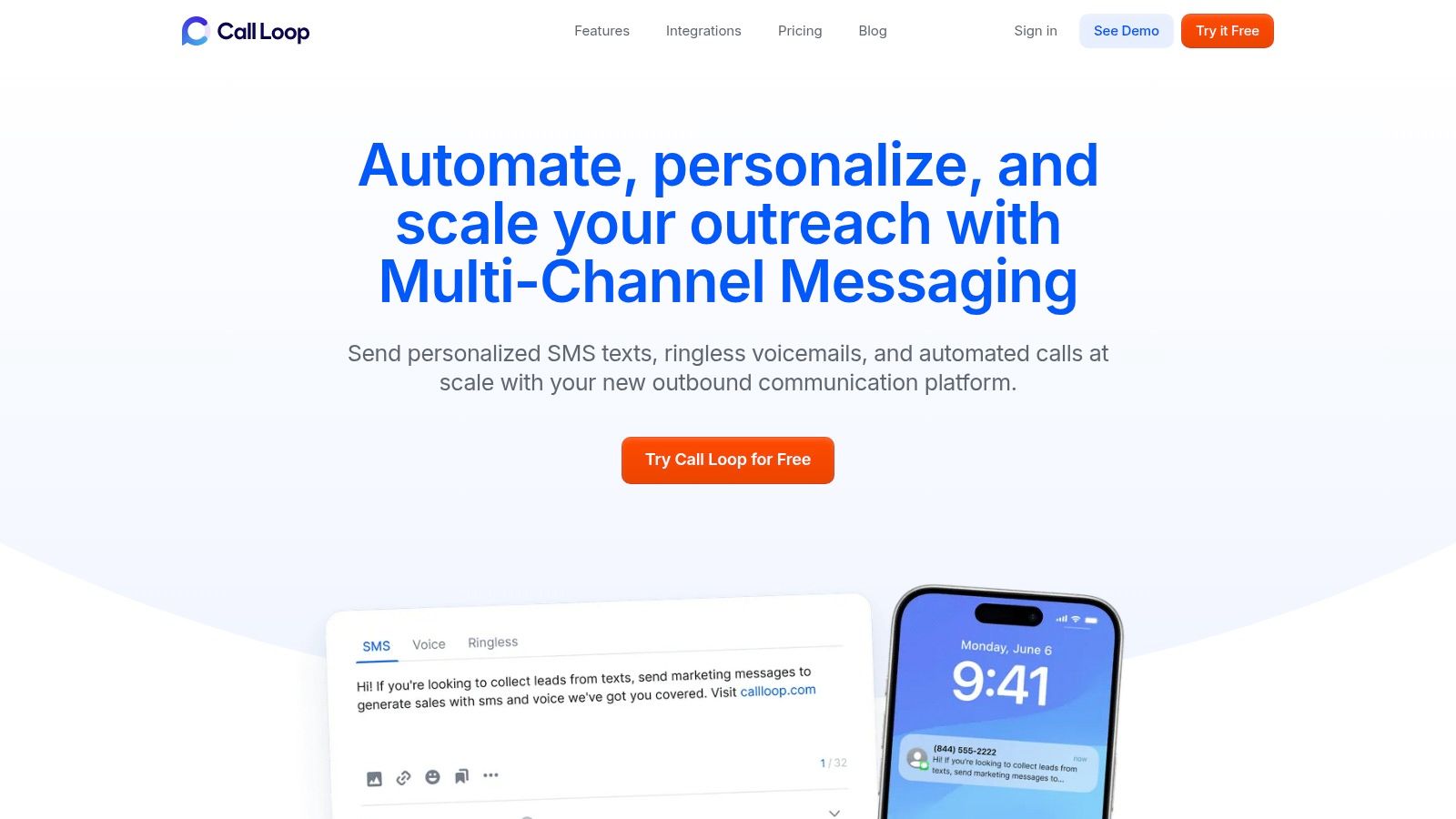
Call Loop stands out because it solves a problem many lists ignore. Agencies don't just need texting software. They need one place to run coordinated outreach across SMS, MMS, voice broadcasting, and ringless voicemail without gluing together too many separate tools.
That matters because fragmented stacks are a real bottleneck. 68% of marketing agencies report tool fragmentation as their primary operational bottleneck, and only 12% of top-ranking articles on this topic offer practical integration guidance for cross-channel sequencing with compliance safeguards, according to GigRadar's analysis of marketing agency software content gaps. Call Loop is one of the few platforms that's useful specifically because it closes that orchestration gap.
For small and mid-sized teams, the appeal is simple. You can build lists with text-to-join keywords and webforms, personalize messages with merge tags and custom fields, segment contacts, schedule campaigns, and track clicks without forcing staff into manual exports every time a client wants a follow-up sequence.
The voice side is more practical than flashy. Live vs. machine answer detection, press-1 transfers, custom caller ID, uploaded audio or AI text-to-speech, and DNC management cover the basics agencies need when they're running appointment reminders, reactivation, promotions, or event outreach.
Ringless voicemail is where Call Loop gets more interesting. Ringless voicemail is its own category, with a global market valued at $0.8 billion in 2025 and projected to reach $1.5 billion by 2034 at a 7.2% compound annual growth rate, based on Market Intelo's ringless voicemail platform market report. That doesn't make it a fit for every client, but it does make it worth considering for agencies that need a lower-friction voice touchpoint.
Practical rule: Ringless voicemail works best when you treat it as one step in a sequence, not the whole campaign.
Call Loop is strongest when your agency needs coordinated outbound motion, especially for reminders, promotions, event attendance, lead follow-up, and reactivation. It also supports HIPAA-compliant workflows for healthcare providers, which is important in a category where compliance often gets skipped in generic tool roundups.
A few strengths and limitations matter in practice:
For agencies that want to use it well, I'd start with a small sequence, then study examples of ringless voicemail marketing campaigns before rolling it out across client accounts.
HubSpot Marketing Hub is the safe choice when clients already know the brand, already use the CRM, or expect polished reporting without a lot of explanation. That familiarity matters. In agencies, client adoption friction can kill a tool faster than missing features.
Its biggest strength is breadth. You get automation, email, landing pages, forms, ads, AI content features, reporting, and native CRM alignment in one environment. If your team sells retainers around inbound, lifecycle nurturing, and attribution, HubSpot usually gives you enough structure to package a repeatable service.
The workflow builder is mature, and the branching logic is usually enough for agencies that need to run segmented nurture paths without making the system too brittle. A/B testing, multi-pipeline support, lead scoring, and attribution also help when clients want answers beyond “traffic is up.”
There's also a market reality behind this category. Marketing automation adoption has reached 95% in enterprise environments and 78% in mid-market B2B organizations in 2026, based on Digital Applied's marketing automation statistics. That helps explain why tools like HubSpot show up in so many agency stacks. Clients increasingly expect this level of automation as standard.
HubSpot is rarely the cheapest option, but it's often the easiest one to defend in a client meeting.
HubSpot works best for agencies that want one broad operating layer instead of a collection of specialists. It's less attractive when you want the absolute best standalone solution in every category.
If your agency runs mostly SMB accounts and wants strong automation without enterprise overhead, ActiveCampaign can be the more efficient buy.
Visit ActiveCampaign for Agencies
ActiveCampaign is one of the easiest tools to recommend to agencies that need serious automation but don't want to drag every client into a heavyweight enterprise platform. It's especially strong for SMB and lower mid-market accounts where lifecycle automation matters more than fancy executive dashboards.
The Agency Program is a big part of the appeal. Multi-account management, volume discounts, and optional reselling make it easier to build margin into your operations instead of treating software as a pure pass-through cost.
The automations are the reason to buy. Event triggers, behavior-based branches, lead scoring, forms, site tracking, and ecommerce integrations give teams plenty to work with for nurture campaigns, win-back flows, onboarding, and lead handoff.
That works even better when you use it as part of a broader system instead of forcing it to do everything. For example, agencies often pair ActiveCampaign with specialized outreach tools when they want more than email and forms. If you're designing multi-step nurture, this guide to an automated marketing workflow is a useful model for connecting campaign logic across channels.
ActiveCampaign is a strong operator's platform. It rewards teams that know how to build journeys, maintain clean tagging, and think in triggers. It's less impressive if you want a more visual, client-facing command center out of the box.
If your agency's automation lead is strong, ActiveCampaign punches above its weight.
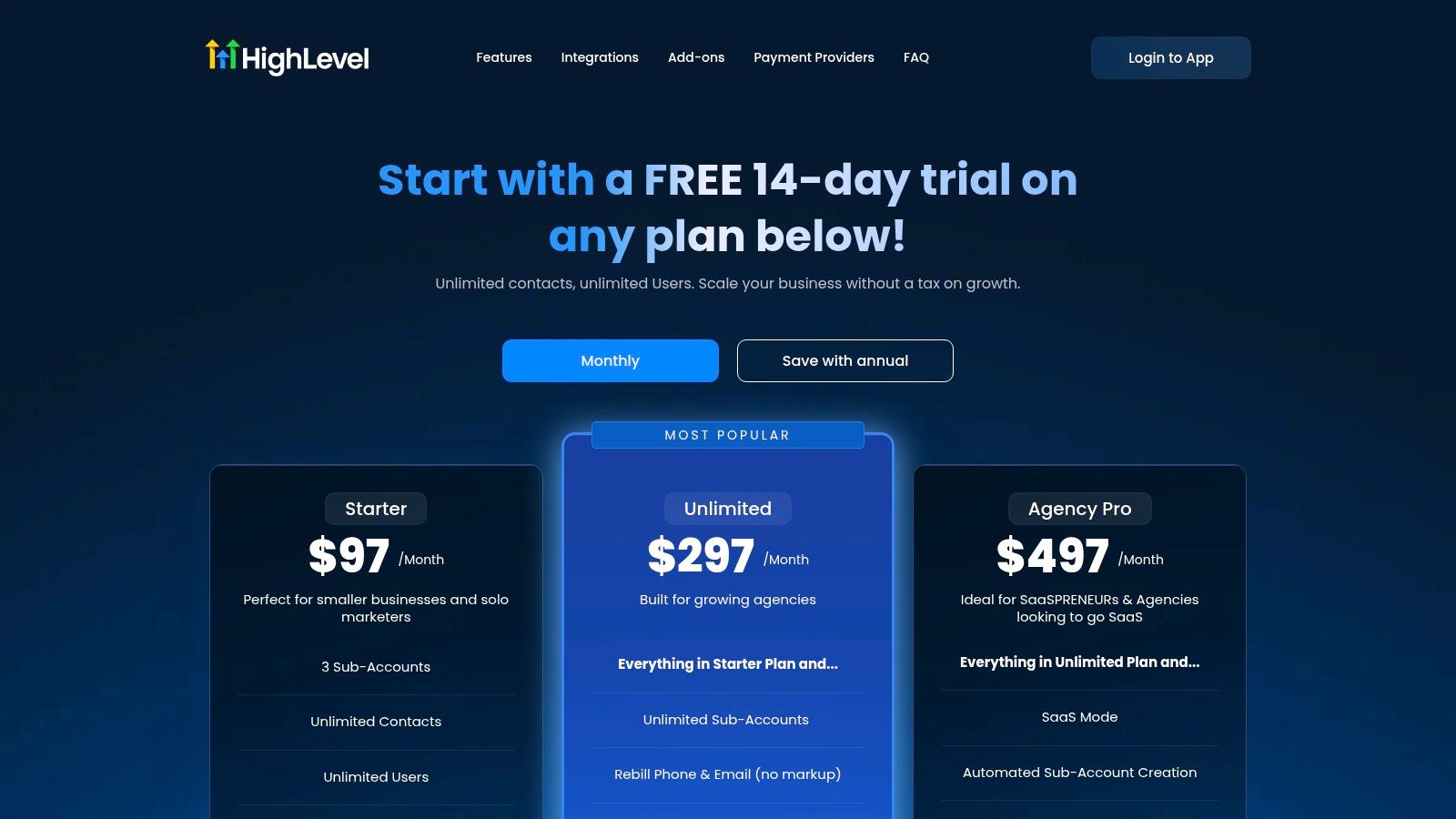
What do you buy when a client wants funnels, CRM, appointment booking, SMS follow-up, and reporting, but your margin disappears every time you add another app? HighLevel is one answer. It bundles a large share of the delivery stack into one platform and is built around the way agencies sell services, with sub-accounts, white-label options, and reusable templates.
Its real value shows up by function. For client acquisition, you can build landing pages, forms, and basic pipelines. For retention, you get email, SMS, chat, scheduling, and review workflows in one place. For operations, snapshots and account duplication reduce setup time across similar clients. Agencies serving local businesses often use it to package lead capture, missed-call text back, review requests, and simple nurture into one monthly offer.
The trade-off is straightforward. HighLevel works best when your agency commits to a standard delivery model. If your paid media team, lifecycle team, reporting team, and sales ops team all prefer separate specialist tools, the platform can feel rigid.
Budget matters too. For smaller agencies, HighLevel can replace several subscriptions and improve gross margin. For larger rosters, usage-based charges for email, SMS, voice, and AI features need close monitoring. A cheap base plan can become expensive if every client account runs high message volume or relies on voice automation.
I've seen it work well in two common setups. One is the local lead gen agency that wants a repeatable stack for dentists, legal firms, med spas, or home services. The other is the service business that is shifting into a software-enabled model and wants clients logging into a branded portal instead of asking for exports every week.
It also fits agencies experimenting with voice as part of follow-up, though this is one area where trade-offs matter. HighLevel includes calling and SMS workflows, but some teams still pair it with a dedicated ringless voicemail tool when voicemail drops are a defined part of the offer. In those cases, Call Loop integrations can make sense for agencies that want ringless voicemail in a broader follow-up sequence without rebuilding the rest of the client stack.
HighLevel is strongest as an agency operating system, not just a campaign tool. That distinction matters. Buyers who treat it like a cheaper email platform usually underuse it. Agencies that standardize onboarding, pipeline stages, automations, and client reporting around it usually get much more value.
HighLevel rewards standardization. Agencies that want one platform across acquisition, follow-up, and client management often get strong operational efficiency from it. Agencies that prefer a modular stack usually get better results elsewhere.
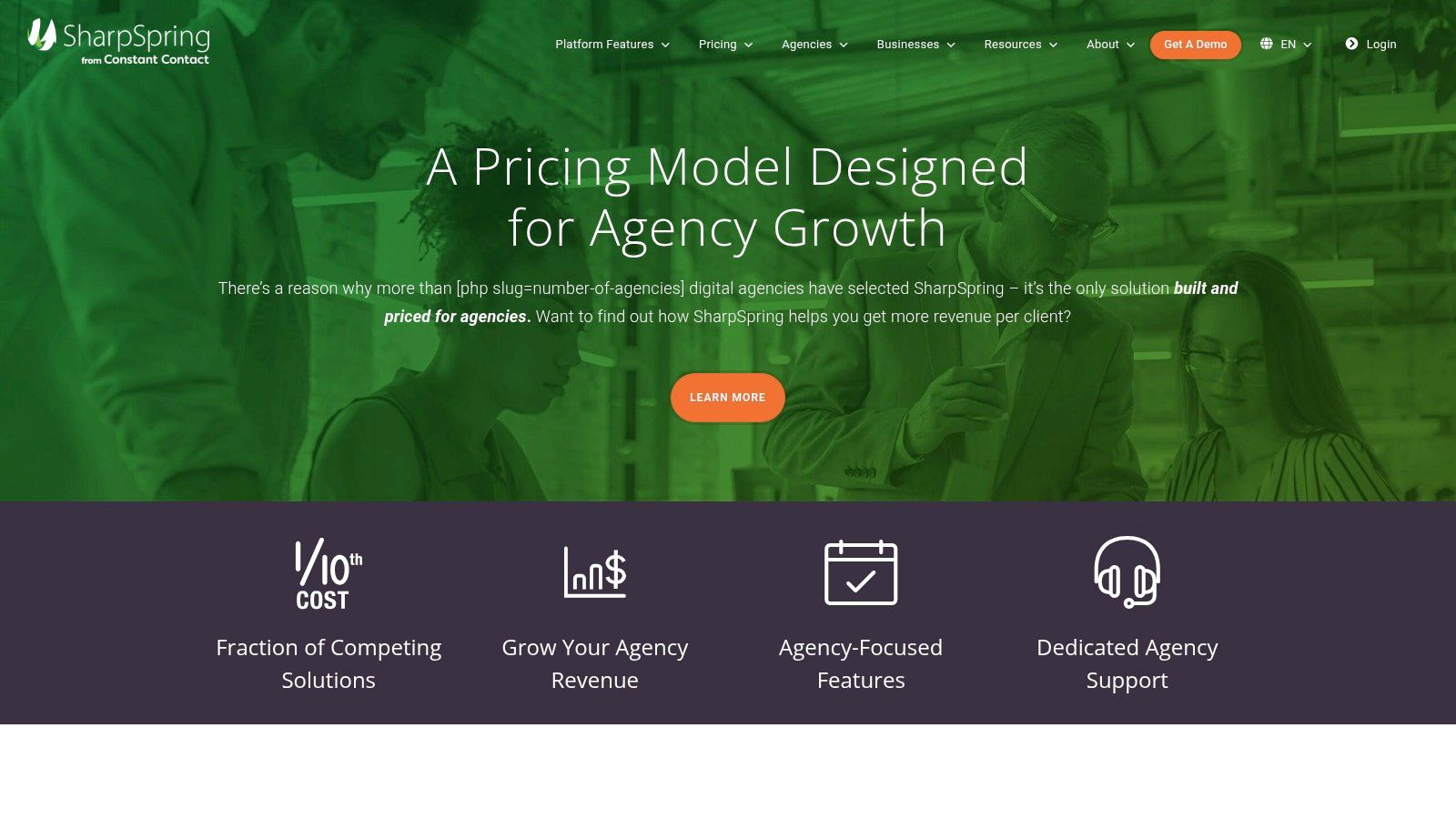
Visit SharpSpring by Constant Contact
SharpSpring stays relevant because some agencies still want a classic all-in-one automation and CRM platform without paying premium enterprise rates. It has long positioned itself around the agency model, and that focus shows in the pricing posture, onboarding materials, and built-in CRM approach.
For agencies serving B2B clients with moderate complexity, it covers a lot of ground. Email automation, forms, landing pages, behavior tracking, analytics, pipelines, and lead scoring are enough for many recurring engagements.
This tool is a practical choice when you want marketing automation plus CRM in one subscription and don't need the largest marketplace or the newest UI. Agencies often underestimate how much operational drag comes from connecting too many separate systems just to run basic nurture and pipeline workflows.
That's even more relevant now that the average tool count keeps rising while actual monthly use stays much lower than stack size suggests, as noted earlier. In other words, another specialist app only helps if the team will use it.
SharpSpring is less glamorous than some newer platforms, but it can still be a smart buy for agencies that care more about delivery efficiency than trend appeal.
If your agency wants a dependable middle lane between lightweight email tools and expensive enterprise suites, SharpSpring is worth a serious look.
Semrush is one of the easiest tools to monetize because clients already understand what they're buying. Keyword research, backlink analysis, rank tracking, technical audits, competitive research, and content support all turn into visible deliverables fast. That makes it one of the most practical marketing agency tools for SEO-led retainers.
For agency operations, the core value isn't just the data. It's the packaging. You can turn Semrush output into audits, keyword maps, competitor comparisons, opportunity decks, and monthly reporting without much translation.
SEO teams need a platform that supports both analysis and communication. Semrush does that well enough that many agencies standardize on it even if they use other specialist tools alongside it.
It's also useful in a search environment that now includes AI visibility concerns. Teams increasingly want to know not only where pages rank, but how discoverable brands are across newer search experiences. Semrush has been adapting in that direction, which helps protect the investment.
A side benefit is brand familiarity outside client work. If you're evaluating how visible the company is in creator partnerships and marketing ecosystems, you can explore Semrush's creator sponsorships as one example of how established its footprint has become.
Semrush gets expensive faster than new agency owners expect. User seats, reporting extras, and specialized add-ons can push it from “worth it” to “we need to audit usage.”
For agencies selling SEO as a core service, this is close to standard equipment.
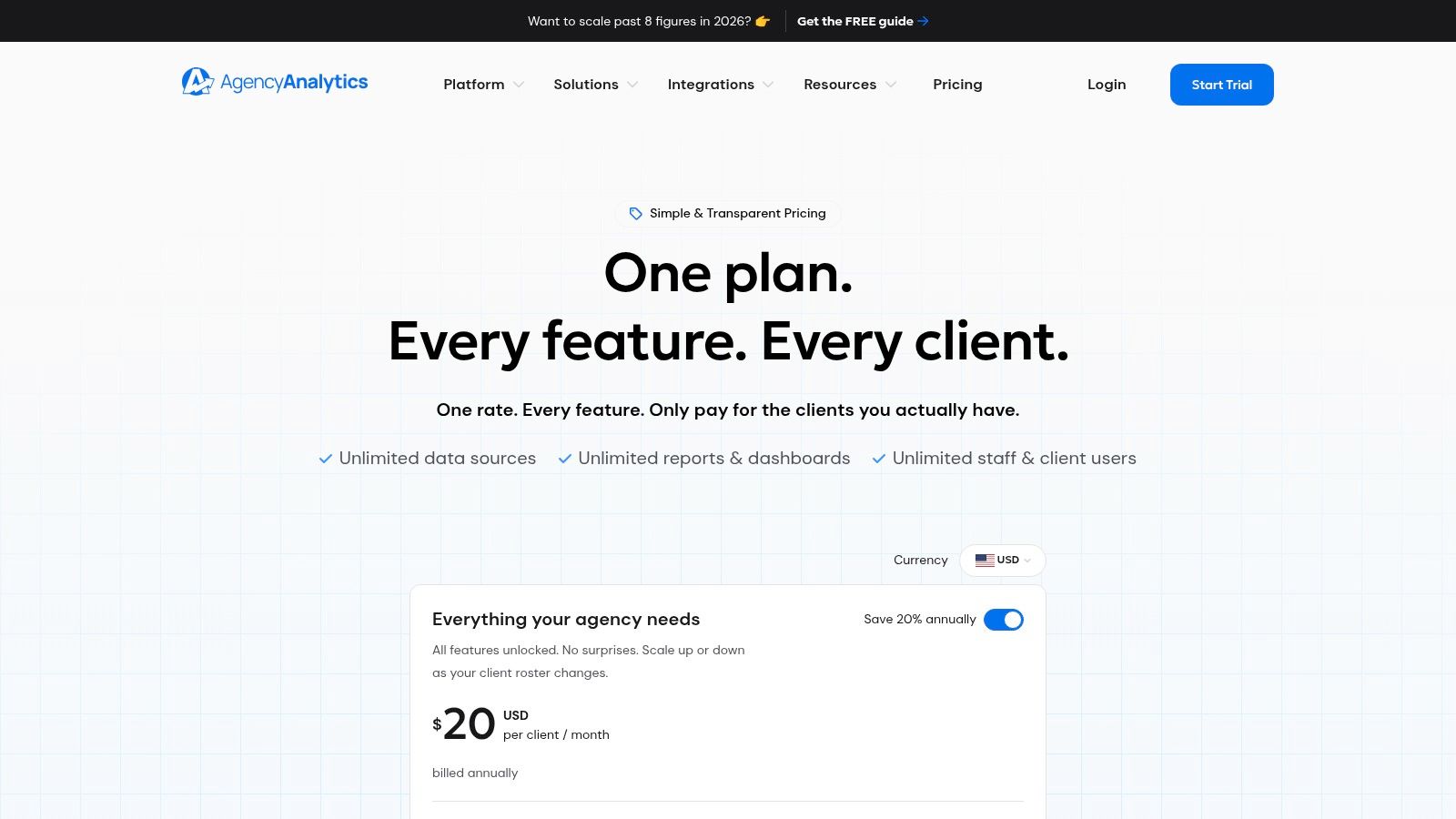
Most agencies don't have a data problem. They have a reporting workflow problem. AgencyAnalytics solves that better than many broader platforms because it's built for repeated client delivery, not internal analytics exploration.
Unlimited staff and client users, white-label portals, custom domains, automated reports, and a large library of integrations make it especially useful when monthly reporting has turned into a time sink. If your account managers keep building the same slide deck by hand, this is the category to fix first.
AgencyAnalytics is strongest when your agency needs consistent reporting across many accounts and channels. It gives clients a cleaner experience, and it reduces the “can you send a quick update?” churn that eats team time.
That kind of visibility matters because reporting isn't only about presentation. It's how agencies catch weak channels, pacing issues, and attribution gaps before clients do. Teams that want to sharpen that side of delivery can study better campaign performance analytics practices alongside the platform setup.
Clients rarely ask for “more dashboards.” They ask for clearer answers. Good reporting tools help your team answer faster.
AgencyAnalytics is not a replacement for a full BI environment. It's a client reporting platform first.
If your agency already has execution tools but still struggles to prove value cleanly, AgencyAnalytics is one of the fastest fixes.
Sprout Social is the platform I'd pick when social is operationally complex, not just creative. Multi-brand scheduling, approvals, unified inboxes, analytics, and optional listening features make it well suited to agencies handling social at scale for several clients at once.
This isn't a lightweight scheduler. It's a workflow tool for teams that need process, visibility, and governance.
The approval flow is the feature many agencies end up valuing most. When several internal stakeholders, client contacts, and channel managers touch the same calendar, basic scheduling tools start to crack. Sprout keeps that process tighter.
Its reporting is also strong enough for client presentation without a lot of rework. That matters when social is part of a larger cross-channel retainer and you need updates to look consistent with the rest of your reporting stack.
Sprout Social is usually a better fit for established agencies than for tiny shops. Seat-based pricing can become a problem if too many people need access across departments.
If your agency manages social as a serious service line, the workflow discipline is worth paying for. If you just need publishing, you may be buying more platform than you need.
Optmyzr is built for agencies that manage a lot of PPC accounts and don't want account managers wasting hours on repetitive optimization work. Budget pacing, alerts, reporting workflows, rule-based automation, and one-click recommendations make it a serious efficiency layer for paid search teams.
Its value shows up fastest when you manage enough accounts that manual QA becomes a bottleneck. At that point, the tool is less about convenience and more about operational control.
The strongest use case is process enforcement. Good agencies already have optimization rules in their heads. Optmyzr helps turn those into repeatable workflows so quality doesn't depend on one senior buyer remembering everything.
It also helps with pacing and account oversight, two areas where agencies can lose trust quickly if they slip. Clients may forgive one weak creative test. They're less forgiving when spend drifts and nobody notices.
This isn't magic. Teams still need to design sensible rules and understand when automation should stop.
For paid media agencies with real scale, Optmyzr usually saves enough labor to justify itself. For tiny teams with a handful of accounts, it may be more platform than necessary.
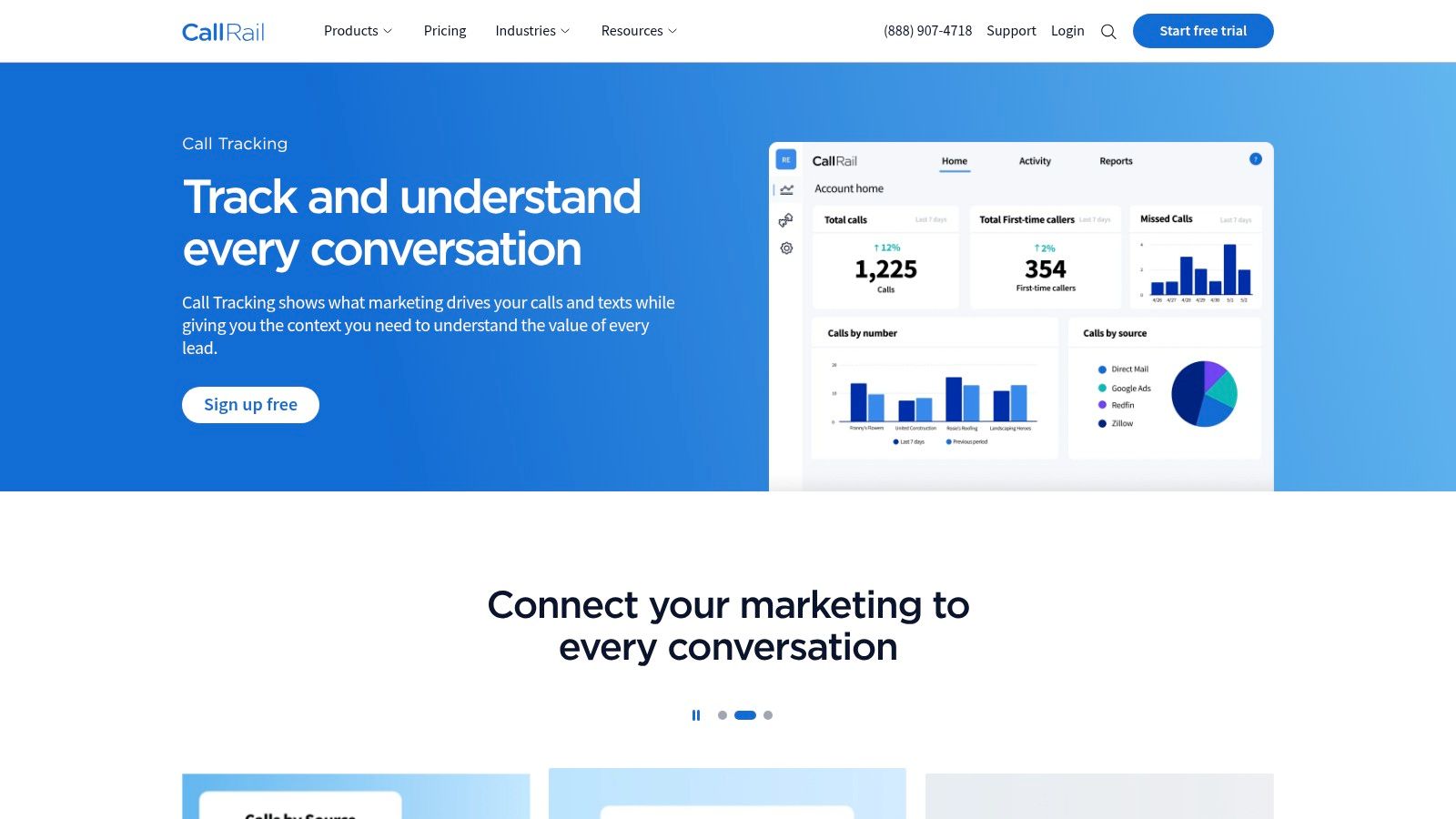
CallRail is essential when calls are the conversion, not just a side effect. That makes it especially useful for agencies serving local services, legal, healthcare, home services, and other verticals where phone leads carry real value.
Dynamic number insertion, call recording, transcription, keyword spotting, and sentiment analysis help agencies connect campaigns to actual conversations. That's a better attribution story than “the form fills looked okay.”
Call-driven businesses often spend heavily across search, local SEO, and social, yet still struggle to prove which channel produced qualified conversations. CallRail closes that gap better than general analytics tools because it's designed around phone behavior.
This also matters when your stack includes voice outreach. The broader voice AI market crossed $22 billion in 2026, and companies using voice AI report 3-year ROI between 331% and 391%, according to Ringly's 2026 voice AI statistics. That doesn't make CallRail a ringless voicemail platform, but it does show why voice data and voice-enabled workflows are becoming more important inside agency measurement stacks.
CallRail is easy to undervalue until a client asks which campaigns generated the best phone leads. Then it becomes hard to replace.
If your clients care about calls, this is one of the easiest specialty tools to justify.
| Product | Core focus / Channels | Key features | Target audience | Pricing & value | Unique selling point |
|---|---|---|---|---|---|
| Call Loop (Recommended) | SMS/MMS, Voice Broadcast, Ringless Voicemail, Multi‑channel drips | Text-to-join, segmentation, TTS, live/machine detection, pay‑per‑drop RVM, click tracking, HIPAA | SMBs, agencies, healthcare providers | Free trial; public pricing; RVM billed per successful drop; contact sales for plans | True omnichannel outbound with deliverability & compliance focus |
| HubSpot Marketing Hub | Inbound marketing + native CRM | Visual workflows, landing pages, ads, AI content, reporting | SMBs → mid-market, agencies working with HubSpot clients | Tiered pricing; scales with contacts/seats (can be costly) | CRM-native attribution and large app ecosystem |
| ActiveCampaign for Agencies | Email & marketing automation | Visual automations, site tracking, forms, client sub-accounts | SMBs and agencies needing robust automation | Competitive per-feature pricing; agency discounts/resell | Deep automation capabilities at a strong price point |
| HighLevel (GoHighLevel) | All-in-one agency platform (CRM + comms + funnels) | White-label portals, client sub-accounts, SMS/voice, SaaS mode | Agencies that want single-tool client stacks and to resell | Subscription + usage fees (SMS/voice/AI) | White-label + SaaS mode to productize agency services |
| SharpSpring (Agency model) | Marketing automation + CRM for agencies | Email automation, CRM, landing pages, behavior tracking | Agencies seeking lower-cost all-in-one | Agency pricing model; lower-cost alternative to enterprise | Agency-focused pricing and easy marketing→sales handoff |
| Semrush | SEO & competitive intelligence | Keyword research, site audits, rank tracking, content tools | SEO teams, digital agencies doing research & reporting | Subscription; cost grows with seats/add-ons | Deep, trusted SEO dataset and white‑label reporting options |
| AgencyAnalytics | White-label reporting & client portals | Unlimited reports/users, 85+ integrations, API, custom metrics | Agencies delivering recurring client reports | Transparent per-client pricing; easy to scale | Purpose-built white-label client portals and automated reports |
| Sprout Social | Social publishing, engagement, analytics | Unified inbox, scheduling, approvals, advanced reporting | Multi-brand agencies and social teams | Seat-based pricing; add-ons for premium analytics | Enterprise-grade social workflows and client-ready reporting |
| Optmyzr | PPC management & automation | Rule Engine, one-click optimizations, budget pacing, reporting | PPC agencies managing many accounts | Plans/add-ons scale with usage | Saves hours on PPC ops with scalable automation rules |
| CallRail | Call tracking & lead attribution | Dynamic number insertion, call recording/transcription, scoring | Local services, healthcare, legal, phone-driven businesses | Usage-based (numbers/minutes/API); clear call ROI | Precise phone attribution and transcribed insights for sales |
How do you build an agency stack that stays efficient after the first five clients, not just during the sales demo?
Start by organizing tools around agency functions, not brand names. The cleanest stacks usually cover five jobs: client CRM and automation, channel execution, acquisition research, reporting, and attribution. That framework makes trade-offs easier to see. It also prevents the common agency mistake of buying overlapping platforms that create extra admin work for the team and confusion for clients.
A practical setup often looks like this:
Budget matters here. Smaller agencies usually do better with one core platform plus two or three specialists. Mid-sized teams can support a more modular setup if they have clear ownership for each system. Larger agencies often need the opposite of what they expect. Fewer tools, better configured, with stricter rules for who owns data, automation, and reporting.
A simple way to choose by tier:
Ringless voicemail is one of the easiest places to make a smart stack decision because the use case is narrow and the upside is clear. It works well for appointment reminders, event follow-up, reactivation campaigns, overdue invoice nudges, and local service outreach where a voicemail gets heard faster than an email gets opened. It is a poor fit for broad cold outreach, weak list hygiene, or teams without a compliance process.
One agency pattern I've seen work well is simple. A healthcare or home services client runs lead capture in HubSpot or HighLevel, routes phone attribution through CallRail, and uses Call Loop for reminder sequences that combine SMS with ringless voicemail. That setup gives the client one place to manage contacts and another to handle a voice touchpoint that does not require live calling. It also keeps ringless voicemail tied to a real campaign goal instead of treating it like a novelty feature.
Creative production also belongs in stack planning. Agencies handling ecommerce accounts may need a separate workflow to streamline product photos with AI, instead of forcing image generation and campaign execution into the same platform. That is the broader rule. Use specialist tools where the output quality clearly improves, and keep the handoff documented.
Keep integrations boring. Contacts should sync cleanly, attribution should map to the right source, and client reports should pull from one agreed dataset. If a tool saves a few minutes in one department but adds cleanup work in three others, it does not belong in the stack.
Call Loop fits best when the agency needs outbound messaging that includes SMS, voice broadcasts, and ringless voicemail in one workflow. That is useful for agencies running promotions, event reminders, reactivation campaigns, healthcare communication, or follow-up sequences across multiple client accounts.
Chris Brisson
Chris is the co-founder and CEO at Call Loop. He is focused on marketing automation, growth hacker strategies, and creating duplicatable systems for growing a remote and bootstrapped company. Chat with him on X at @chrisbrisson


Trusted by over 45,000 people, organizations, and businesses like


