
See a Demo
You're just one step away from seeing Call Loop in action.
Enter your information below to watch a demo right now.

You're just one step away from seeing Call Loop in action.
Enter your information below to watch a demo right now.

A lead replies to your campaign at 9:12 AM. A patient calls back after hearing a voice alert. A prospect listens to a ringless voicemail, then texts, “Can someone call me this afternoon?” If those responses stay trapped inside separate tools, your team starts missing the moments that matter.
That's the fundamental problem behind messages to email. It's not just convenience. It's response speed, accountability, and making sure inbound conversations reach the people who can act on them without forcing everyone to sit inside one platform all day.
Email is still the place people monitor constantly. That makes it the best control layer for inbound SMS, voice responses, and ringless voicemail callbacks, especially when you want one searchable record and a workflow that fits how people already work.
A patient replies to an appointment text while your front desk is checking Outlook. A prospect calls back after a voice alert while the sales team is in Gmail. A lead hears a ringless voicemail, then sends a text asking for a same-day call. If those replies stay separated by channel, response time slows and ownership gets fuzzy.
Forwarding messages to email fixes that operational gap. It puts inbound SMS, voice alert callbacks, and ringless voicemail responses into the inboxes your team already monitors, assigns, and searches every day. You keep Call Loop as the sending engine, but email becomes the working layer for triage and follow-up.
That setup is especially useful when you run mixed outreach.
A healthcare team may need text replies routed to scheduling, missed-call callbacks routed to the front desk, and voicemail-triggered responses copied to a shared inbox for documentation. A marketing team may want campaign replies in one place, with clear subject lines so coordinators can sort lead intent fast and hand off hot responses without logging into another tool.
Based on 2023 email usage data from Porch Group Media, projections for 2026 suggest 376.4 billion emails will be sent and received daily, and many people check inboxes repeatedly throughout the day. The practical point is simple. Email already has attention. Forwarding lets you use that habit instead of trying to change it.
Practical rule: If an inbound message needs a person to act on it, forward it to the inbox that person already watches.
There is a trade-off. Email is excellent for visibility and handoff, but it does not replace every workflow inside Call Loop. Teams that need conditional routing, CRM updates, tagging, or multi-step automation usually outgrow basic forwarding. Still, for day-to-day inbound management, especially across SMS, voice, and ringless voicemail, email is often the fastest way to make sure nothing sits unseen.
If your goal is simple alerting, start with native forwarding. You don't need custom logic, a CRM sync, or a multi-step automation to get immediate value.
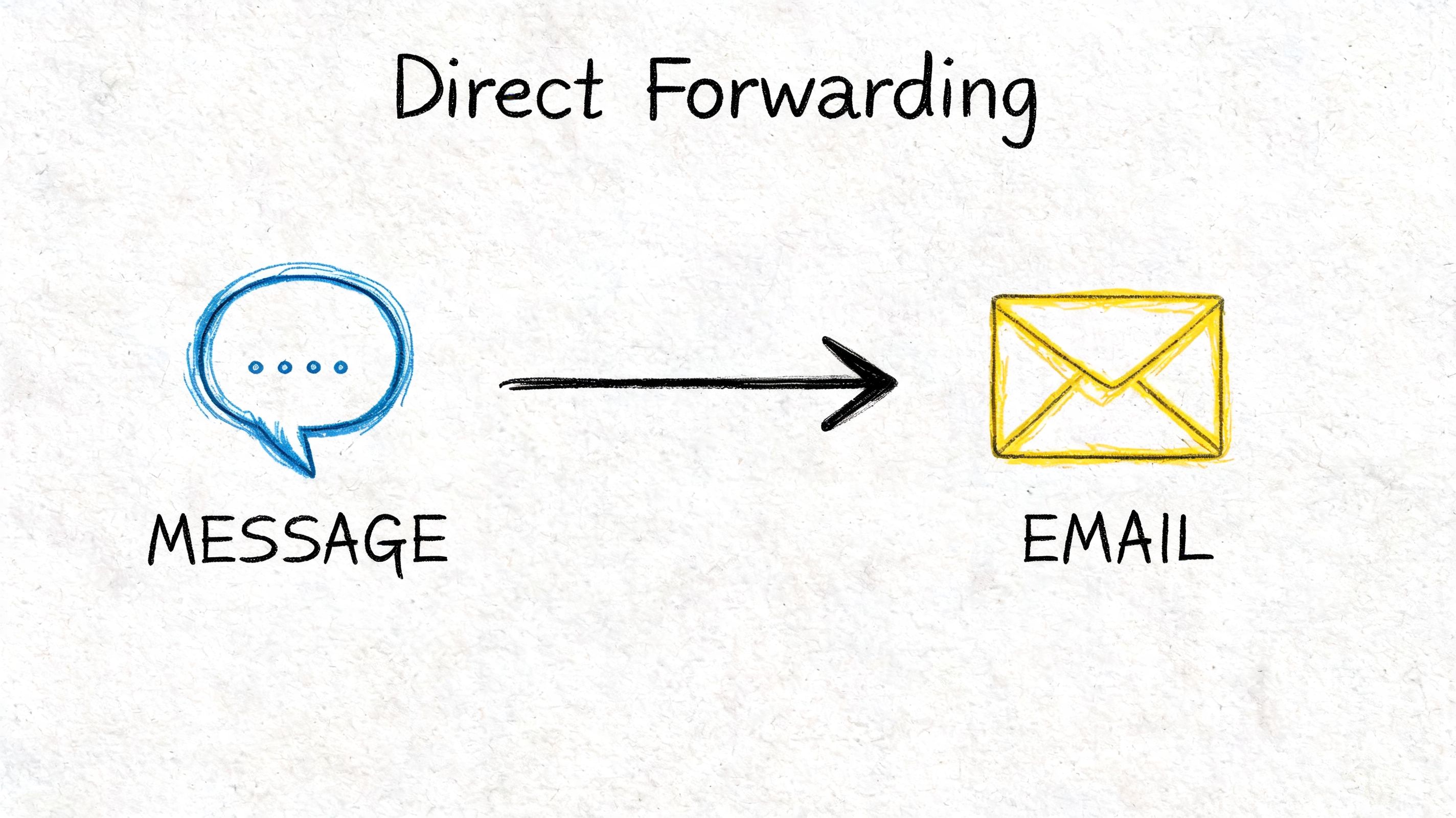
This setup is best for solo operators, lean teams, and any business that just wants inbound messages to land in email the moment they arrive. Think local service businesses, front-desk teams, or campaign owners who don't want to miss replies while they're away from the app.
Native forwarding works best when your need is straightforward:
If that sounds like your workflow, keep it simple.
Use this approach for messages to email when speed matters more than customization.
That's usually enough to get a reliable alert loop in place.
A basic forward is often the right first move. Teams get hung up trying to build the perfect automation before they've solved the simple problem of seeing replies quickly.
The most useful forwarded emails are plain and easy to scan. They should answer three questions immediately:
Keep the subject line readable. Something like “New inbound SMS reply” or “Callback request from campaign” is more useful than a vague alert title. Inside the body, preserve the original message content and source details so the recipient doesn't need to jump into another tool just to understand context.
For small teams, that's enough. You get visibility, accountability, and a simple archive without adding another system to maintain.
Native forwarding handles alerts. Zapier handles operations.
When you need messages to email with logic attached, that's where automation starts paying off. Instead of sending every inbound event to one inbox, you can route by keyword, campaign, team, contact type, or urgency. That matters when marketing, support, healthcare scheduling, and callbacks all share the same messaging stack.
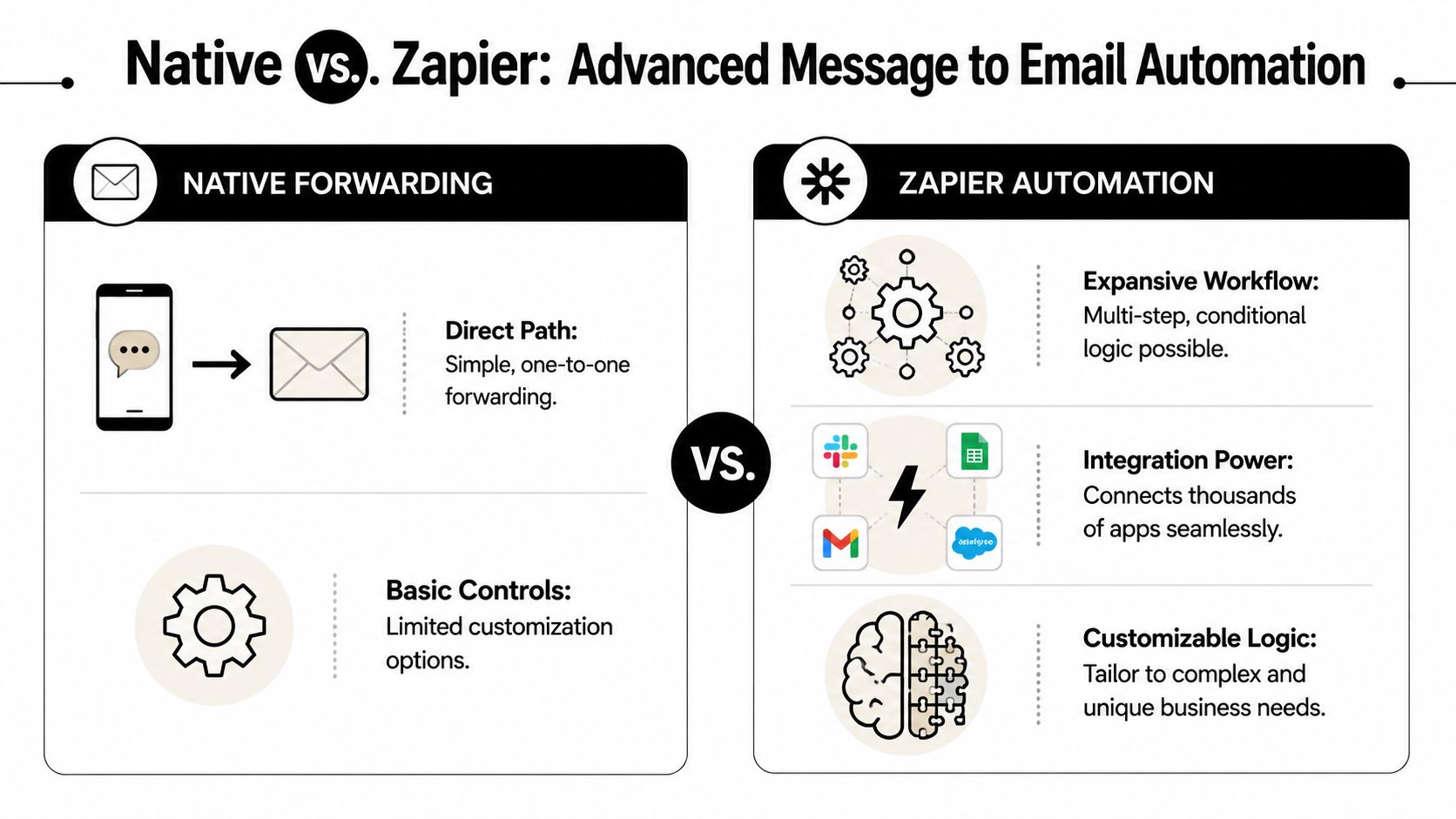
A good Zap doesn't just send an email. It decides who should get that email, what context they need, and what should happen next.
| Feature | Native Email Forwarding | Zapier Integration |
|---|---|---|
| Setup speed | Fast | Moderate |
| Routing logic | Basic | Advanced |
| Team assignment | Limited | Flexible |
| CRM updates | No | Yes |
| Multi-step workflows | No | Yes |
| Best fit | Simple alerts | Complex operations |
If you're ready for more control, connect through Call Loop's Zapier integration.
A common workflow looks like this:
Ringless voicemail becomes useful. A ringless voicemail campaign often creates a different style of response than SMS. People may call back, leave a reply through another channel, or ask for a live follow-up. Instead of treating those as exceptions, you can build them into the workflow from the start.
For example, you can send all ringless voicemail callbacks to a call queue inbox, while SMS replies with sales intent go to account executives and appointment-related texts go to operations.
Advanced workflows also support better message handling. As noted by Insider One's segmentation guidance, advanced workflows can segment incoming messages based on intent data. A Zap can place heavy clickers or contacts who reply with certain keywords into a frequent email track, while routing less-engaged replies into a slower nurture sequence.
That's not just a marketing tactic. It's an inbox management tactic.
Build for action, not for notification. If an email lands in the wrong inbox, automation didn't help. It just moved the clutter.
Try these before you build anything complicated:
If you think in triggers, filters, and outcomes, Zapier becomes much easier to use well.
Once the routing is right, the email itself needs to be useful. Teams often don't need fancy formatting. They need a clean message that gives context fast and makes the next action obvious.
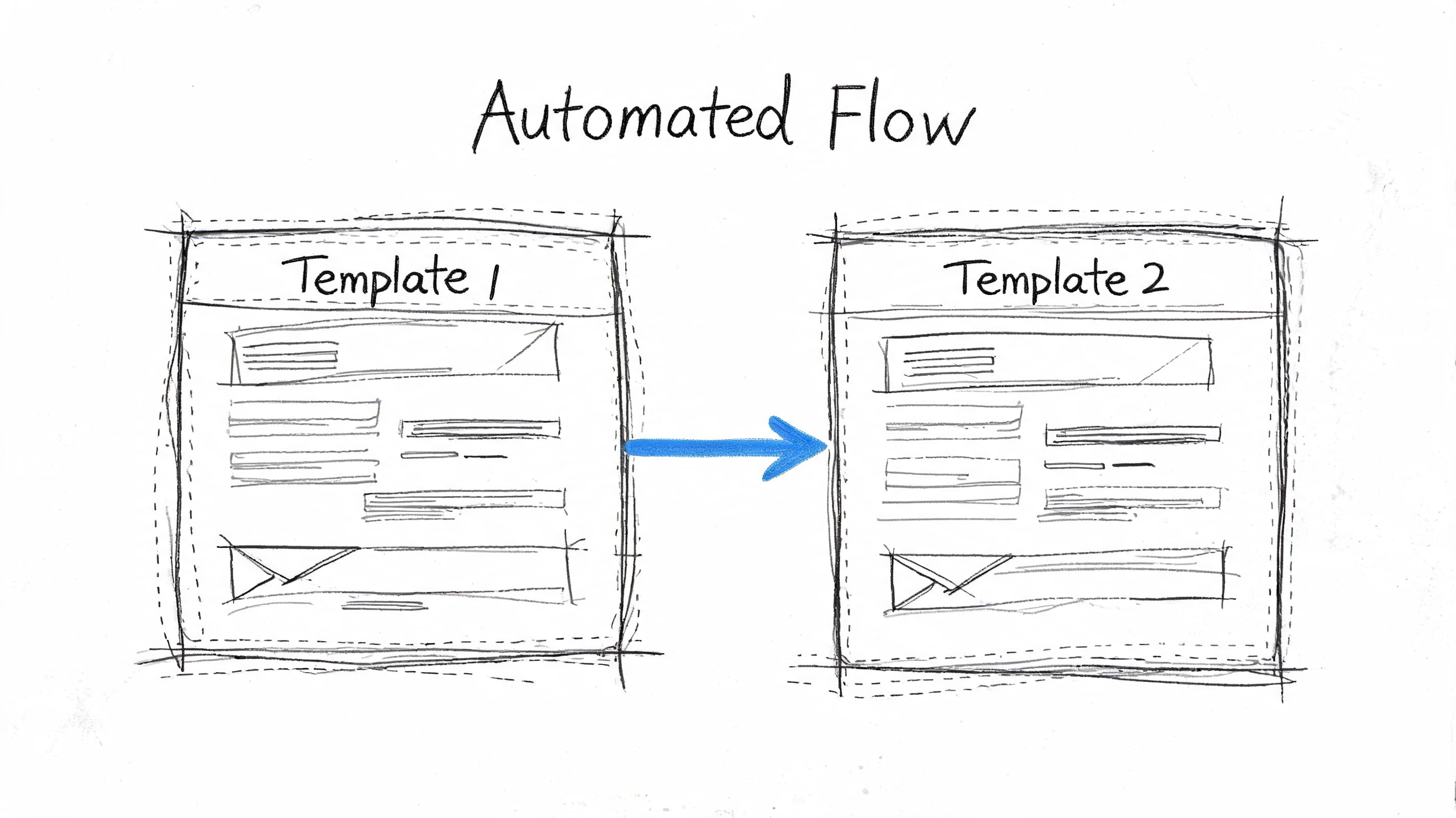
Here are two templates that work well in real operations.
Use this when someone replies to an SMS campaign or responds after hearing a ringless voicemail.
Subject: New lead reply from {{campaign_name}}
Body:
Hello team,
A new inbound response needs follow-up.
Contact: {{contact_name}}
Phone: {{phone_number}}
Campaign: {{campaign_name}}
Channel: {{message_type}}
Message: {{message_body}}
Recommended action: Reply or call back while intent is fresh.
CRM record: {{crm_link}}
This template is plain on purpose. It works well in Gmail, Outlook, mobile mail apps, and shared inboxes. It also makes triage easier because the subject line carries the campaign context.
Healthcare teams need a different approach. The email should notify staff without placing sensitive content in the message body.
Subject: New patient message needs review
Body:
A patient sent a new message through your communication workflow.
Patient identifier: {{internal_reference}}
Phone: {{phone_number}}
Channel: {{message_type}}
Workflow: Appointment reminders
Please review the message inside your secure system and respond through the approved channel.
That last line matters. It keeps the email focused on notification, not disclosure.
Keep healthcare alerts descriptive enough for action and minimal enough for privacy.
This one is especially useful for teams running callback campaigns.
Subject: Callback request after voicemail drop
Body:
A contact responded after receiving a ringless voicemail.
Name: {{contact_name}}
Phone: {{phone_number}}
Campaign: {{campaign_name}}
Response type: Callback or inbound text
Notes: {{message_body}}
Next step: Return the call or assign to the correct rep.
A small detail makes a big difference here. Include the original campaign name every time. When teams run SMS, voice alerts, and ringless voicemail together, source context is what stops follow-up from becoming guesswork.
Automation can create risk just as fast as it creates efficiency. If your messages to email workflow exposes private details or sends alerts that keep hitting spam, the system stops being useful.
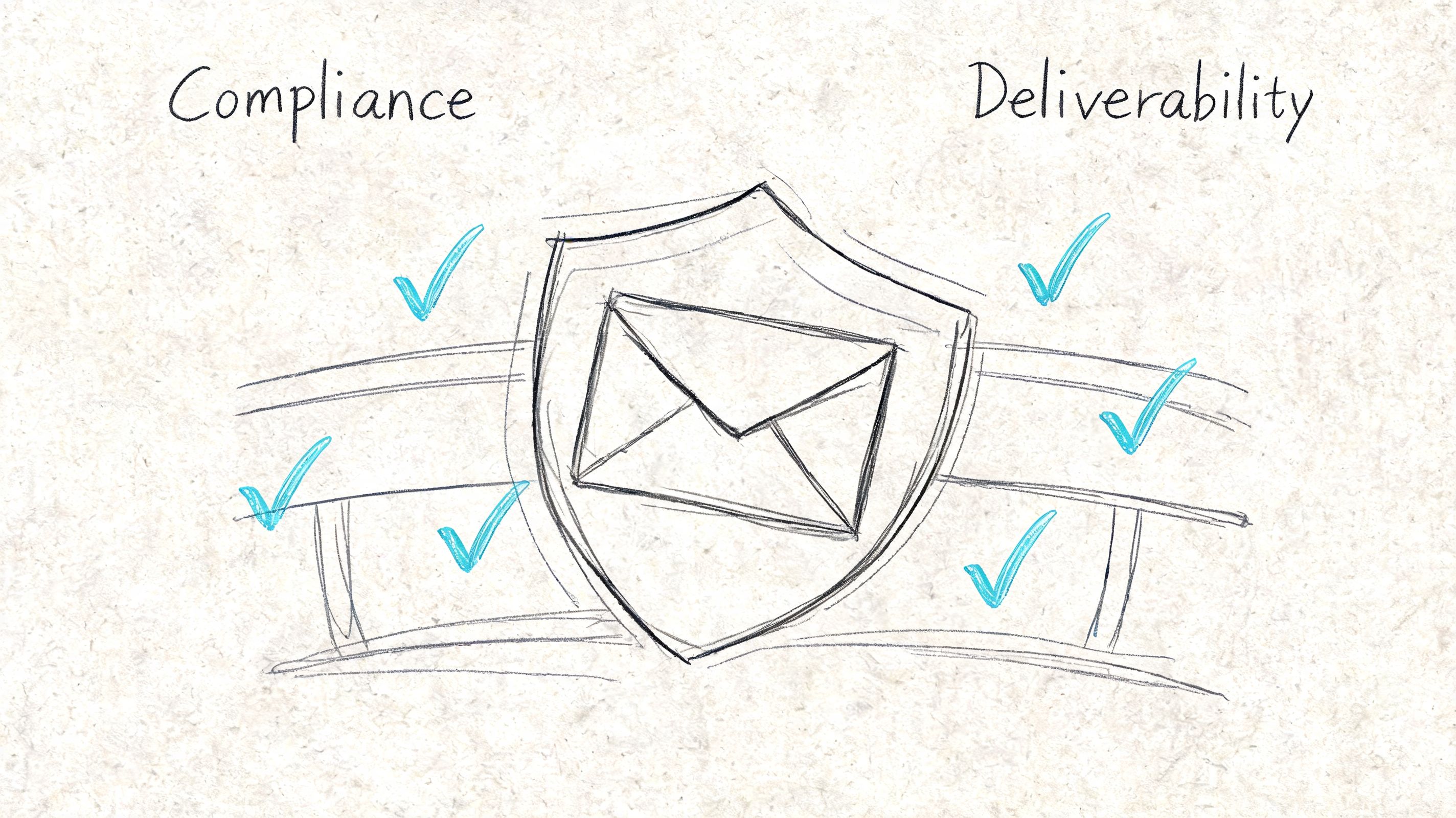
Healthcare teams need the strictest discipline here. According to Paubox's guidance on HIPAA-compliant email for underserved communities, 71% of safety-net clinic patients are open to email or text with doctors, and the best practice is to use email for non-urgent notifications that link to a secure portal rather than sending PHI directly.
For healthcare, your forwarded email should say that a patient message arrived. It should not include diagnosis details, test results, or anything else that belongs inside a secure environment.
For marketing and sales teams, the compliance lens is different, but the rule is similar. Only send the information a recipient needs to act. Don't dump whole message histories into an email if a short summary does the job.
Security-first workflows are usually simpler workflows. Less sensitive content in email means fewer problems later.
A strong setup makes two things happen at once. Staff get notified quickly, and sensitive information stays where it belongs.
When forwarding breaks, the fix is usually small. The hard part is knowing where to look first.
Start with the trigger event. Check whether the inbound message type you want is connected to the workflow, then review the Zap history or task log for the last successful run.
If the problem started after edits, reconnect the app account and retest with a fresh live message. If you're also seeing outbound issues, this message not sent troubleshooting article can help isolate whether the problem starts before forwarding ever gets a chance to run.
Look at the basics first. Subject line, sender identity, and message format cause more problems than automation logic.
Use plain notification copy, avoid cluttered formatting, and make sure your sending domain is authenticated. If possible, send test notifications to different mailbox providers to see whether the issue is universal or isolated.
This usually happens when one step expects data that the trigger didn't provide. Open the failed run, inspect the exact field that broke, and replace any empty or outdated variables.
This is common when you change templates after the Zap is live. A quick remap usually fixes it.
If you want one place to automate SMS, voice alerts, ringless voicemail, and the email workflows around them, Call Loop gives you the building blocks to do it without forcing your team to live inside another dashboard all day.
Chris Brisson
Chris is the co-founder and CEO at Call Loop. He is focused on marketing automation, growth hacker strategies, and creating duplicatable systems for growing a remote and bootstrapped company. Chat with him on X at @chrisbrisson


Trusted by over 45,000 people, organizations, and businesses like


