
See a Demo
You're just one step away from seeing Call Loop in action.
Enter your information below to watch a demo right now.

You're just one step away from seeing Call Loop in action.
Enter your information below to watch a demo right now.

Monday at 9:07 a.m., a rep is toggling between Slack, the CRM, a dialer, email, and a Zoom invite while a hot prospect waits for a follow-up. Nobody on the account team is fully sure who owns the next step. The notes are split across tools. The call recording is in one place, the task is in another, and the text reminder never got sent.
That setup slows deals down.
Salesforce has noted earlier that sellers use a long list of tools to close business, and that lines up with what revenue teams deal with every day. More apps do not create better communication. They create more context switching, more missed handoffs, and more opportunities for a lead to go cold while the team hunts for the latest update.
The fix is not buying one tool that tries to do everything. It is choosing the right mix by job. Internal collaboration tools help your team stay aligned. Calling and conversation platforms help reps run live sales conversations and review performance. Multi-channel outreach tools handle the part many teams still underuse, especially SMS, voice automation, and ringless voicemail drops for follow-up that cannot rely on email alone.
Phone still matters in sales, as noted earlier, but phone alone is not enough. Strong teams build a communication stack that covers three separate needs: internal coordination, outbound prospecting, and customer outreach. That is the lens for this list.
If your team records calls all day, clean audio matters too. Poor sound hurts demos, call reviews, and coaching. This guide on how to stop mic background noise is worth bookmarking.
Below are the sales team communication tools I'd shortlist in 2026, grouped by primary function so you can decide what to add, what to replace, and what to consolidate. That includes platforms like Call Loop that combine SMS, voice, and ringless voicemail in one workflow instead of forcing reps to stitch those channels together by hand.
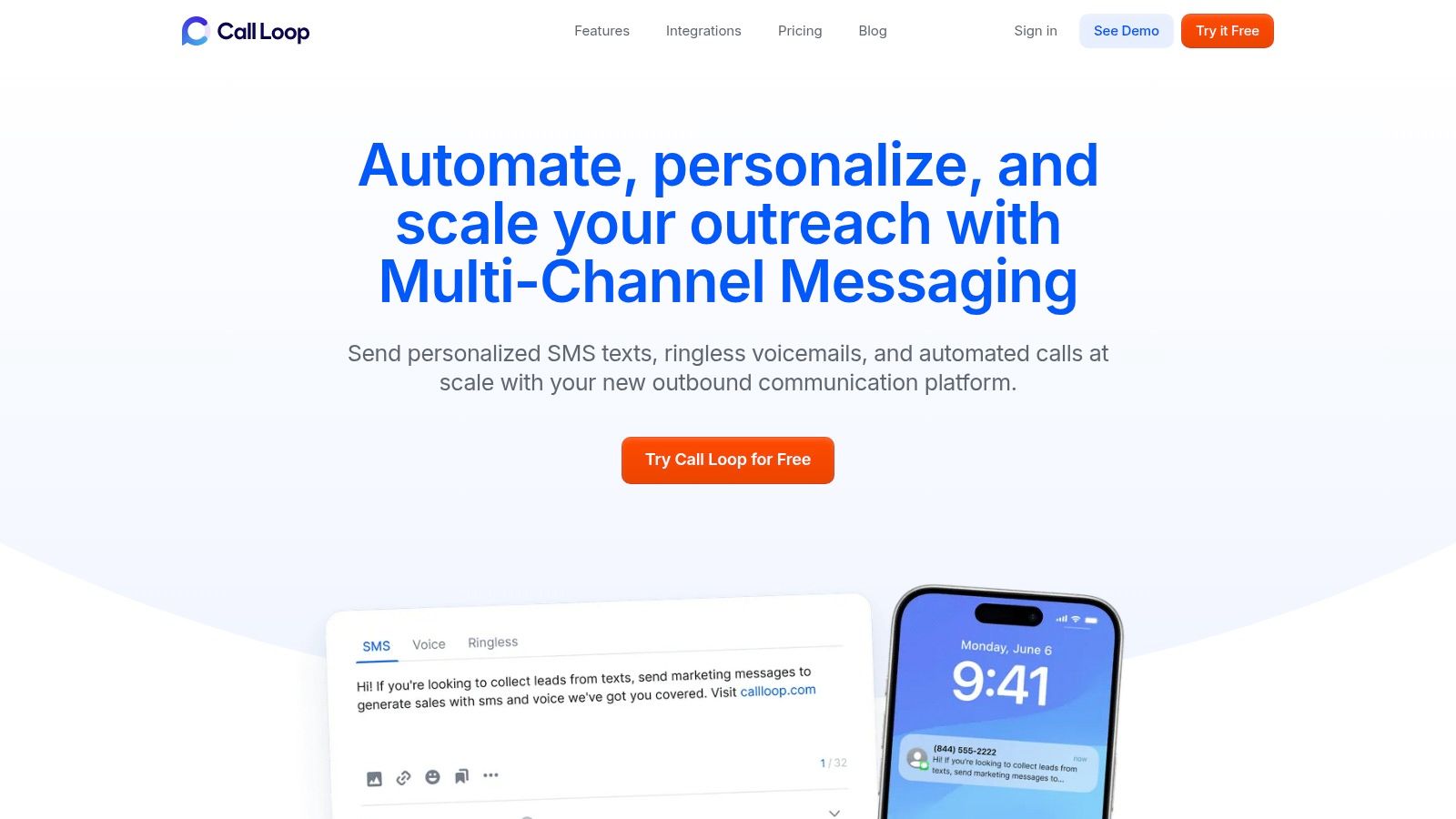
A rep sends the follow-up text, another rep logs the call in a different tool, and the voicemail reminder never goes out. That is the operational gap Call Loop is built to close. It puts SMS, MMS, automated voice campaigns, and ringless voicemail drops in one workflow, which is useful for teams that need consistent outreach without stitching channels together by hand.
As noted earlier, reps already deal with too many tools. Call Loop makes the strongest case for itself when your team is handling time-sensitive follow-up and cannot afford channel gaps between first touch, reminder, and reactivation.
Call Loop fits best in the customer outreach and outbound prospecting part of your stack. If Slack or Teams handles internal coordination, Call Loop covers the external touches that often get fragmented across texting apps, dialers, and one-off voicemail tools.
The ringless voicemail piece is the differentiator. A lot of sales teams still default to live calls or another email. Ringless voicemail gives you another option that feels more personal than email and takes less rep time than manually leaving the same message over and over. For webinar reminders, missed appointment follow-up, no-show recovery, and stale lead reactivation, that matters.
Practical rule: Ringless voicemail works best inside a sequence. Pair it with SMS or a scheduled call so the prospect has an easy next step.
A few features make Call Loop useful beyond simple message blasts:
Call Loop also supports HIPAA-ready use cases, which is relevant for healthcare and service businesses sending appointment reminders or other sensitive communications. That is not a nice-to-have for organizations sending time-sensitive patient or appointment communications.
The trade-off is straightforward. You need to set up compliance carefully, especially for ringless voicemail and texting rules that vary by region, and pricing is not fully clear until you review plans or talk to sales. Still, if your team wants one platform for outreach across text, voice, and voicemail, Call Loop fills a gap that internal collaboration tools and standard dialers do not cover.
It can also work well for distributed teams that need repeatable follow-up without constant manager intervention. If your sales org is remote or hybrid, these strategies for remote work success pair well with a structured outreach workflow.
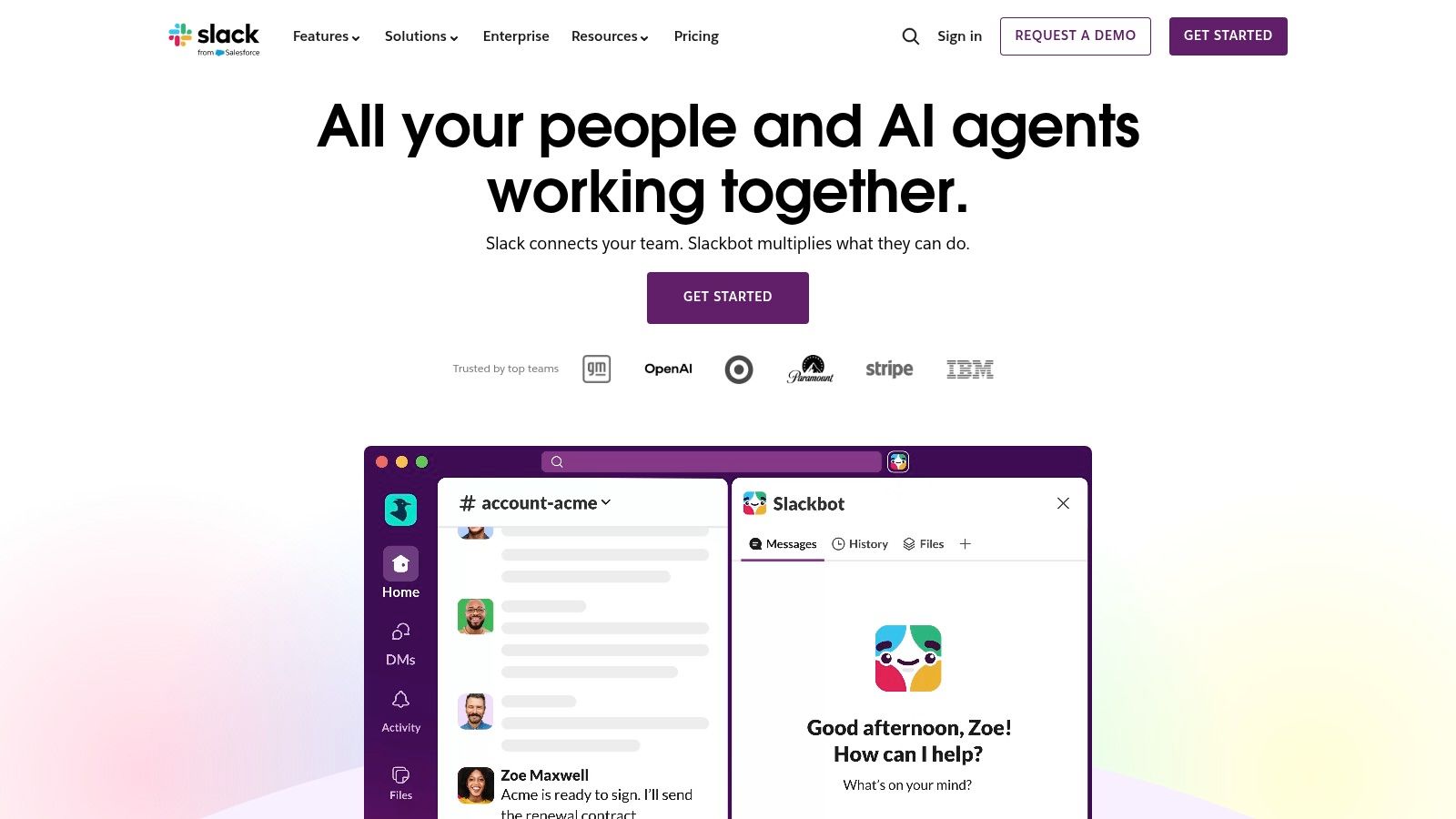
Slack is still the fastest way to get a sales org talking in the same place. For internal sales team communication tools, it's hard to beat when reps need instant deal-room collaboration, quick handoffs, and a clean way to pull in marketing, RevOps, support, or leadership without booking another meeting.
Slack works best when your team treats channels like operating lanes, not general chat rooms. Named channels for accounts, territories, launches, and approvals can cut a lot of back-and-forth. Huddles are useful for fast internal escalation when a rep needs an answer now, not tomorrow.
Slack is a strong fit for distributed teams and fast-moving sales pods. If SDRs, AEs, CSMs, and managers already live in connected apps, Slack becomes the place where CRM alerts, call summaries, and handoff notes surface in real time.
It also fits remote teams well. If you're refining your internal rhythm, these strategies for remote work success pair well with a disciplined Slack setup.
Slack is great for speed. It's bad at replacing process. If approvals, customer promises, or next steps only live in Slack threads, they'll get lost.
The downside is obvious. Without governance, channel sprawl takes over. Reps mute half the workspace, useful context gets buried, and Slack becomes another notification source instead of a coordination layer. It's an excellent internal tool, but it won't replace a proper outbound system.
If your company already runs on Outlook, SharePoint, and OneDrive, Microsoft Teams is usually the practical choice. It handles chat, meetings, file collaboration, and enterprise controls in one environment, which reduces the friction of asking the whole company to adopt something new.
Teams isn't as lightweight as Slack, but it often wins on standardization. Legal, finance, IT, and sales can all work inside the same system. That matters when customer communication needs retention policies, admin control, and fewer random workarounds.
Teams is especially useful when sales comms involve recurring meetings, account planning docs, and cross-functional review. Instead of hopping between apps, reps can stay inside the Microsoft stack they already use every day.
For teams trying to connect internal coordination with buyer-facing channels, a stronger multi-channel communication strategy matters more than adding yet another chat thread. Teams can be part of that foundation if your company is already committed to Microsoft 365.
The downside is feature sprawl. New users can get lost between chats, channels, meetings, files, and calling options. Teams works best when someone owns the structure and keeps the workspace clean.
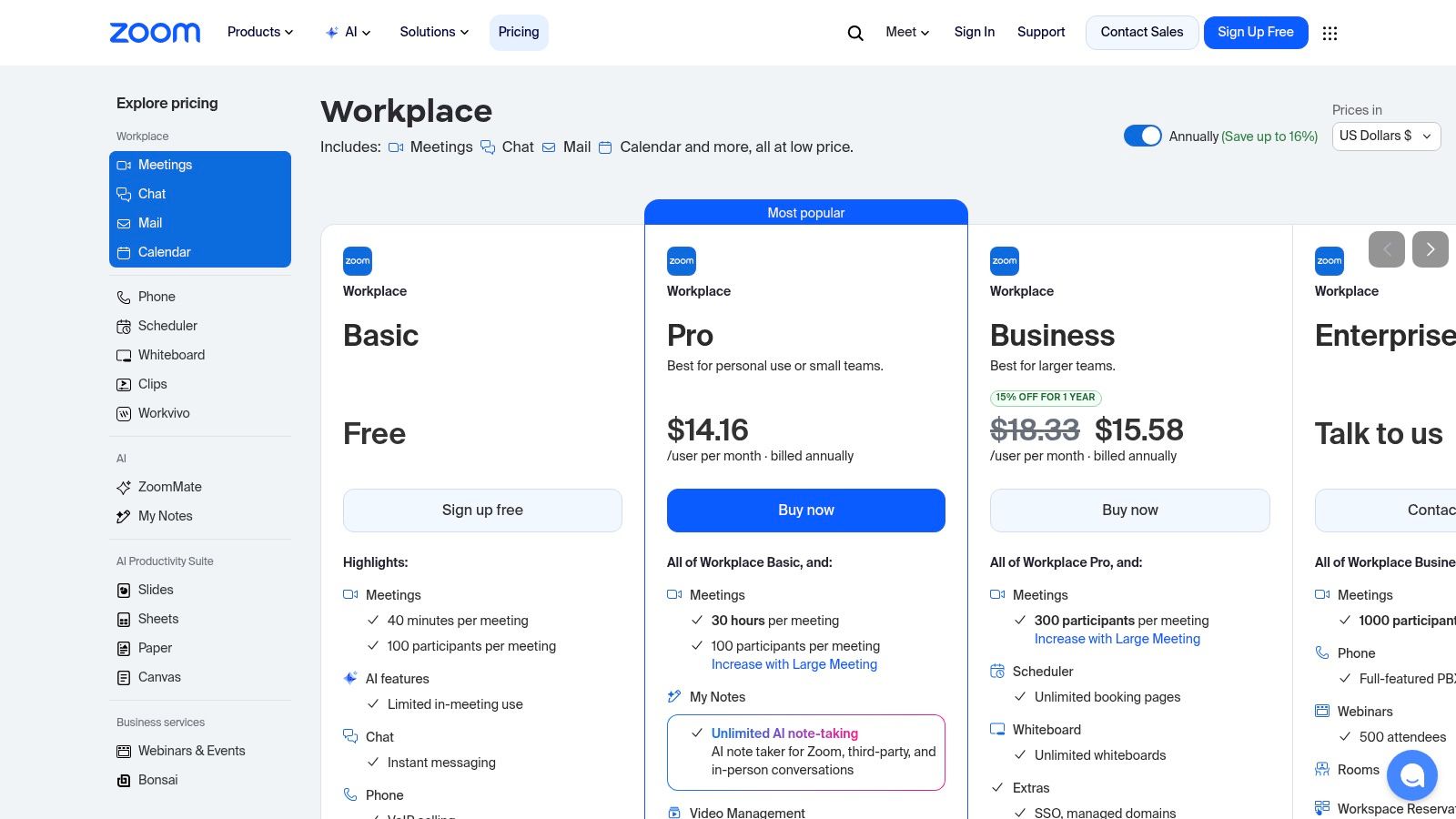
Zoom Workplace remains one of the safest choices for external communication. Buyers know it. Reps know it. Joining a discovery call or demo rarely requires explanation, which removes a lot of friction from the meeting layer of your sales process.
For sales teams, Zoom is more than a meeting link. Recordings, transcripts, and whiteboards help with coaching, deal review, and post-call follow-up. If your process depends on live demos, stakeholder meetings, and webinar-driven pipeline, Zoom still earns its spot.
Zoom is strongest when meetings are central to your sales motion. It handles prospect calls well, and its webinar options are useful for product launches, educational events, and pipeline-building sessions.
The limitation is that Zoom is still meeting-first. If your team also needs deeper telephony, texting, or automated outbound follow-up, you'll need another layer. That's fine if you want best-of-breed meetings. It's less ideal if you're trying to simplify the stack.
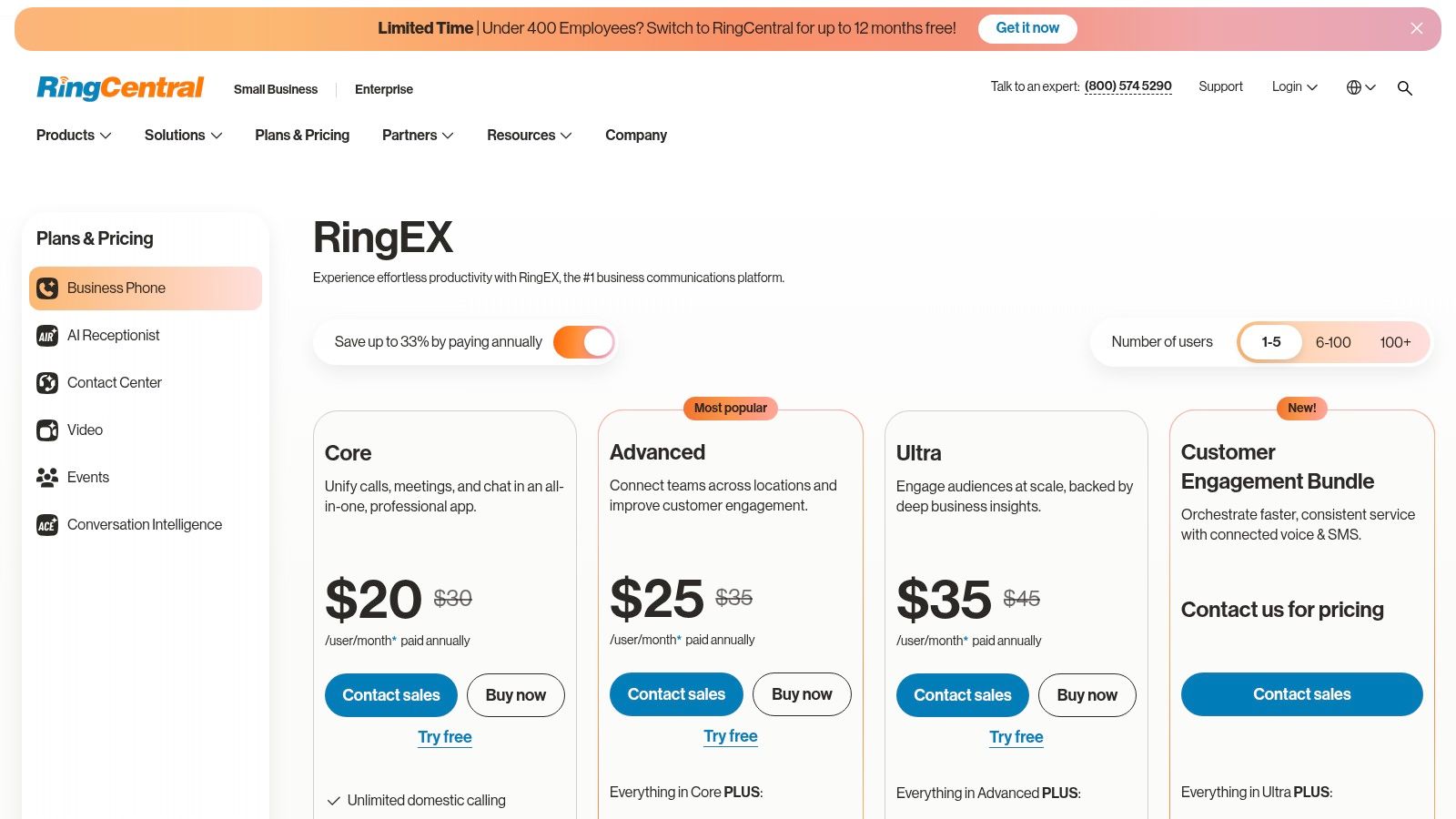
RingCentral is a stronger choice when your team needs a serious communications backbone, not just a dialer. Phone, messaging, video, analytics, and add-ons for AI and conversation review all sit under one umbrella.
This makes sense for sales orgs that handle inbound and outbound activity, need reliable call routing, or want one vendor for broader business communications. RingCentral can scale from smaller teams into more structured mid-market setups without forcing a platform switch right away.
The upside is breadth. You can centralize voice, SMS, meetings, and related workflow under one system. The downside is configuration complexity. Features vary by tier, add-ons can stack up, and buyers need to confirm exactly what's included before rolling it out.
Don't buy RingCentral like it's a simple phone app. Buy it like infrastructure. The setup decisions you make early will affect routing, reporting, and adoption later.
If your team mainly needs fast rep-level outbound productivity, a sales-specific dialer may feel simpler. If you need broader communications coverage, RingCentral is a serious contender.
Dialpad is a good fit for teams that want their phone system and coaching layer tightly connected. Calls, transcripts, summaries, voicemail, and analytics are part of the core experience, which helps reps move faster after each conversation.
That matters because managers don't need another place to hunt for call notes, and reps don't need to spend as much time cleaning up admin. For fast-growing SDR teams, that kind of simplicity makes onboarding easier.
Dialpad is strong for phone-heavy teams that care about live coaching and post-call visibility. The Sell product is purpose-built for sales use cases, so it feels more intentional than a generic business phone platform dressed up for revenue teams.
The caution is cost layering. Entry-level functionality may be enough for some teams, but advanced setups, premium support, and broader product bundles can change the final bill. It pays to map your workflow first, then buy only what your managers and reps will use.
Aircall is one of the easier sales communication tools to implement when outbound calling is the immediate bottleneck. It gives reps power dialing, call tagging, analytics, coaching support, and CRM integrations without the weight of a larger communications suite.
For SDR managers, that's appealing. You can get reps productive quickly, log activity into Salesforce or HubSpot, and create a cleaner calling workflow without a long rollout.
Aircall feels built for sales speed. Voicemail drop, live monitoring, and CTI workflows make repetitive outbound work less clunky. That matters when your team is measured on contact attempts, connects, and next-step creation.
The trade-off is that contract terms and plan requirements usually need a close look. It can be a very good operational fit, but buyers should confirm license minimums and annual terms before assuming it's the cheapest path.
If you want a fast outbound phone layer with good CRM sync, Aircall is easy to justify. If you also need broader cross-channel automation like SMS sequences and ringless voicemail, you'll still want another platform in the stack.
Outreach fits teams that already know missed follow-up is costing them meetings. A rep has good conversations on Monday, sends one email, gets pulled into other accounts, and by Thursday the thread is cold. Outreach gives sales leaders a way to turn follow-up from individual rep memory into a managed process.
That matters in the outbound category of this list. Internal collaboration tools help reps coordinate. Multi-channel platforms help teams reach buyers through calls, SMS, and even less-used tactics like ringless voicemail drops. Outreach is built for execution discipline once the motion is defined.
Outreach works well for SDR and AE teams running structured sequences across calls, emails, tasks, and reporting. Managers can inspect activity patterns, reply rates, and rep follow-through without piecing together updates from the CRM, inboxes, and call logs. Reps get a clearer daily queue, which usually improves consistency more than motivation speeches ever will.
It is also a strong fit for teams formalizing an automated lead follow-up system. If your handoff rules, timing windows, and next-step expectations are still loose, the platform helps enforce them.
The trade-off is straightforward. Outreach is rarely the cheap or simple option. It pays off when leadership is willing to define sequences carefully, review performance regularly, and coach to the data. If your sales org still needs more channel coverage than process control, a tool focused on calling, SMS, or ringless voicemail may solve the immediate problem faster.
Salesloft sits in the same broad category as Outreach, but many teams prefer it for its workflow feel, Salesforce alignment, and broad coverage from prospecting through deal inspection. It gives revenue leaders structure. It gives reps a repeatable path for calls, email tasks, scheduling, and coaching.
This category is only getting more important. McKinsey found that 65% of organizations were regularly using generative AI in 2024, up from 33% in 2023. Salesloft fits that shift because modern sales communication isn't just human outreach anymore. It's guided workflows, assisted execution, and better operational consistency.
Salesloft is especially strong when you want one system to govern SDR to AE activity with clear reporting and manager oversight. Teams that already live in Salesforce often find the fit natural.
The trade-off is implementation overhead. Salesloft usually isn't a plug-it-in-this-afternoon purchase. It rewards teams that have clear process owners and a real onboarding plan. If that's your environment, it can bring order to messy follow-up.
For teams tightening response times and repeatability, an automated lead follow-up system should be part of the conversation whether you choose Salesloft or another cadence platform.
Gong isn't your primary communication layer. It's the tool that shows you how your team communicates. That distinction matters. If managers need to coach better, inspect deals with real evidence, and onboard reps faster, Gong is often the platform that changes behavior.
It captures calls, meetings, and related interactions so teams can review what happened instead of relying on memory or thin CRM notes. For sales leaders, that usually means better coaching and less guesswork in forecast conversations.
Gong is strongest in teams with an active call-review culture. Reps can revisit objections, managers can spot patterns, and leadership can inspect real conversations at scale. It also integrates well with major meeting platforms and CRMs, which makes capture less painful.
A practical caution: Gong is powerful, but it isn't lightweight. Pricing is typically modular, procurement can be involved, and smaller teams may struggle to justify it unless managers are committed to regular review. If nobody plans to coach from recorded conversations, Gong's value drops fast.
Good coaching tools don't fix bad coaching habits. They expose them.
| Product | Core channels & features | Target audience | Unique selling point | Pricing & value |
|---|---|---|---|---|
| Call Loop (recommended) | SMS/MMS, voice broadcasting, ringless voicemail; multi-channel drips, AI TTS, link tracking, number validation | SMBs, sales/CS, healthcare (HIPAA), agencies, events, ecommerce | All‑in‑one multi‑channel + HIPAA‑ready; pay‑per‑successful‑drop ringless; deep integrations | Free trial; ringless pay‑per‑drop; contact sales for plan pricing |
| Slack | Channel messaging, huddles, canvases, Slack AI, 2,600+ integrations | Cross‑functional teams, sales collaboration, partner channels | Easy adoption and strong external collaboration via Slack Connect | Freemium → per‑user paid tiers |
| Microsoft Teams (M365) | Chat, channels, meetings, recordings/transcripts, Teams Phone, SharePoint/Outlook integration | Microsoft 365 customers, SMBs, compliance‑sensitive orgs | Deep Microsoft ecosystem integration and enterprise security/compliance | Often included in M365 plans; verify SKUs and licensing |
| Zoom Workplace | HD meetings, recordings/transcripts, persistent chat, whiteboards, large webinars | Sales demos, webinars, customer meetings, coaching | Low friction for external attendees; reliable meeting quality & webinar scale | Per‑host plans; Zoom Phone sold separately |
| RingCentral (RingEX) | Cloud phone, SMS/MMS, messaging, meetings, conversation intelligence, AI add‑ons | SMBs → mid‑market needing unified comms & analytics | Robust UCaaS stack with deep CRM integrations and analytics | Tiered plans + add‑ons; configurations can be complex |
| Dialpad | Cloud calling, voicemails, AI transcripts/summaries, Sell/Talk/Support products, live coaching | Sales teams and contact centers focused on call intelligence | AI‑forward coaching and fast ramp for reps | Per‑user tiers; advanced features/addons may increase cost |
| Aircall | Power dialer, voicemail drop, call tagging, live coaching, 250+ integrations | SDRs/AEs needing fast outbound workflows and Salesforce CTI | Quick setup, strong Salesforce CTI and power dialer | Tiered pricing; annual contracts and license minimums common |
| Outreach | Multichannel sequences, task queues, templates, A/B testing, analytics | SDR/AE teams and revenue orgs standardizing cadences | Mature sales engagement platform for cadence optimization | Quote‑based pricing; can be costly with add‑ons |
| Salesloft | Cadences, built‑in dialer, calendaring, conversation intelligence, Deal Engagement | Salesforce‑centric mid‑market & enterprise sales teams | Deep Salesforce alignment and end‑to‑end SDR→AE workflows | Quote‑based; annual contracts and onboarding typically required |
| Gong | Call/email capture, searchable transcripts, AI summaries, deal intelligence | Teams prioritizing coaching, onboarding and pipeline insights | Market leader in conversation & revenue intelligence for coaching | Modular, non‑public pricing; can be expensive for small teams |
A sales stack usually breaks in one of three places. Reps cannot get quick answers from the team. They cannot reach prospects consistently across channels. Or follow-up falls apart after the first touch.
Choose tools based on that failure point first.
If internal coordination is the problem, start with your collaboration layer. Slack works well for fast channel-based communication and quick deal support. Microsoft Teams is the better fit when the company already runs on Microsoft 365 and needs tighter admin control, permissions, and documentation in one system.
If live conversations are the issue, look at your calling and meeting layer next. Zoom is still a practical pick for external meetings. RingCentral and Dialpad make more sense if your team depends on business phone coverage, routing, recordings, and call management throughout the day. Aircall fits teams that care more about outbound speed, rep workflow, and CRM sync than broad unified communications.
If follow-up discipline is weak, fix execution. Outreach and Salesloft help managers standardize cadences, track activity, and keep reps from dropping opportunities between touches. Gong serves a different job. It gives managers real calls and conversations to coach from, which matters when pipeline reviews keep turning into guesswork.
Then there is the gap a lot of teams still miss. Multi-channel outreach.
Call Loop stands out here because it covers SMS, voice broadcasts, and ringless voicemail in one platform. That is useful for appointment reminders, no-show recovery, lead reactivation, and follow-up campaigns where email alone gets ignored. Ringless voicemail is especially underused. For the right audience and workflow, it gives reps another way to stay present without adding more live call volume.
Tool sprawl is getting worse across the market. Vendors keep adding overlapping features, which makes buying decisions harder and stacks messier. Prioritize interoperability, clear ownership, and adoption over long feature lists. A tool that saves one rep ten minutes but creates reporting gaps, duplicate records, or manager confusion is not helping revenue.
A simple decision framework works better than chasing all-in-one promises:
If I were cleaning up a bloated stack today, that is the standard I would use. Fewer overlaps. Clearer roles. Better follow-up.
If your team needs a practical way to run SMS, voice broadcasts, appointment reminders, and ringless voicemail without stitching together multiple tools, Call Loop is worth a serious look. It fits teams that need outbound execution, not more internal chatter, and it covers a communication channel mix many sales orgs still overlook.
Chris Brisson
Chris is the co-founder and CEO at Call Loop. He is focused on marketing automation, growth hacker strategies, and creating duplicatable systems for growing a remote and bootstrapped company. Chat with him on X at @chrisbrisson


Trusted by over 45,000 people, organizations, and businesses like


