
See a Demo
You're just one step away from seeing Call Loop in action.
Enter your information below to watch a demo right now.

You're just one step away from seeing Call Loop in action.
Enter your information below to watch a demo right now.

Lost revenue usually doesn't arrive with a dramatic warning. It shows up as an empty chair on your calendar, a webinar registration that never turns into attendance, or an invoice that sits unpaid because the client forgot to click the link. For many, the issue isn't a messaging problem. It's a follow-through problem.
A strong sample reminder email helps, but email by itself often isn't enough. Inboxes are crowded, mobile notifications get checked faster than email, and some recipients won't act until they hear a more personal nudge through SMS or ringless voicemail. That's why the best reminder strategy isn't a one-off message. It's a sequence.
Reminder emails work because timing and persistence matter. Research summarized by Instantly notes that sending a reminder between 3 and 7 days after the initial invitation can boost response rates by up to 14%, and a 3-step reminder sequence can lift completion rates by 14% to 25% overall in survey use cases (Instantly survey reminder timing guidance). The same practical lesson applies far beyond surveys. When the ask matters, a structured follow-up sequence usually beats a single polite nudge.
If you're trying to stop no-shows, protect cash flow, or improve response without adding more manual chasing, start with the templates below and build around them. Significant payoff comes when you pair email with SMS and ringless voicemail inside an automated workflow. That's how teams cut support costs with automation and stop relying on memory to drive revenue.
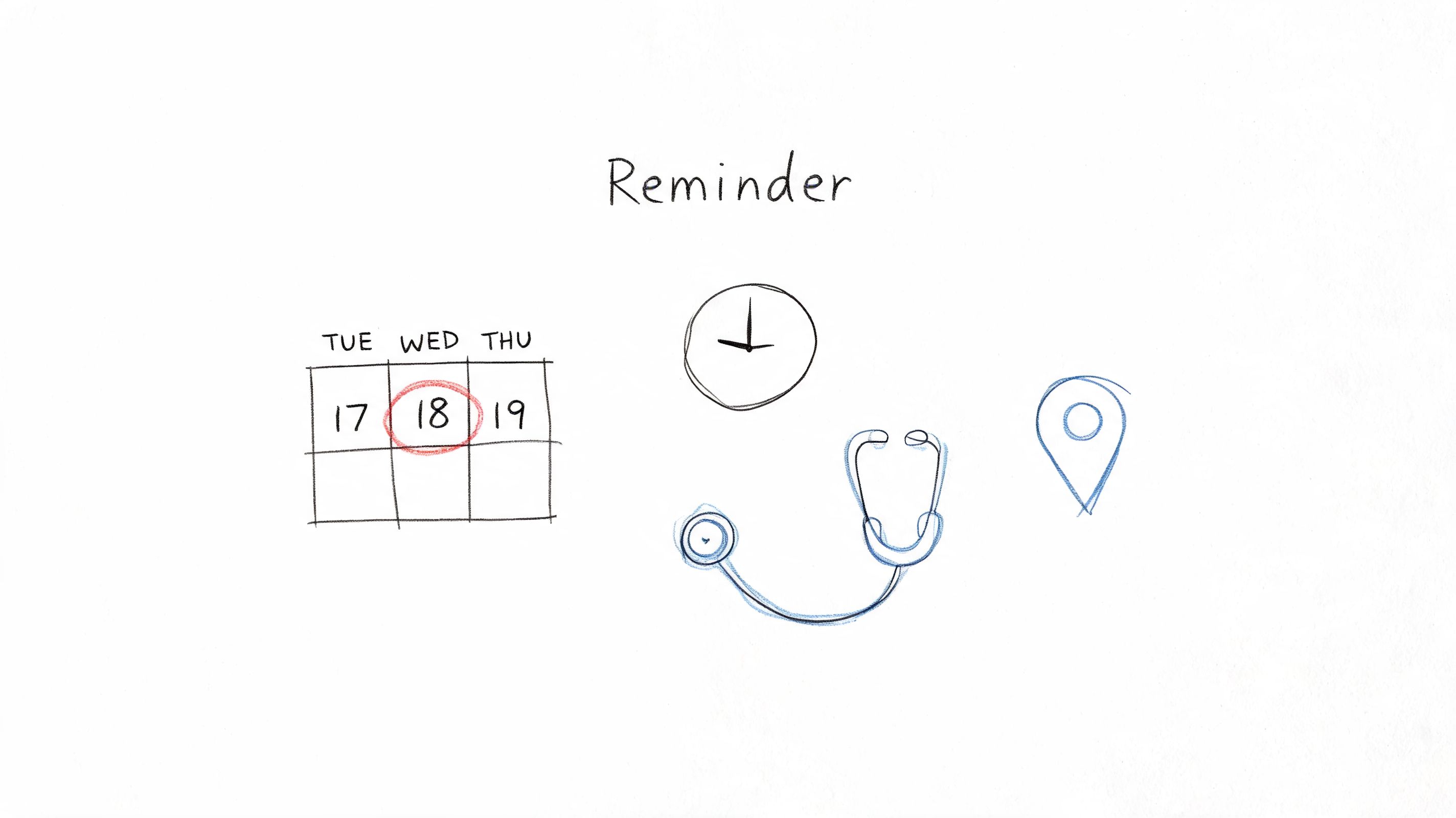
Appointments are where reminder systems prove their value fast. A missed dental cleaning, salon booking, consultation, or service visit doesn't just waste time. It leaves a revenue gap that's hard to refill at the last minute.
For most appointment-based businesses, the safest pattern is simple. Send the email with enough time to reschedule, then use SMS closer to the appointment for visibility. If the booking is high value or historically flaky, a ringless voicemail can add a human touch without forcing a live call.
Subject: Reminder for your appointment on [Day]
Hi [First Name],
This is a quick reminder about your appointment with [Provider/Business Name] on [Day, Date] at [Time].
Location: [Address or virtual link]
Service: [Appointment type]
If this time still works, no action is needed. If you need to reschedule or cancel, please use this link: [Reschedule Link]
We look forward to seeing you.
Best,
[Business Name]
[Phone Number]
A good appointment reminder email doesn't try to sell. It confirms the slot, removes ambiguity, and makes rescheduling easier than no-showing. That last part matters. If people can't quickly change the booking, they often do nothing.
Practical rule: Send the first reminder early enough for the recipient to act, not just early enough for your system to say it sent something.
If you're setting up healthcare, clinic, or service reminders, these appointment confirmation text examples are useful for building the SMS layer around the email.
Events fail when registrants forget, lose the join link, or remember too late. That's why event reminders need more than nice copy. They need sequencing.
Market research around reminders has converged on a narrow range for persistence. TheySaid recommends sending reminders 42 to 78 hours after the first email and limiting follow-ups to 1 to 3 total, while also noting that one reminder can be enough for highly engaged audiences and three can work for longer surveys if spaced politely (TheySaid reminder timing guidance). That same discipline fits webinars, workshops, demos, and trainings.
Subject: You're registered for [Event Name] on [Date]
Hi [First Name],
You're all set for [Event Name] on [Day, Date] at [Time and Time Zone].
Here's your join link: [Event Link]
You'll hear from us again before we start, but you can add it to your calendar now so it doesn't get buried.
See you there,
[Host Name]
[Company Name]
The strongest event reminder systems don't send one long email. They send short, increasingly actionable touches:
Keep key event info above the fold. People should see the date, time, and link before they scroll.
What doesn't work is sending a beautifully written email that hides the join link in paragraph four. Event reminders should feel operational, not literary. If you host webinars for clients or run educational sessions, test a sequence with one earlier email, one day-before email, and one short final mobile reminder.
Payment reminders need a different tone. Too soft, and the client ignores it. Too aggressive, and you create friction over a bill that may accidentally have slipped through accounting.
Specificity matters more than persuasion here. MailBluster recommends sending task reminders at least 1 to 2 days before a deadline, and Pumble advises using precise dates, deadlines, invoice references, and a clear CTA so the recipient knows exactly what to do and by when (MailBluster reminder email examples). For invoices, that means subject lines and body copy should mention the invoice number and due date.
Subject: Invoice [Invoice Number] due on [Due Date]
Hi [First Name],
A quick reminder that invoice [Invoice Number] for [Amount or Service Description] is due on [Due Date].
You can make payment here: [Payment Link]
If payment has already been sent, please disregard this message. If you have any billing questions, reply to this email and we'll help.
Thank you,
[Your Name]
[Company Name]
Payment reminders are ideal for tiered sequences. Start with email because it gives the client a searchable record. Add SMS when the due date is close or when the account contact is often mobile. Use ringless voicemail for overdue, high-value accounts where a personal tone can reset attention without escalating to a collections-style call.
A short ringless voicemail script might sound like this:
Hi [Name], this is [Your Name] from [Company]. Just a quick reminder that invoice [Invoice Number] is still pending. We've sent the payment link by email, and if you need anything from us to process it, just reply there. Thank you.
That works because it sounds helpful, not threatening. The common mistake is writing a long payment email full of policy language. Most recipients only need three things: what's due, when it's due, and where to pay.
A post-purchase reminder isn't about chasing. It's about activation. If someone bought the product, started the trial, or signed up for onboarding, the reminder should move them to the next useful action.
Many teams send generic “checking in” emails and wonder why nothing happens. People act when the next step is obvious. Prospeo's guidance emphasizes keeping reminders brief, giving a clear next step, and avoiding generic phrasing like “friendly reminder” (Prospeo reminder email template guidance). That's especially useful in onboarding and adoption sequences.
Subject: Start using [Product Name] today
Hi [First Name],
Thanks for choosing [Product Name].
Your next best step is to [complete setup / watch the quick-start guide / activate your account] here: [CTA Link]
If you'd like help getting started, reply to this email and our team will point you in the right direction.
Best,
[Company Name]
The strongest product follow-ups are segmented. A new SaaS trial user should get setup steps. A retail buyer should get care instructions or replenishment timing. A service client should get onboarding details and support options.
If you're layering reminders into promotional or follow-up campaigns, these ways to drive last-minute sales with SMS reminders show how to add a mobile touch without bloating the sequence.
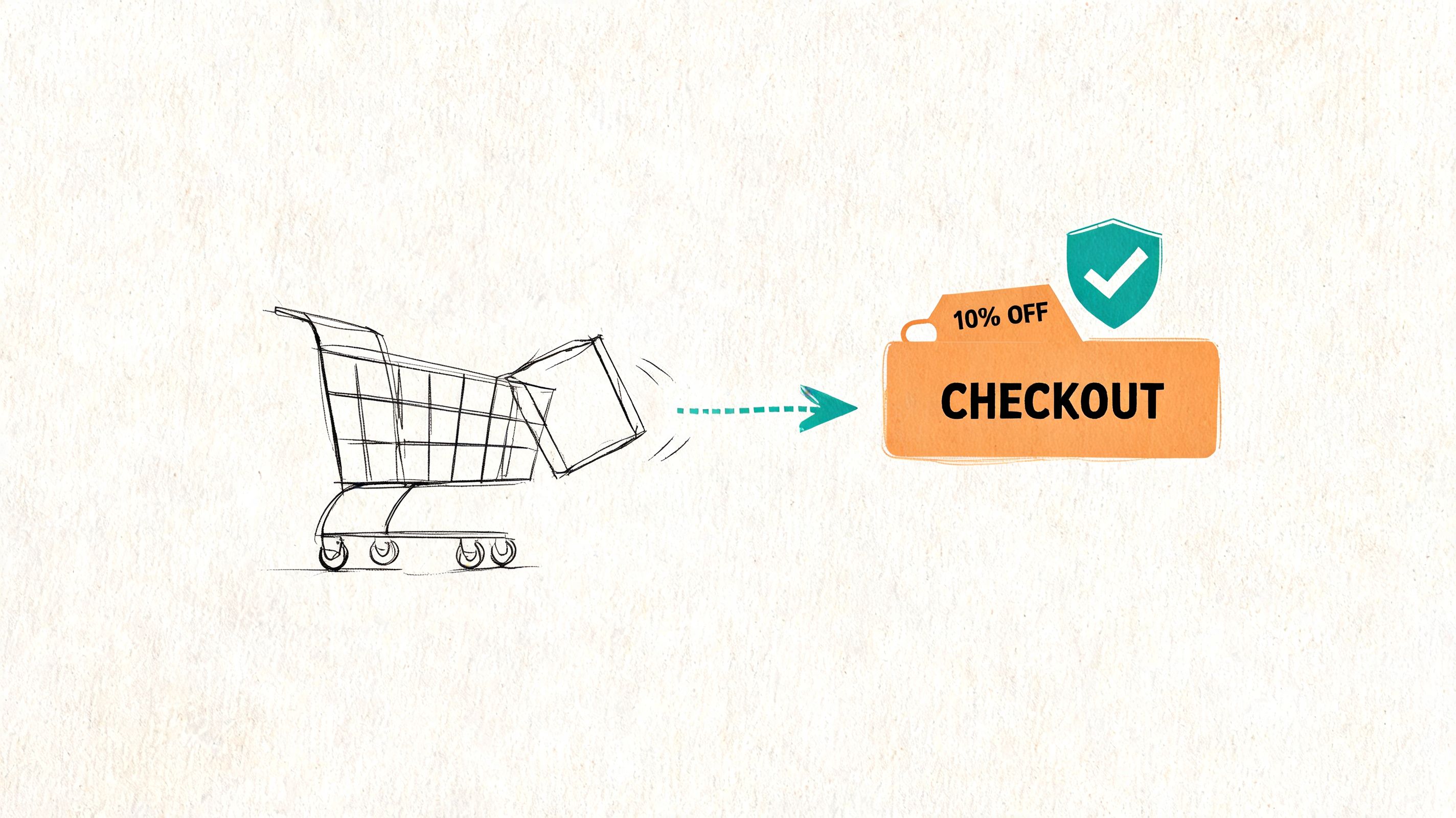
Cart reminders are one of the clearest examples of why speed matters. The shopper was interested minutes ago. Your job is to remove friction before that intent cools off.
The copy should be shorter than typically assumed. Product image, item name, checkout link, and a reason to return. That's enough. If you're discounting, do it selectively. Don't train buyers to abandon carts just to get an offer.
Subject: You left something in your cart
Hi [First Name],
You added these items to your cart and didn't finish checkout:
[Product Summary]
Complete your order here: [Checkout Link]
If you ran into any issues, reply to this email and we'll help.
Thanks,
[Store Name]
Email is still useful because it can show the cart contents clearly. SMS often works better as the faster nudge when the purchase is time-sensitive or when the buyer is on mobile. For higher-ticket products, ringless voicemail can work as a concierge-style follow-up, but only if the brand relationship supports it.
A simple sequence often outperforms an overbuilt one:
For ecommerce teams looking at the broader recovery strategy, this guide on reducing shopping cart abandonment rates is a helpful companion.
What usually fails is over-messaging. Once reminders start feeling like surveillance, conversion drops and unsubscribe risk rises.
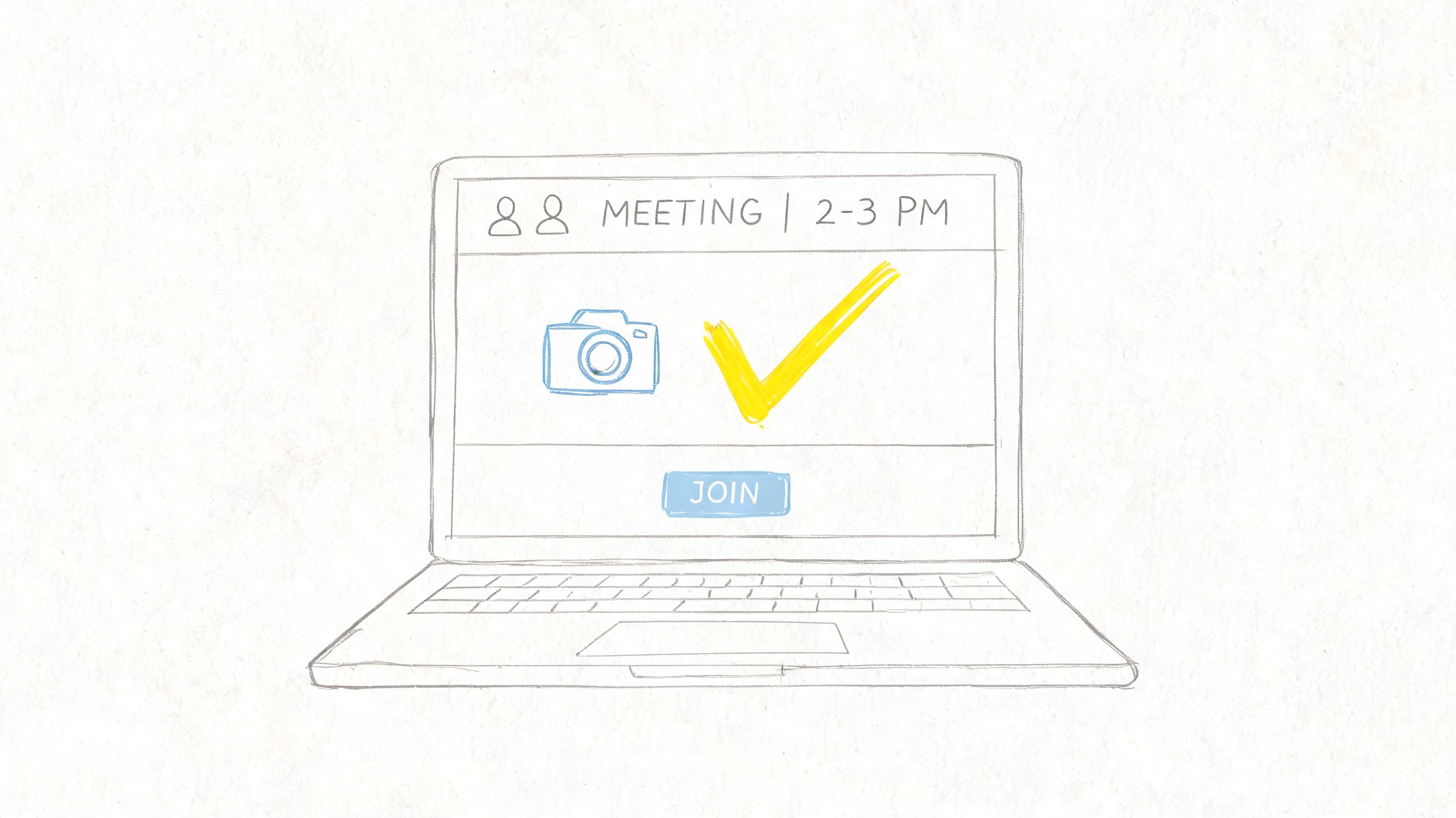
Business meetings need a different kind of reminder than appointments. The recipient usually doesn't need a lot of context. They need confidence that the meeting is still on, the link works, and the agenda is worth showing up for.
Reminder email structure matters here. High-performing reminder emails are typically built around a specific subject line, a direct opening, concise context, one clear CTA, and a brief sign-off. Instantly also reports that reminder emails can reduce meeting no-shows by 30 to 50% (Instantly reminder email examples). That makes meeting confirmations one of the easiest operational wins for sales and service teams.
Subject: Confirming our meeting on [Day] at [Time]
Hi [First Name],
Looking forward to our meeting on [Day, Date] at [Time].
Join here: [Meeting Link]
We'll cover [brief agenda item 1] and [brief agenda item 2]. If anything changes, reply here and we'll adjust.
Best,
[Your Name]
Meeting reminders fail when they're vague. “Just checking in” is weaker than “Confirming our call at 2:00 PM ET.” Include the platform, the access link, and a brief agenda. That tells the recipient this is real, scheduled, and worth attending.
A meeting reminder should answer three questions immediately. When is it, where do I join, and why am I showing up?
If you're tightening attendance for consults, demos, or telehealth, these strategies for reducing no-show appointments map well to meeting confirmation workflows too.
A customer gets a renewal notice two days before charge date, can't tell what plan they're on, and has to hunt for the billing page. That renewal reminder creates work instead of preserving revenue.
Annual renewals perform better when the sequence starts early and each touch has a job. Email handles context. SMS handles urgency near the deadline. Ringless voicemail can help for higher-value accounts where a missed renewal means a service interruption, pricing change, or a conversation with an account manager. The point is not to send more messages. It is to remove decision friction across channels while staying within your consent and contact rules.
Subject: Your [Plan Name] renews on [Date]
Hi [First Name],
Your [Plan Name] subscription renews on [Date].
Renew here: [Renewal Link]
If you want to review your plan, update billing details, or talk through renewal options before the renewal date, reply to this email and we'll help.
Thank you,
[Company Name]
A strong renewal reminder does two things fast. It reminds the customer what continues, and it gives them the shortest path to act.
The copy matters, but timing matters just as much. A practical sequence often starts with an email 30 days out, follows with another around 14 days, then uses a final-week email plus SMS if the customer has opted in. For managed accounts, I'd add ringless voicemail only after the email has established context and only if the account owner should be involved.
Weak renewal reminders read like system alerts. Strong ones remind the customer what they keep, what happens next, and how to stay active without extra steps.
Inactive customers rarely need guilt. They need a reason to care again. That's why win-back reminders should lead with relevance, not “we noticed you haven't logged in.”
This is also where channel choice matters most. Salesforge notes that multi-channel sequences should stop when a prospect replies, and that people who ignore several email touches may respond when nudged on LinkedIn. It also reinforces the broader point that email-only reminders can miss reachable people who prefer another channel (Salesforge gentle reminder email guidance). For customer win-back, that same thinking extends to SMS and ringless voicemail.
Subject: Come back to [Product or Service Name]
Hi [First Name],
It's been a little while since you used [Product or Service Name].
If you'd like to get back up and running, start here: [Return Link]
If something didn't work for you before, reply and let us know. We're happy to help or point you to the right option.
Best,
[Company Name]
Email is the right first move because it gives room for context. SMS works well when there's a clear return action, such as booking, logging in, or redeeming an offer. Ringless voicemail is valuable for high-value lapsed customers because it feels personal without requiring a live pickup.
A useful ringless voicemail script for re-engagement sounds like this:
Hi [Name], this is [Your Name] from [Company]. We noticed you haven't been back in a bit and wanted to make reconnecting easy. We sent you a link by email, and if you have any questions, just reply there.
That works because it lowers pressure. It doesn't accuse the customer of churning. It opens a door.
| Template | Implementation Complexity | Resource Requirements | Expected Outcomes | Ideal Use Cases | Key Advantages |
|---|---|---|---|---|---|
| Appointment Reminder Email Template | Low, simple timing + calendar data | Scheduling system integration, basic personalization, optional SMS | Reduces no-shows ~20–30% | Healthcare, salons, service providers, studios | Low effort, automatable, improves professionalism |
| Event Attendance Reminder Email Template | Medium, multi-touch timing, timezone handling | Event platform links, agenda content, SMS for last-mile | Increases attendance ~15–40% depending on cadence | Webinars, trainings, conferences, educators | Reduces technical issues, boosts attendance and credibility |
| Payment Due / Invoice Reminder Email Template | Medium, billing integration and staged sequences | Billing system integration, payment links, polite copy | Improves collections ~10–20% | B2B services, SaaS, consultancies, SMBs | Maintains relationships, reduces AR cycle, automatable |
| Product / Service Follow-up Reminder Email Template | Medium, segmentation and onboarding flows | CRM/e‑commerce integration, tutorials, personalization | Boosts adoption and retention (onboarding +35% reported) | Ecommerce, SaaS, onboarding, post-purchase nurturing | Drives product usage, reduces churn, enables upsells |
| Cart Abandonment Reminder Email Template | Medium–High, dynamic content and rapid timing | E‑commerce tracking, dynamic product data, SMS | Recovers ~10–30% of carts; high ROI (often >40:1) | Online retailers, ecommerce platforms | Direct revenue recovery, highly measurable, automatable |
| Meeting / Call Confirmation Reminder Email Template | Low, calendar links and attendee info | Calendar integration, meeting links, brief agenda | Reduces no-shows ~20–35% | Sales teams, consultants, internal/external meetings | Quick to send, improves preparedness, easy automation |
| Annual Renewal / Subscription Reminder Email Template | Medium, expiry tracking and tiered cadence | Subscription database, renewal links, segmented offers | Reduces unintentional churn, can improve renewals ~10–25% | Subscriptions, memberships, SaaS, studios | Prevents churn, enables upgrades, simple to automate |
| Re-engagement / Win-Back Reminder Email Template | Medium–High, deep segmentation and incentives | CRM segmentation, incentive offers, feedback mechanisms | Recovers ~5–15% of lapsed users | SaaS, subscriptions, ecommerce, fitness apps | Cost-effective reacquisition, yields customer insights |
A good sample reminder email gets the wording right. A working reminder system gets the sequence right.
That's the shift organizations need to make. Stop thinking in isolated messages and start thinking in workflows. One email before an appointment. One SMS closer to the event. One ringless voicemail for overdue, high-value accounts. One stop condition when the customer replies, pays, confirms, or reschedules. That's how reminders stay helpful instead of becoming noise.
There's also a hard ceiling on how much copy alone can fix. Most reminder content online focuses on phrasing, subject lines, and tone. Those matter, but the bigger operational questions usually decide results. Who should receive the message? How often? Through which channel? What happens after a click, a reply, or no response? How do you handle opt-outs, number validation, DNC management, and healthcare-safe workflows when reminders involve sensitive information? Those are execution questions, not copywriting questions.
The strongest systems keep the message short and the workflow smart. Segment by use case. Use email when detail matters. Use SMS when visibility matters. Use ringless voicemail when a more personal nudge can recover attention without adding call friction. Most important, stop the sequence the moment the recipient takes the action you wanted.
For many teams, that means using a platform that can coordinate the sequence instead of forcing staff to send reminders manually across separate tools. A unified setup can help you manage timing, suppression, tracking, and compliance in one place. If you're comparing approaches, this Truelist guide on marketing automation is a useful starting point for thinking about workflow orchestration more broadly.
Call Loop is one option that fits this reminder use case because it supports multi-channel outreach across SMS, voice, and ringless voicemail, along with drip campaigns, segmentation, scheduling, analytics, and HIPAA-ready workflows for healthcare teams. That combination matters when you're trying to do more than send a decent email. You're trying to build a reliable follow-up engine.
The win isn't just better communication. It's fewer no-shows, cleaner calendars, faster payments, stronger attendance, and less time spent chasing people one by one.
If you're ready to turn each sample reminder email into an automated sequence, take a look at Call Loop. It's built for teams that want to combine SMS, voice, and ringless voicemail with structured follow-up workflows instead of relying on manual reminders.
Chris Brisson
Chris is the co-founder and CEO at Call Loop. He is focused on marketing automation, growth hacker strategies, and creating duplicatable systems for growing a remote and bootstrapped company. Chat with him on X at @chrisbrisson


Trusted by over 45,000 people, organizations, and businesses like


