
See a Demo
You're just one step away from seeing Call Loop in action.
Enter your information below to watch a demo right now.

You're just one step away from seeing Call Loop in action.
Enter your information below to watch a demo right now.

You build the event page, pick a solid time slot, maybe even create a polished flyer. Then the invites go out by email and the response is underwhelming. Not because the event is weak, but because the channel is.
That is why more businesses want to learn how to send evite via text message instead of relying on inbox placement and hope. A text invite is faster to notice, easier to act on, and much easier to build into a follow-up system that includes reminders, reply handling, and even ringless voicemail for non-responders.
The bigger shift is this. Sending an evite by text is no longer just a party-host trick. For webinars, open houses, classes, VIP sales, healthcare events, and customer appreciation campaigns, text-based invites can function like a real outreach workflow. The difference comes down to message design, automation, compliance, and what you do after the first send.
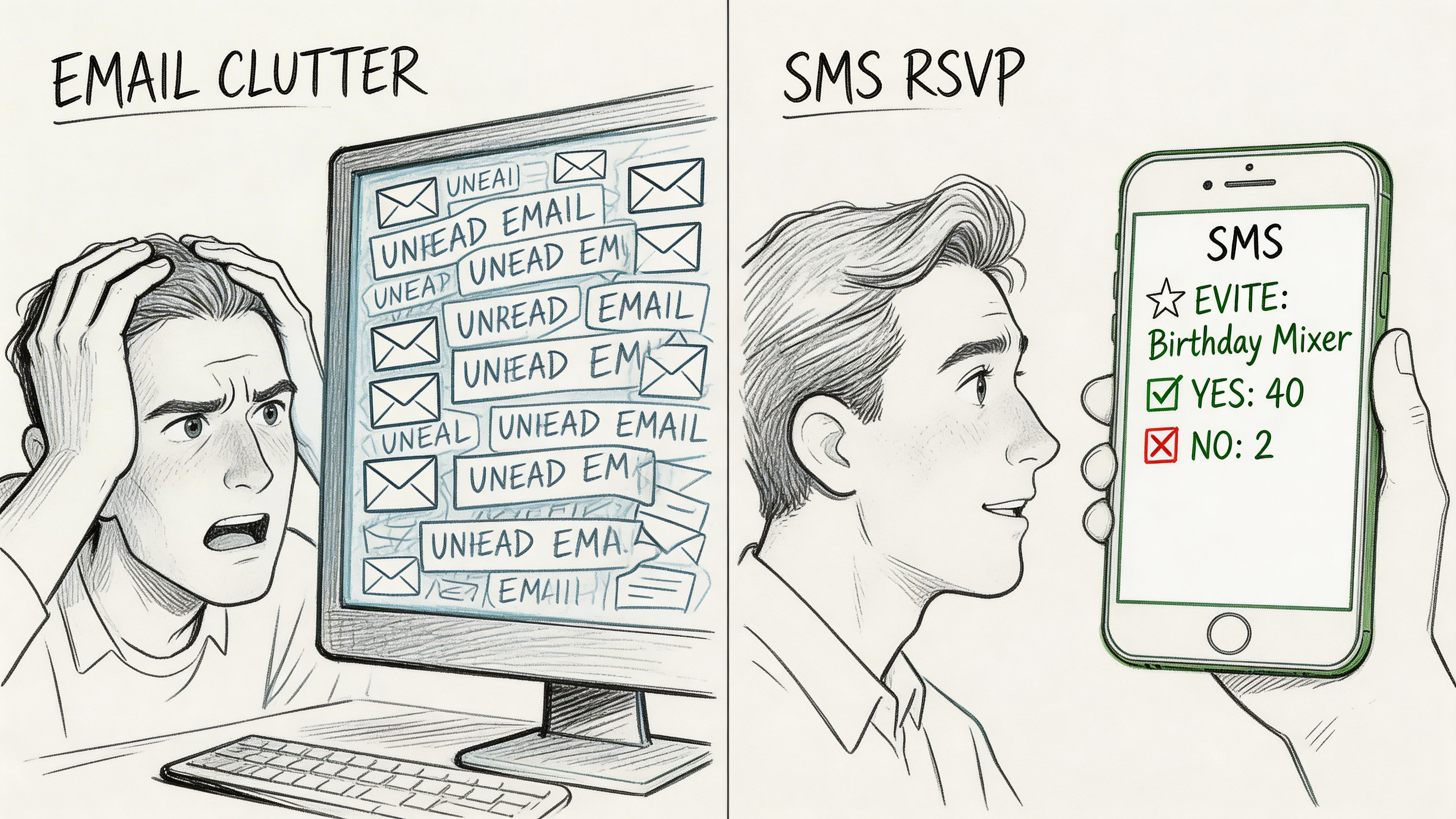
Most event emails fail for a simple reason. People do not see them in time.
By contrast, SMS messages achieve a 98% open rate, and nearly 70% are read within minutes of being received, according to Ez Texting’s event invitation data. If your event depends on quick visibility and immediate action, that difference matters more than fancy invitation design.
A lot of small businesses make the mistake of treating text invites like informal one-to-one messages. That can work for a birthday dinner. It breaks down fast when you are inviting customers to a product launch or reminding registrants about a training session.
A professional text evite does more than deliver a link.
Modern event messaging also benefits from features normally associated with business outreach platforms, not personal messaging apps. If you need a primer on the channel itself, this overview of SMS messaging is useful before you build campaigns around it.
Email still has a place for long-form event detail, sponsorship packets, and post-event recaps. But text tends to win when the objective is immediate response.
Text works especially well for:
If the event requires a quick yes or no, send the invitation where people look first.
This is why text message evites outperform email. Not because SMS is trendy, but because it reduces delay between seeing the invitation and acting on it.
Good text invites are short, specific, and easy to act on. Bad ones sound like mass blasts, hide the value, or bury the RSVP link at the end of a cluttered paragraph.
The first decision is format. For many businesses, a plain SMS with a clean link is the safest choice because it loads quickly and keeps the recipient focused on one action. MMS can work well when the image adds context, such as a retail flyer, speaker headshot, or branded event card. If you want movement without overloading the message, a well-made marketing animated GIF can add visual interest when the creative supports the offer instead of distracting from it.
Every effective invite message needs four parts.
A personal opening
Use the recipient’s name if your list supports it. Even a simple greeting makes the message feel intended, not dumped into a list.
A reason to care
Do not just say what the event is. Say why the person should attend.
The logistics
Include the core details people use to decide. Keep them concise.
A direct CTA
Your call to action should tell the reader exactly what to do next.
Keep these elements:
Cut these elements:
A text invite should answer one question immediately. Why should I tap this now?
| Event Type | Message Template |
|---|---|
| Webinar | Hi [FirstName], we’re hosting a live webinar on [topic] on [day] at [time]. Join us to learn [benefit]. Save your spot here: [link] |
| In-store event | Hi [FirstName], you’re invited to our in-store event on [date]. We’ll have [offer or attraction]. RSVP here so we can save your place: [link] |
| Customer appreciation night | Thanks for being a customer, [FirstName]. We’d love to see you at our appreciation event on [date] at [location]. RSVP here: [link] |
| Class or workshop | Hi [FirstName], registration is open for our [class/workshop name] on [date]. If you want hands-on help with [goal], grab your seat here: [link] |
| VIP sale preview | Hi [FirstName], you’re on our VIP list for early access to [event/sale] on [date]. Claim your invite here: [link] |
Use SMS when speed and clarity matter most. It is usually the better fit for registration-driven events.
Use MMS when the visual itself helps sell attendance. Examples include:
Before sending, open your RSVP link on your own phone. Then test it on another device and mobile connection. If the page feels slow or cluttered, the message may get opened but the response still gets lost.
Manual texting works until the list gets serious. Then it becomes inconsistent, slow, and hard to measure.
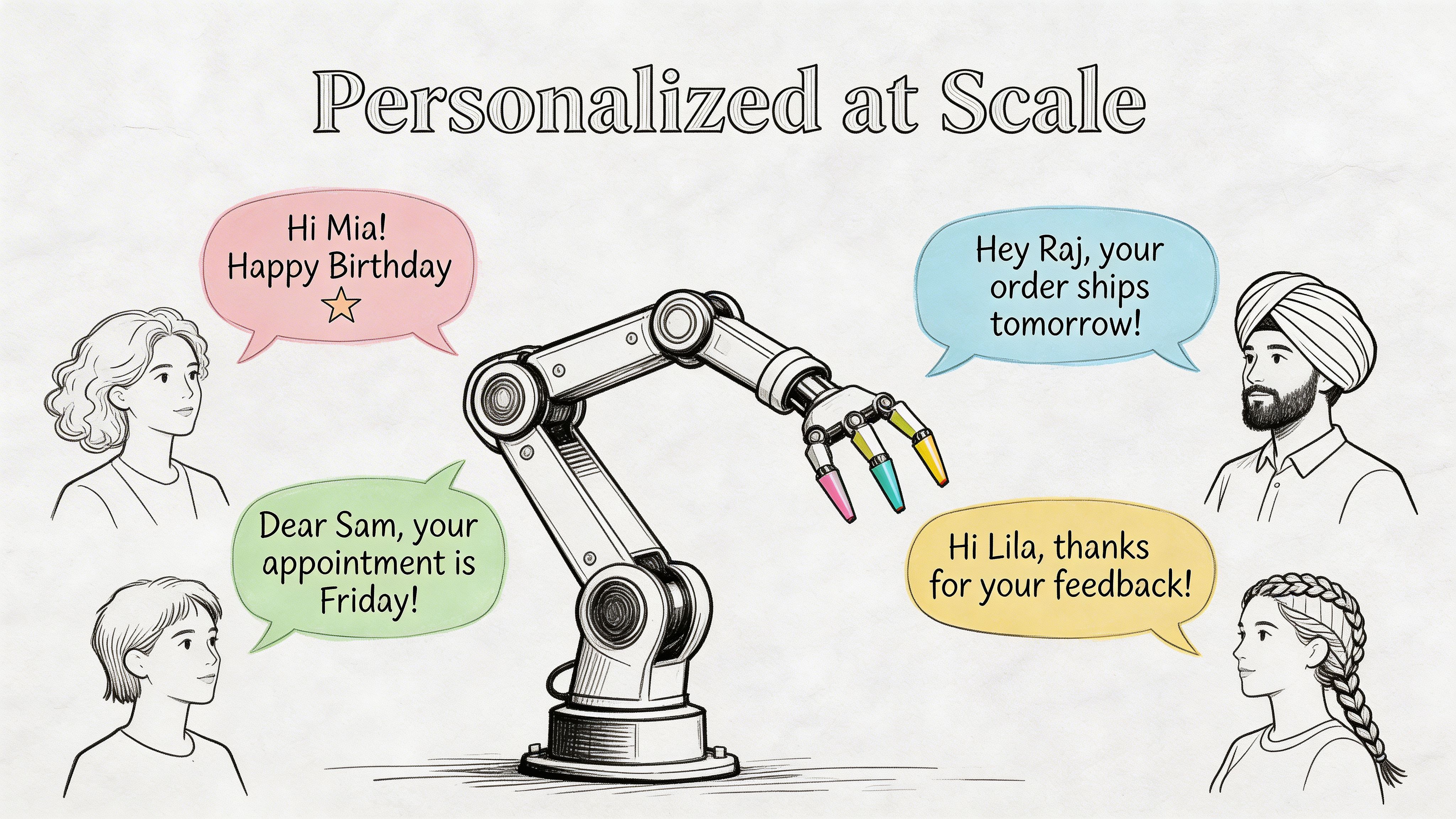
Modern SMS platforms let organizers send personalized invitations to hundreds or thousands of guests while still using custom fields and merge tags, and they support two-way conversational texting so guests can reply directly to RSVP or ask questions, as noted in ExpertTexting’s guide to text-based evites.
That changes the job from “send a message” to “run a campaign.”
The most useful personalization is not decorative. It is operational.
A merge field like [FirstName] helps. Better personalization comes from tailoring the invite to the relationship the person already has with your business.
Examples:
This is segmentation, not just personalization. It makes your invite more relevant without forcing you to write every message from scratch.
If you write one generic message and blast it to everyone, you lose the main advantage of business texting. Segment first.
Useful segments include:
For service businesses, attendance data can also connect to scheduling. If your event ties into classes, consultations, or studio bookings, an automated class booking system can help align invites with actual capacity and availability.
Scheduling and automated response handling prevent the common mistakes that happen with manual sends. You avoid forgotten reminders, duplicate texts, and random follow-up timing.
A practical setup often includes:
For autoresponses and triggered messaging, this guide to an autoresponder for text messages shows how businesses structure follow-up without doing everything live.
The simplest scaling rule is this. Write fewer generic messages and more targeted ones.
When businesses ask how to send evite via text message at scale, the answer is not “send more texts.” It is “build a system that sends the right invitation to the right group and captures replies in one place.”
The first invite gets attention. The follow-up sequence gets attendance.
Here, most event outreach underperforms. A business sends one text, sees some registrations, and assumes the rest of the list is uninterested. Often, those contacts are not declining. They are postponing the decision.
SimpleTexting’s event invitation guidance notes that event no-show rates can average 30-50%, and that SMS, voice, and ringless voicemail sequences triggered by non-RSVPs, such as a day-3 nudge, can produce a 25% RSVP uplift compared to single-touch campaigns.
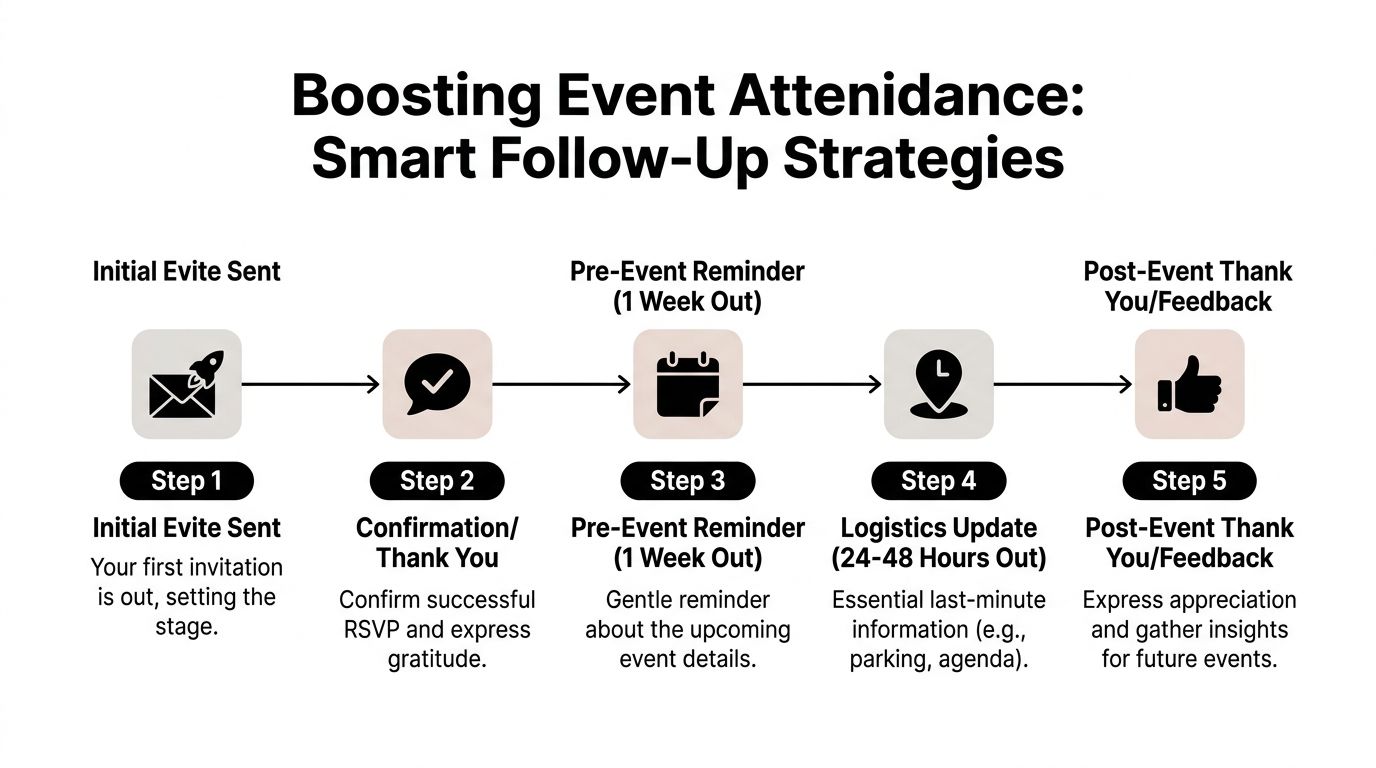
For most small business events, the best sequence is short and purposeful.
Keep the first message focused on value and RSVP. Do not cram in reminders, parking notes, and backup links. You are asking for one decision.
When someone replies or registers, send a simple confirmation. This reduces uncertainty and cuts back on inbound questions.
A few days later, send a follow-up only to people who did not act. The wording should be lighter than the first message.
Example:
Initial text
“Hi [FirstName], join us for [event] on [date]. Reserve your spot here: [link]”
Non-responder follow-up
“Hi [FirstName], quick reminder about [event] on [date]. We’d love to have you there. RSVP here: [link]”
Confirmed attendee reminder
“You’re confirmed for [event]. We’ll send final details before it starts.”
Ringless voicemail is useful when you want an added touch without forcing a live phone conversation. Instead of calling, you deliver a recorded voice message into voicemail for people who have not replied.
That works well for:
A short voicemail from the owner, host, or event lead can sound more human than a third text. Keep it brief. State who is calling, what the event is, and how to respond.
Ringless voicemail works best as a selective follow-up layer, not as your primary invitation channel.
The strongest follow-up campaigns react to what the person did.
This is the practical difference between event texting and event marketing. One sends messages. The other manages response paths.
Business texting is not the same as texting your friends about dinner plans. The moment you use SMS for customer outreach, compliance becomes part of deliverability.
That is not bureaucracy. It is how you make sure your messages arrive and your business does not create unnecessary risk.
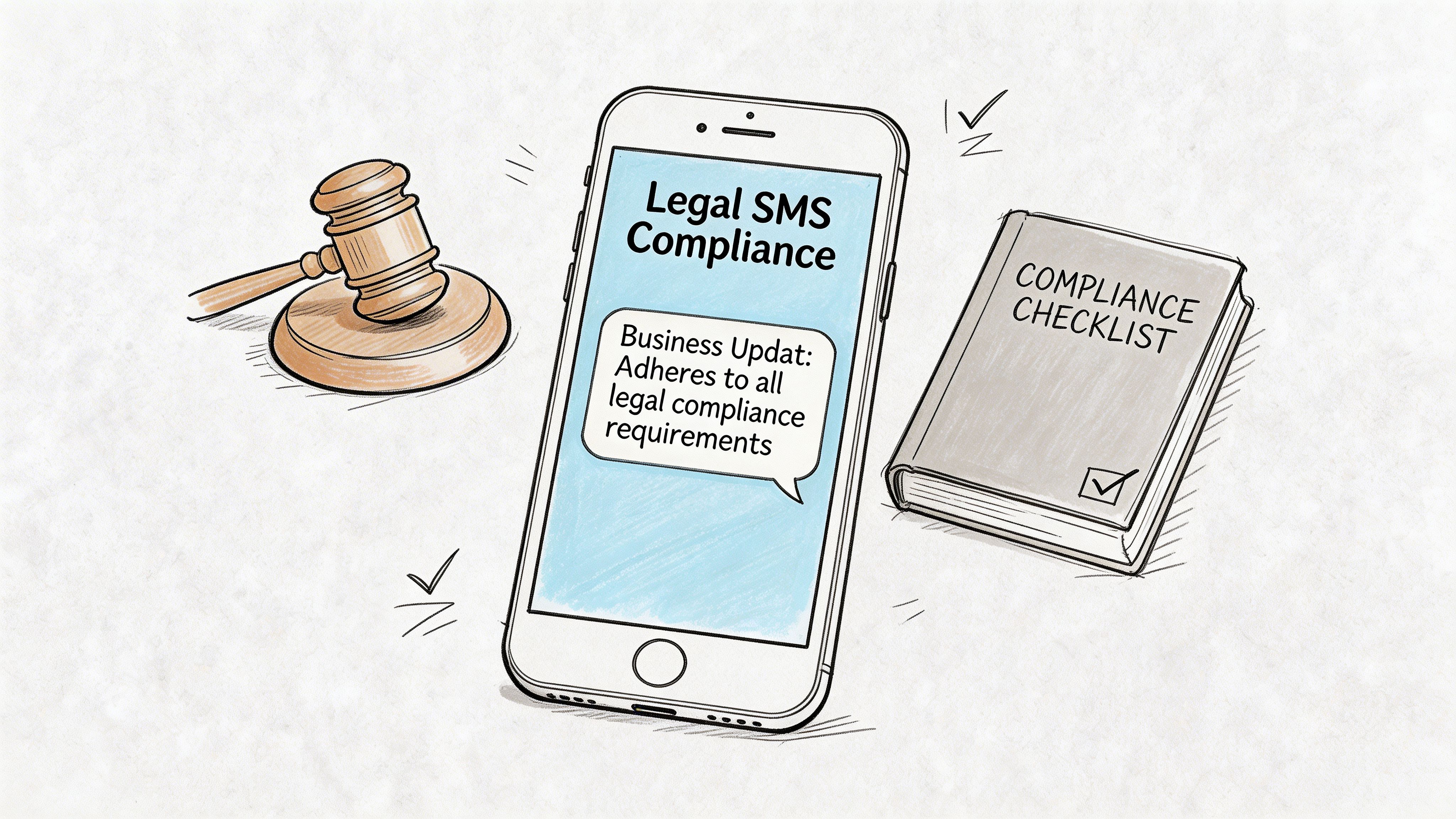
According to Falkon SMS on business-scale evites, carrier registration became mandatory in 2023 for high-volume messaging to avoid 90%+ block rates, and 75% of unregistered business SMS campaigns are filtered as spam. That is the part many consumer-style guides skip.
You need consent before you send promotional or event-related business texts. You also need a clear way for people to opt out.
That means your process should include:
For teams that need a practical starting point, this explanation of express written consent helps clarify what permission should look like in business texting.
Businesses often frame compliance as a legal burden. In practice, it is also an operational filter.
A compliant list is usually a cleaner list. Cleaner lists produce fewer complaints, fewer blocks, and more trustworthy metrics. When your event invite goes to people who agreed to hear from you, the campaign behaves more predictably.
This works for tiny lists and one-off invites. It does not scale, and it gives you almost no structure for opt-out handling or tracking.
If you cannot explain why the person is on your list, do not text them until that status is clear.
High-volume business outreach needs the proper setup. If you skip that step, even well-written invitations may never reach the inbox.
Professional event texting starts before the first message. Consent, registration, and list hygiene determine whether the campaign has a chance to work.
If your event outreach involves healthcare, education, or regulated customer communications, the compliance standard should be even tighter. The invitation may look simple on the surface, but the sending infrastructure should not be improvised.
A lot of businesses can send one text invite. The friction shows up when lists get messy, replies start coming in, or a consumer app runs into limitations.
Usually not with consumer-grade evite apps. Consumer apps like Evite are typically limited to US 10-digit numbers, and unsupported international numbers can reduce uptake by 25%, based on Evite app support guidance.
If your audience includes international contacts, plan for that before launch. In practice, that may mean using a business messaging workflow that supports your target regions or separating domestic and international outreach into different channels.
One common reason is bad contact data. The same Evite app guidance notes that unverified contacts can cause 10-15% bounce rates, which can distort your event reporting and make the campaign look weaker than it is.
Check for these issues first:
If you are using any kind of uploaded contact file, validate it before the send. A clean list is not just a deliverability issue. It affects your RSVP numbers, attendance planning, and follow-up logic.
Treat reply handling as part of the campaign, not an afterthought.
For operational replies:
For opt-out replies, respect them immediately. If someone replies STOP, they should no longer receive event promotion texts. That is both a compliance issue and a trust issue.
Use a consumer app for simple, low-volume personal invitations. Use a business platform when the event affects revenue, staffing, customer experience, or compliance exposure.
A business setup is the better fit when you need:
The line is simple. If missing RSVPs would create real business consequences, do not run the campaign like a casual party invite.
If you want to move from basic text invites to a professional outreach system, Call Loop gives businesses a practical way to send SMS and MMS, automate follow-ups, use ringless voicemail, manage compliance, and track responses in one place. It is a strong fit for teams that need event invitations to do more than just send a link.
Chris Brisson
Chris is the co-founder and CEO at Call Loop. He is focused on marketing automation, growth hacker strategies, and creating duplicatable systems for growing a remote and bootstrapped company. Chat with him on X at @chrisbrisson


Trusted by over 45,000 people, organizations, and businesses like


