
See a Demo
You're just one step away from seeing Call Loop in action.
Enter your information below to watch a demo right now.

You're just one step away from seeing Call Loop in action.
Enter your information below to watch a demo right now.

You're halfway through a quick text conversation when the send spinner stops, a red exclamation mark appears, and Android shows “Message blocking is active.” Sometimes there's no useful alert at all. The message looks sent on your screen, but the recipient never sees it.
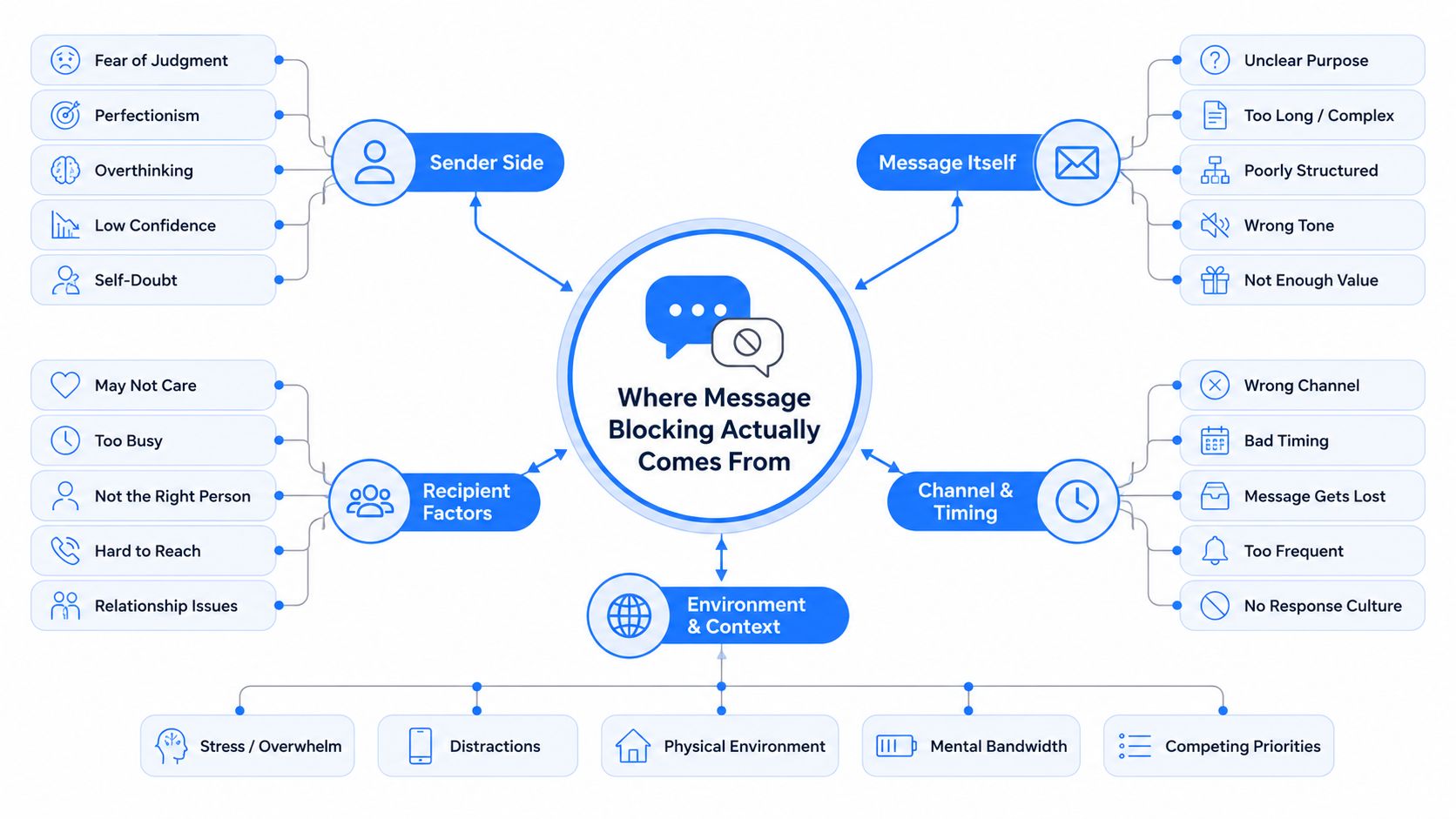
The mistake many users make is searching for one universal blocking switch. Android message blocking can start in three different places: the device's blocked-number controls, the messaging app and its RCS or SMS configuration, or the carrier account, including short-code restrictions. Find the layer first, then apply the fix that matches it.
A user I worked with recently could receive texts from a customer but couldn't reply. The conversation thread was intact, the signal icon looked normal, and Google Messages still displayed the contact's name. Each reply failed, though, which made the problem look like a broken phone rather than a blocked route.
That distinction matters. A recipient may have blocked the sender, Google Messages may be diverting the thread as spam, or the carrier may be rejecting the message before it leaves the account. A failed send can also appear differently depending on whether Android is attempting RCS, standard SMS, or a message routed through a carrier's special service.
Practical rule: Don't factory-reset an Android phone until you've checked the block lists, default SMS app, and carrier account.
Start by recording exactly what happens. Does the message show a red exclamation mark? Does it remain stuck as “Sending”? Does it switch from RCS to SMS and then fail? Does the error appear only when you contact one person, or does every outbound text fail? Those details quickly separate a recipient-specific block from a line-wide restriction.
For a useful comparison with other delivery failures, review this guide to SMS messages not sending, but keep the Android-specific diagnosis in mind. The fastest path is to test one ordinary mobile number, then test the original recipient, before changing multiple settings at once.
Android message blocking has three practical layers. Treating them as separate prevents you from repeatedly changing the wrong setting.
The device layer includes the blocked-number list in the Phone app or Messages. Google documents blocking a number from a call history entry or a text thread, after which the number appears in the blocked-numbers area for review or unblocking. Motorola devices similarly allow blocking through either Phone or Messages, with calls or texts from that contact automatically declined. Google's Phone app guidance shows why this is now a standard Android workflow rather than a hidden manufacturer feature.
The app layer concerns Google Messages, a carrier messaging app, and the handoff between RCS and SMS. If Google Messages isn't the default SMS handler, another app may receive the message request. A damaged cache after an app update can also interfere with sending. For example, a user might successfully send RCS messages on Wi-Fi but get a blocking error when the app falls back to SMS.
The carrier layer sits outside the handset. A carrier can restrict short codes, premium messaging, or an account that has been flagged for abuse. A normal ten-digit message may work while a five- or six-digit service number fails. Google's Android scam reporting has relied on user-submitted SMS and RCS spam reports, which confirms that message abuse remains a large ecosystem problem and explains why carrier filtering is now aggressive. Google's Android scam report context also reinforces the need to distinguish local blocking from network controls.
Start with the Phone app because its blocked list can affect calls and texts together. Open Phone, tap the three-dot menu, choose Settings, and tap Blocked numbers. If the contact or number appears there, tap the removal or unblock control, then confirm the number no longer appears.
Use the search bar at the top of the blocked-numbers screen if the list is long. Search the complete number, including the country code when it's stored that way. Check both the exact number and the saved contact entry, because a person may have changed numbers or appear under a duplicate contact.
Next, inspect Google Messages. Open Messages, tap your profile icon, choose Messages settings, and open Spam protection. Confirm that Enable spam protection is configured as intended, then review the available blocked or spam-related conversations. If the thread was reported as spam, restore it only if you recognize the sender and want future messages.
Unblocking changes future handling. It won't recreate messages sent while the number was blocked, so ask the sender to send a fresh message after you finish. If the problem affects only one person, compare the result with this guide to not receiving texts from one person, then send a test text in a new thread rather than continuing the failed conversation.
Remember: A clean device block list doesn't prove that the carrier has removed an account-level restriction.
Once the blocked lists are clean, verify which app owns SMS. Open Settings, tap Apps, choose Default apps, and check the SMS app entry. It should show Messages by Google or the messaging app you intentionally use.
If a different app is selected, switch to the app you want, then retry with a fresh conversation. Two messaging apps can create confusing results, especially when one app handles RCS while another is registered as the SMS handler. An outdated or restricted app may fail without warning when Android passes the message to it.
Clear the active app's temporary data next. Open Settings, choose Apps, select the messaging app, tap Storage and cache, and use Clear cache. If the error remains, you can consider Clear storage, but understand that this may remove local app settings or stored conversation data depending on the device and backup configuration. Don't erase storage casually.
Google's Android guidance also places spam controls inside Messages, where users can enable spam protection or block and report a thread directly from its conversation menu. The Google Messages blocking guidance supports checking the app-level setting before blaming the carrier.
Temporarily disable Wi-Fi Calling under the Phone or network settings, depending on your Android manufacturer. Send a new SMS over mobile service, then restore Wi-Fi Calling and test again. Some builds route SMS through the carrier's IMS path, and provisioning problems can make that route fail even when ordinary data works.
The carrier is the layer most troubleshooting guides skip. It can reject a message even when the Phone app has no blocked entries and Google Messages is working normally.
Check the recipient format first. A five- or six-digit number is usually a short code, not a regular mobile number. Send a separate test to an ordinary ten-digit mobile number. If that test succeeds but the short code fails, stop changing Android settings and ask the carrier whether short-code, premium-message, or service-message access is restricted.
Carriers can also place controls on the account. Possible triggers include an unpaid or suspended service, an identity-verification problem, parental controls, a family safety setting, or a fraud review. Open the carrier's self-service portal and inspect messaging permissions. If the portal doesn't expose the setting, contact a live agent and ask specifically whether outbound SMS, short codes, and spam controls are active on the line.
For suspicious inbound messages, major U.S. carriers commonly direct customers to forward the message to 7726, which spells SPAM. T-Mobile's guidance says users may need to reply STOP, forward the message to 7726, and still contact support if unwanted texts continue. Forwarding helps report the content, but it doesn't necessarily unblock a legitimate sender or repair your outbound SMS service.
Businesses should also check the sender route. A blocked toll-free number, unverified messaging number, or restricted aggregator connection can look like an Android problem to the end user. Review the number type and registration status in the sending platform before asking every customer to change phone settings. For background on the number format that often causes confusion, see what short codes are.
Spam reporting protects recipients, but it can also suppress legitimate traffic. A customer who taps Report spam on an appointment reminder, delivery alert, or two-factor code may cause future messages from that sender, number, or route to receive harsher treatment.
The business often can't see that decision clearly. Confirmation messages stop arriving, campaign delivery falls, and support agents get blamed for a missed appointment or an incomplete login. The recipient thinks the business failed to send the message, while the business sees a successful handoff or an opaque carrier rejection.
The useful goal isn't maximum blocking. It's maximum separation between unwanted outreach and messages the recipient has asked to receive.
Outbound teams should reduce the conditions that make legitimate messages look disposable. Use a recognizable sender, collect consent before sending, keep opt-out handling active, and avoid forcing promotional content into a channel customers associate with urgent service messages. A clear STOP keyword gives recipients a controlled exit without requiring them to report every message as spam.
Sender registration and clean consent records matter too. If a clinic sends reminders from changing shared numbers, patients may mistake the traffic for abuse. If an ecommerce brand keeps texting after an opt-out, recipients have a strong reason to block the entire route.
Recipients should also avoid reporting trusted transactional messages as spam when an unsubscribe or STOP option is available. Businesses, meanwhile, should treat repeated blocking as feedback about message frequency, identity, timing, and relevance, not as a technical obstacle to bypass.
SMS is only one delivery path. If Android blocking affects a text follow-up, ringless voicemail offers a separate way to deliver a recorded message directly to a recipient's voicemail inbox without ringing the phone. It doesn't repair the blocked SMS route, but it can provide another channel for a follow-up that the recipient has consented to receive.
That makes ringless voicemail useful as a reliability layer rather than a replacement for responsible texting. A business might send an appointment reminder by SMS, use email or push notification for confirmation, and reserve a voicemail drop for contacts who have agreed to voice communication. The recipient gets a consistent message even when a text thread is filtered, unavailable, or misrouted.
A fallback channel must respect the same audience discipline as SMS. Don't treat voicemail as permission to contact people who blocked texts or opted out. Confirm the recipient's consent, identify the sender clearly, include an appropriate opt-out path, and maintain suppression records across every channel.
The U.S. legal position is direct. In its November 21, 2022 Declaratory Ruling and Order, the FCC treated ringless voicemail delivered to wireless phones as a “call” using an artificial or prerecorded voice under TCPA section 227(b)(1)(A)(iii), which means consumer consent is required. Read the FCC ringless voicemail ruling before building a campaign around voicemail drops. A later legal summary of the ruling describes the same core conclusion, ringless voicemails are covered calls and require prior express consent for applicable wireless outreach.
For teams managing coordinated SMS, voice, and ringless sequences, Call Loop provides those outbound channels alongside scheduling, opt-in and opt-out controls, number validation, and campaign tracking. Review the workflow at Call Loop if your team needs a controlled alternative when Android message blocking disrupts text delivery.
Run the checks in a fixed order so you know which change helped:
If the block list is clean, the default app cache has been cleared, and the carrier confirms there's no account restriction, escalate with evidence. Record the exact error string, the time it appeared, the recipient number format including country code, and the device's IMEI. Give that packet to carrier support or take it to a corporate store.
Don't factory-reset first. A reset rarely fixes a carrier-side block, and it can erase useful diagnostic evidence before support investigates.
Call Loop helps businesses coordinate compliant SMS, voice broadcasting, and ringless voicemail when a single Android text route isn't reliable. Visit Call Loop to review multi-channel campaigns, consent controls, and delivery tools for reminders, follow-ups, and customer outreach.
Chris Brisson
Chris is the co-founder and CEO at Call Loop. He is focused on marketing automation, growth hacker strategies, and creating duplicatable systems for growing a remote and bootstrapped company. Chat with him on X at @chrisbrisson


Trusted by over 45,000 people, organizations, and businesses like


