
See a Demo
You're just one step away from seeing Call Loop in action.
Enter your information below to watch a demo right now.

You're just one step away from seeing Call Loop in action.
Enter your information below to watch a demo right now.


It’s a feeling I know all too well, and one every marketer dreads. You’ve just hit "send" on a crucial SMS campaign, but then you notice it: your texts aren't going through. This isn't just a minor glitch; it can sink your entire outreach effort.
Most of the time, the problem boils down to a few usual suspects: aggressive carrier filtering, a list full of invalid phone numbers, or forgetting to complete your A2P 10DLC registration.
When you launch a text campaign, you're counting on it to land in your customers' inboxes. But the journey from your platform to their phone has a few hurdles. Knowing where things can go wrong is the first step to making sure your appointment reminders and flash sale alerts actually get delivered.
Imagine you run a karate studio. You're trying to remind 5,000 parents about the big belt test this weekend, but you watch in frustration as 15% of your texts just disappear. It’s a nightmare scenario, but it happens more than you’d think.
From what we've seen, a healthy SMS delivery rate should be somewhere between 90% and 98%. If your numbers dip below 90%, it’s a major red flag that something is seriously broken, like a block from a carrier or a bad list of numbers.
This decision tree gives you a simple visual of what happens after you send a text.
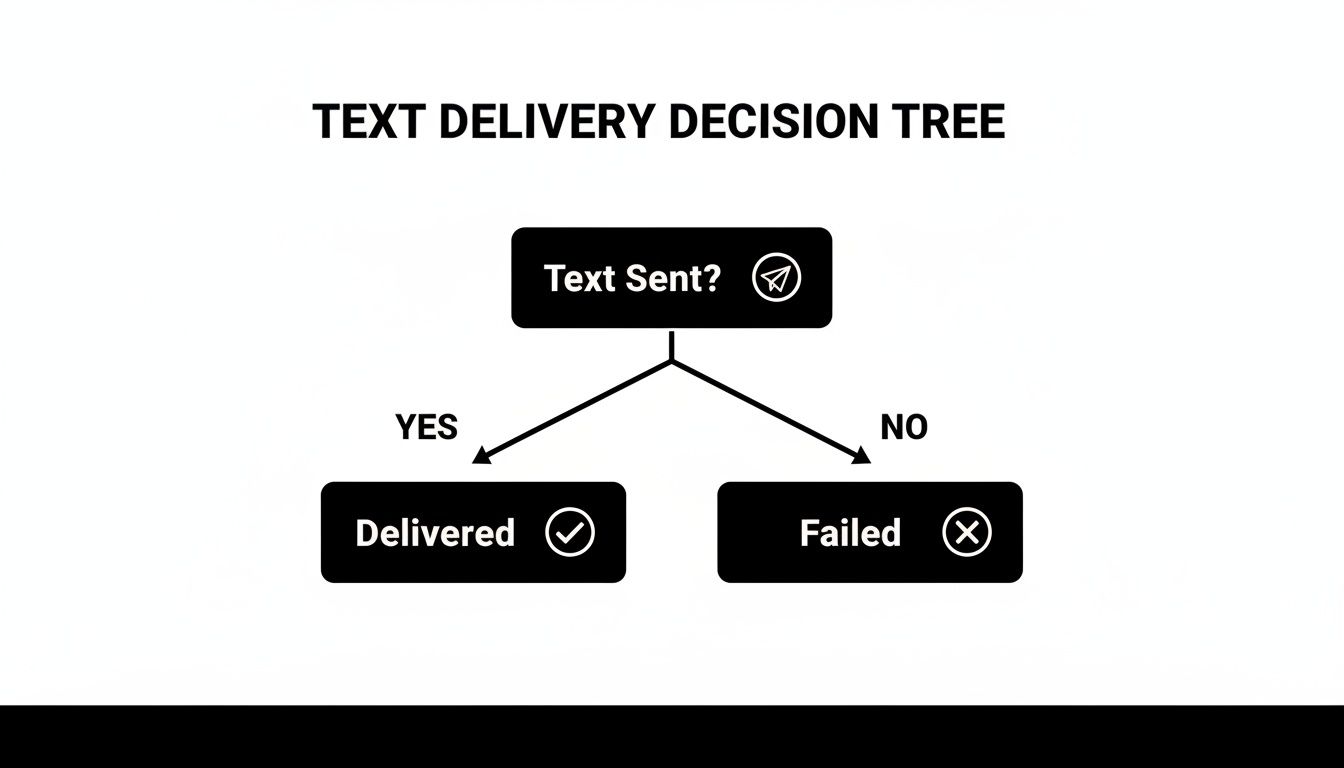
It really is that simple: a message either gets delivered or it fails. The real work is figuring out why it failed.
For a quick overview, this table breaks down the most common symptoms and what you can do about them right away.
This table summarizes the most common reasons your texts aren't being delivered and the first steps to take for each.
| Symptom | Likely Cause | Quick Fix |
|---|---|---|
| High failure rate on a new campaign | Carrier Filtering | Review your message content for "spammy" words or too many links. |
| Specific numbers consistently fail | Invalid Number | Use a number validation tool to check if the number is active and can receive texts. |
| All messages to U.S. numbers are failing | A2P 10DLC Issue | Check your A2P 10DLC registration status immediately. |
| Low delivery rates across all campaigns | Reputation/Throttling | Slow down your sending speed and review your opt-in practices. |
This isn't an exhaustive list, of course, but it’s a great starting point for troubleshooting the most frequent issues we see.
Let's dig a bit deeper into the main culprits that stop your texts in their tracks. Getting to the root cause is the only way to get your communication flowing again.
A dip below a 90-98% delivery rate should be treated as an urgent alert that something is broken. This isn't just a minor blip; it's a sign of a systemic issue that needs immediate attention.
Figuring out why your texts fail is a critical part of your overall actionable digital marketing strategies. When SMS delivery breaks down, it can throw a wrench in your entire customer communication plan.
Sometimes, the smartest move isn't to keep trying to send a text that won't go through. In those cases, switching channels can be a lifesaver. For example, a ringless voicemail drops an audio message straight into someone’s voicemail box without making their phone ring. It’s a fantastic way to get around stubborn carrier filters when a text message just isn’t cutting it. Using related keywords like ringless voicemail drop or direct to voicemail message can help you find services that offer this technology.
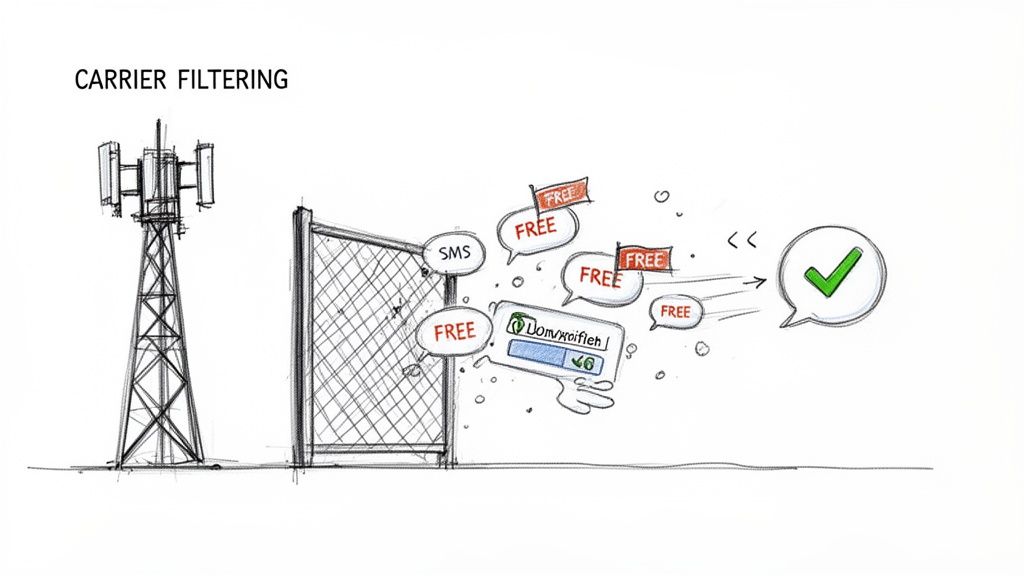
Ever send out a text campaign and feel like it just vanished into thin air? It's one of the most frustrating things that can happen in SMS marketing. Chances are, you’ve run into the invisible wall of carrier filtering.
Networks like AT&T, Verizon, and T-Mobile use powerful, automated systems to hunt down and block messages they think are spam. The problem is, these filters sometimes get it wrong and flag legitimate business texts.
Think of it like an overzealous security guard. Their job is to stop intruders (spam), but every now and then, they stop a welcome guest (your message) just because they fit a vague description. If you’re a local gym sending a class update, getting caught in that filter means lost revenue and unhappy members.
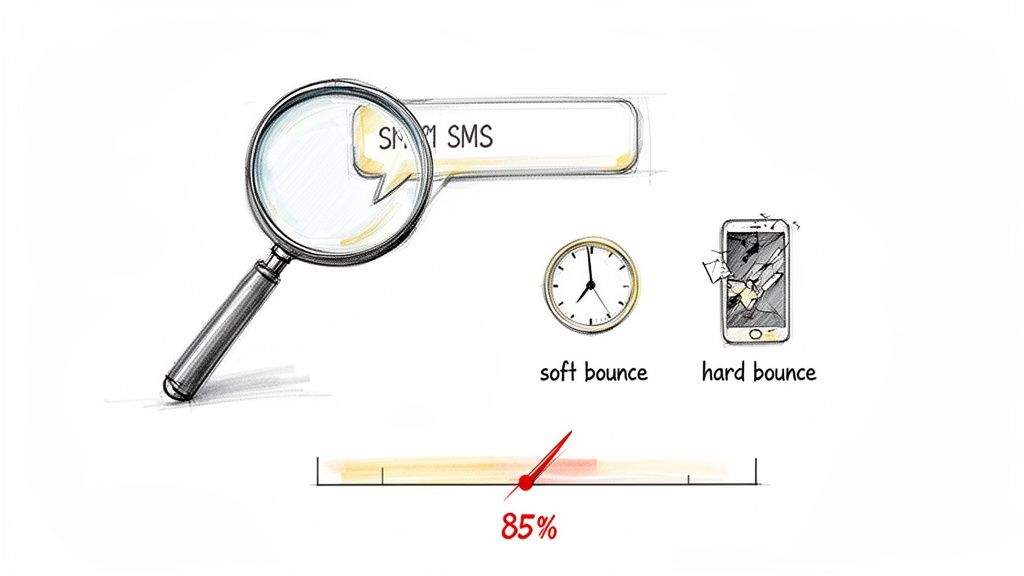
This all happens automatically, in the blink of an eye. Carrier systems scan message content for red flags, and if you trigger enough of them, your text gets blocked before it ever has a chance to reach your contact's phone.
So, what are these filters actually looking for? While carriers keep their specific algorithms a closely guarded secret—mostly to stop spammers from gaming the system—we've seen certain patterns cause problems time and time again.
Imagine your e-commerce brand sends a flash sale text to 10,000 subscribers. If that message screams "BLACK FRIDAY SALE! EVERYTHING IS FREE!" with a ton of capital letters, you could easily see 5-15% of those messages simply disappear, eaten by the filters.
This is the silent killer of SMS campaigns. Global operators use AI to scan for everything from overly promotional language to political or religious content. It's gotten incredibly sophisticated.
If you're a business texting customers in the U.S., A2P 10DLC registration is the single most important thing you can do to get past carrier filters.
A2P (Application-to-Person) 10DLC is the industry-standard system for sending business messages from a normal 10-digit phone number.
By registering your brand and campaigns, you're essentially getting a "trusted sender" stamp of approval from mobile carriers. You're telling them who you are and what kind of messages you're sending, which drastically lowers the odds of your texts getting blocked.
These days, unregistered traffic is heavily filtered and often blocked completely. Completing your registration isn’t optional anymore; it’s a mandatory part of running a successful SMS program. Our guide on 10DLC compliance walks you through this critical process in more detail.
Crafting messages that avoid these common triggers and making sure you're fully registered are the keys to flying under the carrier radar. It’s how you make sure your important communications always land right where you want them: in your customer's inbox.
Let's be honest. You can craft the most brilliant message with an irresistible offer, but if you're sending it to a list full of dead-end numbers, your texts are going nowhere. An outdated list cluttered with invalid or disconnected numbers is one of the single biggest culprits behind high failure rates.
Sending messages to a bad list is just like mailing a stack of postcards to addresses that don’t exist. It’s a complete waste of your time and money, and it tells carriers that you aren't paying attention.
Getting this right all comes down to good list hygiene. It’s not just about what you send, but who you’re sending it to.
The absolute best way to keep a clean list is to build it that way from day one. In my experience, the most effective tool for this is a double opt-in process.
It’s a simple but powerful technique. When someone gives you their number, they immediately get an automated text asking them to confirm by replying with a keyword like "YES." Just like that, you’ve done two crucial things:
Think about a dental office adding a new patient. A quick double opt-in text confirms it's a real mobile number, not a landline that will just cause delivery errors down the road. It’s a small, proactive step that stops bad numbers from ever getting on your list in the first place.
Even with the best opt-in process, lists naturally decay over time. People change numbers, switch carriers, or just disconnect their service. Firing off messages to these dead numbers tanks your sender reputation and eats up your budget.
This is why scrubbing your list isn't just a good idea—it's a must-do.
Using a number validation tool is the fastest way to do this. These services scan your list and flag numbers that are no longer active, have been ported to a landline, or are simply invalid. You can then pull that dead weight right out of your contact groups.
A pristine contact list is the bedrock of any successful SMS strategy. It directly translates to higher delivery rates, better engagement, and a much stronger reputation with the carriers.
So what happens when a text still fails, even to a number you know is valid? That’s when having a backup plan is a game-changer. You can set up workflows in Call Loop to automatically trigger a ringless voicemail drop if an SMS fails to deliver. This direct to voicemail technology drops your audio message right into their voicemail without their phone ringing, neatly sidestepping any temporary carrier issue. It's a smart fallback that gives your message another way to get through.
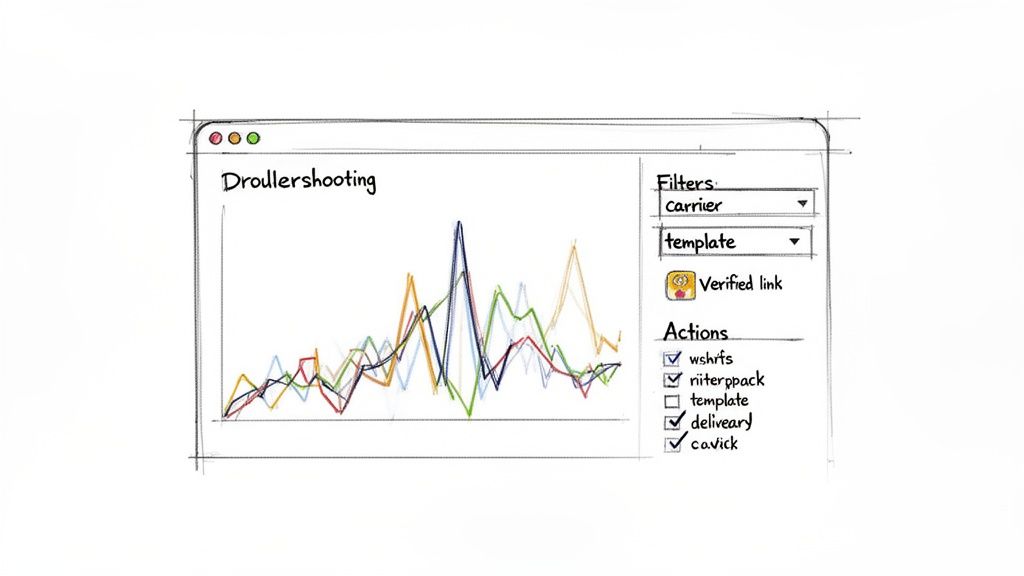
When your text messages aren't landing, the first place you should look is your Call Loop dashboard. It's packed with tools to help you get to the bottom of delivery problems without having to guess. Think of this as your go-to checklist for fixing things right from the source.
Your campaign reports are your best friend here. They're full of data that can show you exactly what's going wrong.
Don't just look at the overall delivery percentage. You need to dig in. A lot of times, you'll find that a specific mobile carrier, like T-Mobile or Verizon, is where most of your failures are happening. That’s a huge clue that you're running into carrier-specific filtering.
Also, check if one of your message templates is getting blocked more than others. If you see a pattern, it’s a pretty sure bet that something in the message—the words you're using or maybe the links—is triggering spam filters.
Once you spot these patterns, you can stop wondering why your texts are failing and start taking targeted action. For example, if all your bounces are on one carrier, try sending a super simple message with no links to a few test numbers on that network. If it goes through, you've just confirmed it’s a content filtering issue.
We’ve built several features directly into Call Loop to help you build trust with carriers and get your messages delivered. Making sure you're using them the right way can solve a lot of the common reasons why texts are not going through.
To make this easier, here’s a quick checklist you can run through right inside the platform.
This table breaks down the key areas to check within your Call Loop account. It helps you pinpoint what to look for and what action to take, turning diagnosis into a clear, step-by-step process.
| Check Point | What to Look For | Action to Take |
|---|---|---|
| Campaign Reports | Look for high failure rates with a specific carrier (e.g., T-Mobile, AT&T) or a particular message template. | Isolate the issue. If it's a carrier, test a simplified message to that network. If it's a template, revise the copy and remove or change links. |
| Link Shortener | Are you using a public URL shortener like bit.ly? These are often flagged as spam. | Always use Call Loop's built-in link shortener. It creates a branded, trusted URL that carriers recognize and are less likely to block. |
| Toll-Free Verification | Is your toll-free number showing as "Pending" or "Unverified" in your account? | Complete the Toll-Free Verification process immediately. Unverified toll-free traffic is heavily blocked by all major carriers, and this is a non-negotiable step for deliverability. |
| Campaign Scheduling | Are you sending massive broadcasts during peak hours (like noon EST)? This can cause throttling. | Use the Smart Scheduling feature to spread out your sends or schedule them for off-peak times. This helps avoid network congestion and improves your chances of getting through. |
| Text-to-Join Keywords | Check for typos in your keyword setup. Are the instructions clear for your audience? | Double-check your keyword setup for accuracy. Test the keyword yourself to ensure the opt-in flow works smoothly and the first message is delivered. |
| Number Validation | Are you seeing a high number of "invalid number" errors? | Before importing a large list, use a phone validation service (many integrate with Call Loop) to clean your list of invalid or landline numbers. This saves money and protects your sender reputation. |
| Fallback Workflows | What happens when a text fails? Does the communication just stop? | Set up a workflow that automatically sends a ringless voicemail when an SMS delivery fails. This bypasses carrier filters and ensures your most important messages are still heard, dropping an audio recording right into their voicemail. |
By systematically working through this checklist, you can move from reactive troubleshooting to proactively ensuring your messages get where they need to go.
If you’ve gone through all these checks and are still hitting a wall, it might be time to think about your fallback strategy. For example, you can set up a workflow that automatically triggers a ringless voicemail when a text fails. This is a powerful way to drop an audio message directly into someone's voicemail box, completely bypassing the SMS filters. It ensures your critical message is heard even when a text gets blocked.
For an even deeper look, check out our guide on what to do when a message is not sent for more advanced tips.
So, you’ve cleaned your list, tweaked your message, and followed all the rules, but your texts still aren't getting through. It's frustrating, I know. This happens a lot, especially in certain industries where carrier filters are working overtime. But hitting a wall with SMS doesn't mean you give up on the contact. It just means it's time to get a little more creative with your communication tools.
When consistent SMS delivery becomes a problem, you need to bring in the heavy hitters. I'm talking about powerful alternatives like ringless voicemail and voice broadcasting. These tools give you a reliable plan B for your most important messages.
Ringless voicemail is a total game-changer when your texts are failing. It's a clever way to sidestep carrier SMS filters entirely by dropping an audio message directly into someone's voicemail box. The best part? Their phone never rings.
It works because it uses a completely different delivery path than SMS, sending a data signal straight to the carrier's voicemail server. This makes it the perfect workaround for critical messages that keep getting blocked, like:
Because it bypasses the SMS channel altogether, you can feel confident your message is waiting for your contact to hear it. And when texts just don't deliver, looking into a dedicated missed call service can also help ensure no opportunity is truly lost.
Another powerful tool in the arsenal is voice broadcasting. This lets you send a pre-recorded audio message to thousands of people all at once. While it’s not as subtle as a ringless drop, it’s incredibly effective for urgent alerts where you need to grab someone's attention immediately. Think community-wide notifications or emergency updates that absolutely have to be heard.
The big idea here is to stop depending on just one channel. When you build multi-channel workflows, you create a safety net. If a text fails, your system can automatically try another way to get through.
The real magic happens when you start combining these tools. Inside Call Loop, you can build smart, automated workflows that actually react to delivery failures in real time.
For instance, you could build a sequence where a text message is your first attempt. If the system sees that the SMS failed to deliver, it can automatically trigger a ringless voicemail drop to that same person just a few minutes later. This simple setup helps you power through delivery hurdles and ensures your message gets in front of every contact, one way or another.
You can dive deeper into this strategy in our guide on what ringless voicemail is and how it all works.
Even after you’ve double-checked everything, it's not uncommon to have a few head-scratching questions about why your texts still aren't making it to everyone. Let's tackle some of the most common issues we see day in and day out, with clear answers for those frustrating delivery hiccups.
This is almost always a classic case of carrier-specific filtering. Think of it this way: AT&T and T-Mobile each have their own rulebooks for what they consider spam. A message that sails right through one network might get flagged and blocked by another.
Another possibility? Some of the numbers on your list might be invalid or, more commonly, they’re actually landlines that can't receive texts.
Your first move should be to dig into your delivery reports and look for a pattern. If all the failures are happening on a single carrier, it’s a big clue you need to simplify your message content. If the failures are scattered randomly across different networks, that’s a strong signal it’s time to run a validation check on your entire contact list.
Yes, it absolutely can. Carriers are extremely wary of links in text messages because they're a primary tool for phishing scams. Dropping a raw, long URL or using a public link shortener (like from Bitly) is a massive red flag that will get your message shut down fast.
The best practice here is a non-negotiable: always use a trusted, platform-provided link shortener, like the one built right into Call Loop. These branded, secure links, especially when paired with your A2P 10DLC registration, signal to carriers that your message is legitimate and safe for their users.
A2P 10DLC stands for Application-to-Person 10-Digit Long Code. It's the official US standard for any business sending text messages from a local-style phone number. So, if you're a business texting customers in the United States, then yes, registration is 100% mandatory.
In today's messaging world, any texts sent from unregistered numbers are either heavily throttled or just blocked outright by the major carriers. This has quickly shot up the ranks to become one of the top reasons why texts not going through is such a frequent complaint. By registering your brand and campaigns, you’re telling carriers you're a verified, legitimate sender, which translates directly to higher deliverability and customer trust.
Ringless voicemail is such a clever workaround because it completely sidesteps the SMS carrier filtering systems. Instead of trying to push a text message through the mobile network, it delivers your audio file directly to the recipient's voicemail server—and it does this without ever making their phone ring.
This makes it the perfect strategy when you have a high-priority message that just keeps getting blocked via SMS. You can guarantee your audience hears your important update, appointment reminder, or special offer without any risk of it getting lost in a spam filter. It gives you a rock-solid Plan B when you need to be absolutely sure your message gets heard.
Ready to stop worrying about whether your messages are getting delivered? Call Loop gives you all the tools you need—from SMS and voice to ringless voicemail—to connect with your audience every time. Start your free trial today!
Chris Brisson
Chris is the co-founder and CEO at Call Loop. He is focused on marketing automation, growth hacker strategies, and creating duplicatable systems for growing a remote and bootstrapped company. Chat with him on X at @chrisbrisson


Trusted by over 45,000 people, organizations, and businesses like


